emojigg_BAN (Animated)
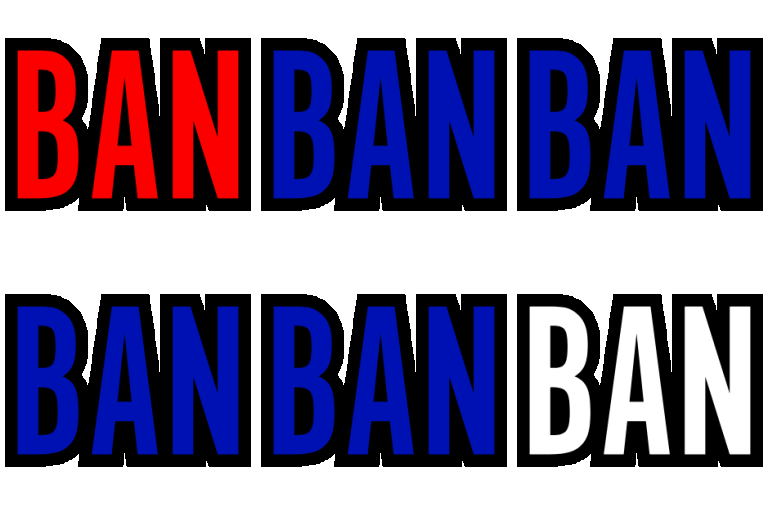
What does the emojigg_BAN emoji mean?
The ultimate way to shut down a conversation with style.
This emoji features the word 'BAN' repeated four times in a bold, high-contrast font, mimicking the aesthetic of a moderator's ultimate power. It is a staple in gaming and community Discord servers for jokingly threatening to ban users or reacting to chaotic behavior. Use it to playfully enforce the rules or mock someone for saying something ridiculous.
When to use it
- Jokingly threatening to ban a chat member
- Reacting to someone posting a terrible take
- Moderating a chaotic channel with humorous intent
- Shutting down an argument with absolute authority
Also known as:
:514607ban: :514607ban1:
Part of these collections
Related emoji searches
More inspired emojis
Embed & share
How to add this emoji
Add to Discord
- Click Add to my server above and pick a Discord server you manage (CommunityOne must be installed).
- Or download the file: open Discord → Server Settings → Emoji → Upload Emoji.
- Give it a name and save. You need Manage Server (or Create Expressions) permission.
Add to Slack
- Download the emojigg_BAN image.
- Open the Slack emoji picker and click Add Emoji.
- Upload the file, name it, and save.
Add to Revolt/Stoat
- Download the emojigg_BAN image.
- Open Server Settings → Emojis in Revolt or Stoat.
- Upload the file and name your new emoji.
Add to Guilded
- Download the emojigg_BAN image.
- Go to Server Settings → Emotes in Guilded.
- Upload the file and give it a name.











