catlaugh (Animated)
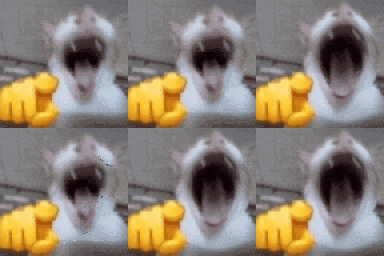
What does the catlaugh emoji mean?
A chaotic cat pointing at you while laughing hysterically.
This emoji features a blurry, wide-mouthed cat pointing a finger directly at the viewer, creating a sense of chaotic mockery or intense laughter. It is a staple in meme-heavy Discord servers for responding to someone's bad take, a funny fail, or just to troll friends with high-energy absurdity.
When to use it
- Mocking someone for a ridiculous statement
- Laughing at a friend's hilarious mistake
- Reacting to an absurdly funny meme
- Pointing out someone's obvious social blunder
Also known as:
:laughingatyougif: :CatLaughAnim: :kitty_cat_laughing: :emoji_71:
Part of these collections
Related emoji searches
More inspired emojis
Embed & share
How to add this emoji
Add to Discord
- Click Add to my server above and pick a Discord server you manage (CommunityOne must be installed).
- Or download the file: open Discord → Server Settings → Emoji → Upload Emoji.
- Give it a name and save. You need Manage Server (or Create Expressions) permission.
Add to Slack
- Download the catlaugh image.
- Open the Slack emoji picker and click Add Emoji.
- Upload the file, name it, and save.
Add to Revolt/Stoat
- Download the catlaugh image.
- Open Server Settings → Emojis in Revolt or Stoat.
- Upload the file and name your new emoji.
Add to Guilded
- Download the catlaugh image.
- Go to Server Settings → Emotes in Guilded.
- Upload the file and give it a name.











