binosnotes (Animated)
What does the binosnotes emoji mean?
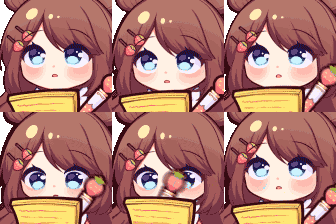
A cute anime girl diligently taking notes while keeping a close eye on her surroundings.
This animated emoji features a charming, chibi-style character focused on writing in a notebook, occasionally glancing up with a suspicious or investigative look. It is perfect for Discord servers where users need to signal that they are 'taking notes' on drama, gathering information, or simply paying close attention to a conversation. The kawaii aesthetic makes it a popular choice for gaming or community servers that favor cute, expressive emotes.
When to use it
- Taking notes during a serious server discussion
- Gathering evidence for a future forum argument
- Watching the chat drama unfold very closely
- Recording important information for later reference
Also known as:
:Writing_Notes_ggGemZ:
Part of these collections
Related emoji searches
More inspired emojis
Embed & share
How to add this emoji
Add to Discord
- Click Add to my server above and pick a Discord server you manage (CommunityOne must be installed).
- Or download the file: open Discord → Server Settings → Emoji → Upload Emoji.
- Give it a name and save. You need Manage Server (or Create Expressions) permission.
Add to Slack
- Download the binosnotes image.
- Open the Slack emoji picker and click Add Emoji.
- Upload the file, name it, and save.
Add to Revolt/Stoat
- Download the binosnotes image.
- Open Server Settings → Emojis in Revolt or Stoat.
- Upload the file and name your new emoji.
Add to Guilded
- Download the binosnotes image.
- Go to Server Settings → Emotes in Guilded.
- Upload the file and give it a name.











