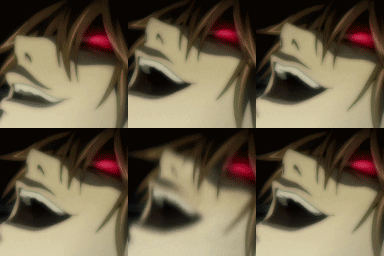
menacinglaugh (Animated)
Skip the manual upload: CommunityOne can add it straight to your server.
What does the menacinglaugh emoji mean?
Channel your inner mastermind with this iconic display of pure, unadulterated villainy.
This emoji features Light Yagami from the anime Death Note during his infamous, manic laughter scene. It is a staple in online communities to represent smug superiority, chaotic energy, or the exact moment a master plan finally comes together. Use it whenever you want to signal that you are up to no good or have successfully outsmarted someone in a conversation.
When to use it
- Expressing triumph after winning a heated debate
- Signaling that you have a secret plan
- Reacting to someone else's chaotic or evil idea
- Showing off your smug sense of superiority
Part of these collections
Related emoji searches
More inspired emojis
Embed & share
How to add this emoji
Add to Discord
- Click Add to my server above and pick a Discord server you manage (CommunityOne must be installed).
- Or download the file: open Discord → Server Settings → Emoji → Upload Emoji.
- Give it a name and save. You need Manage Server (or Create Expressions) permission.
Add to Slack
- Download the menacinglaugh image.
- Open the Slack emoji picker and click Add Emoji.
- Upload the file, name it, and save.
Add to Revolt/Stoat
- Download the menacinglaugh image.
- Open Server Settings → Emojis in Revolt or Stoat.
- Upload the file and name your new emoji.
Add to Guilded
- Download the menacinglaugh image.
- Go to Server Settings → Emotes in Guilded.
- Upload the file and give it a name.











