WasntMe (Animated)
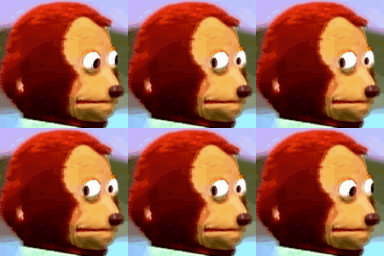
What does the WasntMe emoji mean?
The ultimate side-eye for when things get awkward.
This emoji is a pixelated adaptation of the famous 'Awkward Look Monkey' meme, originating from the Japanese show 'Kousuke no Oheya'. It perfectly captures that feeling of trying to look anywhere but at the person who just said something incredibly uncomfortable. It is a staple in Discord servers for reacting to cringe, secrets, or moments of sudden, palpable tension.
When to use it
- Reacting to someone saying something extremely awkward
- Expressing silent judgment during a heated debate
- Showing discomfort when a secret is revealed
- Avoiding eye contact after making a mistake
Also known as:
:memes_gif_sus: :7f9memesgifsus:
Part of these collections
Related emoji searches
More inspired emojis
Embed & share
How to add this emoji
Add to Discord
- Click Add to my server above and pick a Discord server you manage (CommunityOne must be installed).
- Or download the file: open Discord → Server Settings → Emoji → Upload Emoji.
- Give it a name and save. You need Manage Server (or Create Expressions) permission.
Add to Slack
- Download the WasntMe image.
- Open the Slack emoji picker and click Add Emoji.
- Upload the file, name it, and save.
Add to Revolt/Stoat
- Download the WasntMe image.
- Open Server Settings → Emojis in Revolt or Stoat.
- Upload the file and name your new emoji.
Add to Guilded
- Download the WasntMe image.
- Go to Server Settings → Emotes in Guilded.
- Upload the file and give it a name.











