epic_cat_white_nod (Animated)
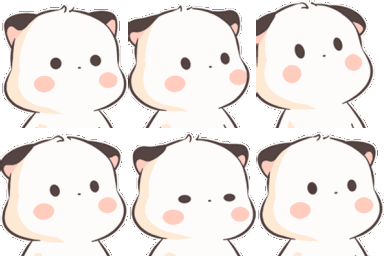
What does the epic_cat_white_nod emoji mean?
A cute, bobbing little character nodding in enthusiastic agreement.
This adorable, minimalist character is part of a popular series of animated reaction stickers often used in messaging apps like Discord and Telegram. Its rhythmic, repetitive nodding motion makes it the perfect way to show support, agreement, or excitement during a chat conversation.
When to use it
- -Agreeing enthusiastically with a friend's suggestion
- -Showing support for a teammate's good idea
- -Nodding along to music during a session
- -Confirming you understand instructions in chat
Also known as:
:Epic_CatwhiteNod:
Part of these collections
Related emoji searches
More inspired emojis
Embed & share
How to add this emoji
Add to Discord
- Click Add to my server above and pick a Discord server you manage (CommunityOne must be installed).
- Or download the file: open Discord → Server Settings → Emoji → Upload Emoji.
- Give it a name and save. You need Manage Server (or Create Expressions) permission.
Add to Slack
- Download the epic_cat_white_nod image.
- Open the Slack emoji picker and click Add Emoji.
- Upload the file, name it, and save.
Add to Revolt/Stoat
- Download the epic_cat_white_nod image.
- Open Server Settings → Emojis in Revolt or Stoat.
- Upload the file and name your new emoji.
Add to Guilded
- Download the epic_cat_white_nod image.
- Go to Server Settings → Emotes in Guilded.
- Upload the file and give it a name.











