rollingracc (Animated)
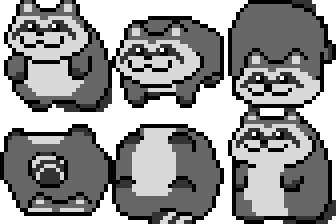
What does the rollingracc emoji mean?
A mischievous little raccoon rolling around to cause some chaos.
This pixelated raccoon emoji captures the essence of pure, unadulterated mischief. Often used in Discord servers to signify someone acting silly, dodging a question, or simply rolling away from their responsibilities, it has become a staple for playful banter and lighthearted trolling.
When to use it
- Rolling away from an awkward conversation quickly
- Expressing playful mischief during a group chat
- Dodging responsibility for a silly mistake made
- Acting goofy when someone calls you out
Part of these collections
Related emoji searches
More inspired emojis
Embed & share
How to add this emoji
Add to Discord
- Click Add to my server above and pick a Discord server you manage (CommunityOne must be installed).
- Or download the file: open Discord → Server Settings → Emoji → Upload Emoji.
- Give it a name and save. You need Manage Server (or Create Expressions) permission.
Add to Slack
- Download the rollingracc image.
- Open the Slack emoji picker and click Add Emoji.
- Upload the file, name it, and save.
Add to Revolt/Stoat
- Download the rollingracc image.
- Open Server Settings → Emojis in Revolt or Stoat.
- Upload the file and name your new emoji.
Add to Guilded
- Download the rollingracc image.
- Go to Server Settings → Emotes in Guilded.
- Upload the file and give it a name.











