celebrate (Animated)
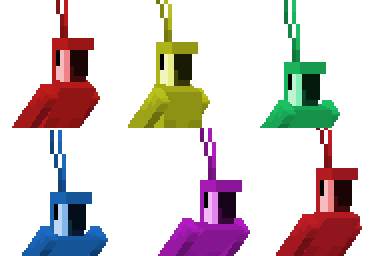
What does the celebrate emoji mean?
The ultimate party starter for your Discord server.
The Dancing Parrot is an iconic internet meme that has become a staple of Discord culture. These colorful, pixelated birds are frequently used to spam chat channels during celebrations, hype moments, or simply to bring chaotic, rhythmic energy to any conversation.
When to use it
- Celebrating a major win in chat
- Spamming channels during a hype moment
- Expressing excitement for a new announcement
- Adding chaotic energy to group chats
Also known as:
:minecraft: :parrotvibe: :partyparrot: :minecraftbirdhype: :m_dance: :HR_Minecraft: :Minecraft_Bird_Pype: :Rainbow_Minecraft_Parrot_Dances:
Part of these collections
Related emoji searches
More inspired emojis
Embed & share
How to add this emoji
Add to Discord
- Click Add to my server above and pick a Discord server you manage (CommunityOne must be installed).
- Or download the file: open Discord → Server Settings → Emoji → Upload Emoji.
- Give it a name and save. You need Manage Server (or Create Expressions) permission.
Add to Slack
- Download the celebrate image.
- Open the Slack emoji picker and click Add Emoji.
- Upload the file, name it, and save.
Add to Revolt/Stoat
- Download the celebrate image.
- Open Server Settings → Emojis in Revolt or Stoat.
- Upload the file and name your new emoji.
Add to Guilded
- Download the celebrate image.
- Go to Server Settings → Emotes in Guilded.
- Upload the file and give it a name.











