sniff (Animated)
What does the sniff emoji mean?
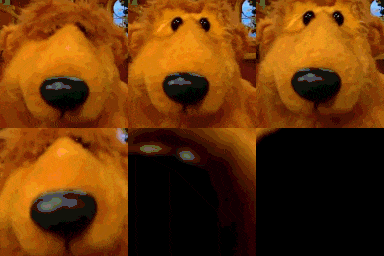
Bear from Bear in the Big Blue House getting way too close to your screen.
This emoji features Bear from the children's television show 'Bear in the Big Blue House' slowly zooming in on the camera. It is a popular reaction image used in Discord servers to express intense curiosity, suspicion, or to jokingly 'sniff' another user's messages.
When to use it
- Investigating someone's suspicious message in chat
- Sniffing out a weird take from someone
- Getting uncomfortably close to another user
- Reacting to someone acting very strange
Part of these collections
Related emoji searches
More inspired emojis
Embed & share
How to add this emoji
Add to Discord
- Click Add to my server above and pick a Discord server you manage (CommunityOne must be installed).
- Or download the file: open Discord → Server Settings → Emoji → Upload Emoji.
- Give it a name and save. You need Manage Server (or Create Expressions) permission.
Add to Slack
- Download the sniff image.
- Open the Slack emoji picker and click Add Emoji.
- Upload the file, name it, and save.
Add to Revolt/Stoat
- Download the sniff image.
- Open Server Settings → Emojis in Revolt or Stoat.
- Upload the file and name your new emoji.
Add to Guilded
- Download the sniff image.
- Go to Server Settings → Emotes in Guilded.
- Upload the file and give it a name.











