wave (Animated)
What does the wave emoji mean?
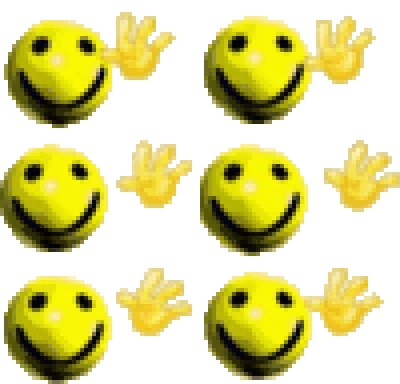
A chaotic, multi-armed smiley face waving hello with aggressive enthusiasm.
This emoji features a classic yellow smiley face that has sprouted multiple hands, creating a surreal and slightly overwhelming wave. It is often used in Discord servers to greet new members with a mix of genuine friendliness and chaotic, meme-fueled energy. The repetitive, slightly glitchy aesthetic makes it a staple for ironic or high-energy chat interactions.
When to use it
- Greeting new members with chaotic energy
- Saying hello in a very enthusiastic way
- Spamming waves during a group chat
- Adding humor to a friendly greeting
Also known as:
:hie: :WAVEY: :000hai2: :SA_waving: :haiiiihello: :smileywave: :haiii_Dot_GG_femboiss: :hiii:
Part of these collections
Related emoji searches
More inspired emojis
Embed & share
How to add this emoji
Add to Discord
- Click Add to my server above and pick a Discord server you manage (CommunityOne must be installed).
- Or download the file: open Discord → Server Settings → Emoji → Upload Emoji.
- Give it a name and save. You need Manage Server (or Create Expressions) permission.
Add to Slack
- Download the wave image.
- Open the Slack emoji picker and click Add Emoji.
- Upload the file, name it, and save.
Add to Revolt/Stoat
- Download the wave image.
- Open Server Settings → Emojis in Revolt or Stoat.
- Upload the file and name your new emoji.
Add to Guilded
- Download the wave image.
- Go to Server Settings → Emotes in Guilded.
- Upload the file and give it a name.











