Make Money Online 💸
Make Money Online 💸 server banner
Make Money Online 💸 Discord server icon

Make Money Online 💸

4,9 1.9K online52.4K members

Make Money Online 💸 Updates & Events

Server Updates & Events

Announcements

Discord AutoMod: Keep Your Server Clean Now

Hello Admins & Mods!

It’s official. 2022 is the year of communities. That’s why we’ve been investing in ways to make it easier to start, grow, and protect your communities on Discord.

Today, we’re unveiling new tools and resources fresh from our labs so let’s dive in.

It’s Easy To Keep Your Community And Conversations Clean With AutoMod

Meet AutoMod, your new best friend in moderation. Designed to reduce work and stress for moderators, AutoMod comes equipped with keyword filters to help keep your server clean and safe around the clock by automatically filtering out harmful or undesirable messages before they’re posted. Enjoy newfound peace of mind, even when you’re offline.

Enable AutoMod in Server Settings > AutoMod. Once the wheels are turning…

:dot: Choose from readily available keyword filters or customize your own with lists of words or phrases and the actions AutoMod will take when they’re found in your server.
:dot: AutoMod’s keyword filters can automatically detect, block, and alert you of messages containing harmful words or phrases—before they’re ever posted.
:dot: Receive alerts from AutoMod when members try to use words from your lists and assign actions like Timeout from the alert itself.
:dot: Add Wildcards to your keywords to detect variations of words that partially match those on your lists.
bake* ⇒ Today, we baked some coffee cake
*milk ⇒ I add soymilk to my coffee
*press* ⇒ A Gibraltar is equal parts espresso and milk
:dot: It just works™️ on any message sent (i.e., in #text-channels, Threads, Text chat in Voice channels). Check out our Help Center article for all your burning questions. https://dis.gd/cu-automod-hc

Your friendly AutoMod is raring to go on Windows, macOS, Linux, iOS, Android, and the web app. Don’t delay—employ your AutoMod today! https://dis.gd/cu-automod-blog

New Tools To Build Thriving Communities On Discord

At Discord, we believe anyone can build a thriving community. We’re excited to share new products and support to help you do so—coming sooner than you think.

:dot: Explore a new preview of Premium Memberships, bringing customizability to communities and creators platform-wide! https://dis.gd/cu-community-update
:dot: Meet Community Resources, your one-stop shop for learning how to build your server into a community! Learn to build, engage, grow, and manage a space where anyone can belong. https://dis.gd/cu-community
:dot: Chat with your peers in our brand new Discord Admin Community, a space where admins, creators, and community managers can connect. https://dis.gd/cu-meet-admins

Incredible communities on Discord are built by incredible admins and moderators like you. We can’t wait to do more together.

Meet Your Newest Community Moderator: AutoMod Is Here


Community moderation should be a hobby you celebrate, and we want to help you out. We'll be taking some of that moderation work off your hands and tackling it ourselves: Say hello to AutoMod!

Discord AutoMod: Keep Your Server Clean Now

Discord Text Chat in Voice Channels Arrives!

Text Chat in Voice Channels will be enabled automatically for all servers on Wednesday, June 29th and we’ve made it easier for you to moderate the surface with Discord’s AutoMod! Here’s how to make the best of this brand-new feature.

:dot: Customize your server’s Channel and Role permissions and opt-in to Text Chat in Voice Channels ahead of time.
:dot: Many of your favorite moderation bots support monitoring Text Chat in Voice Channels and Discord’s new AutoMod can automatically detect and flag undesirable messages and rule-breakers before they are posted; helping you keep conversations clean and giving you time to focus on the fun parts of managing your community: (AutoMod Help Center article here: https://support.discord.com/hc/en-us/articles/4421269296535-AutoMod-FAQ).
:dot: Debut your new Text Chat In Voice Channels in your next D&D session or movie night.
:dot: Sit back and enjoy a less chaotic #channel with zero context, now that members can send messages within voice channels.

For more details on Text Chat in Voice Channels read our Help Center article here: https://support.discord.com/hc/en-us/articles/4412085582359

We can’t wait to see how you make the most of Text Chat In Voice Channels.

Text Channels & Text Chat In Voice Channels

In Discord, there are three ways to communicate with your friends: voice, video, and text. For this article, you'll learn more about where to engage with others through text.
What this article cove...

Discord Text Chat in Voice Channels Rolling Out

Hey Admins & Mods,

Beginning Wednesday, 6/1 we’re rolling out Text Chat in Voice Channels to Discord. With embedded chat in voice channels, your community can send messages, GIFs, links, memes, etc. to everyone in the voice channel—no more clogging #channel.

We are rolling out Text Chat in Voice Channels slowly to all servers throughout the week. Initially, it will not be enabled by default for servers that have greater than 200 members or are set as a Community Server.

But once you have access…
:dot: You’ll have a new Server Settings tab on the web or your client called Text in Voice.
:dot: Turn Text Chat in Voice Channels on for your community by selecting Enable.
:dot: Customize permissions for your community, like enabling in specific voice channels or disabling for certain roles. Most developers of your favorite moderation bots have already updated their instances to monitor Text Chat in Voice Channels!

For more details on Text Chat in Voice Channels, read our Help Center article here: https://support.discord.com/hc/en-us/articles/4412085582359

In four weeks, Text Chat in Voice Channels will be automatically enabled for all servers while still respecting your prescribed permissions—but we recommend you enable it early for all your server members to enjoy!

Text Channels & Text Chat In Voice Channels

In Discord, there are three ways to communicate with your friends: voice, video, and text. For this article, you'll learn more about where to engage with others through text.
What this article cove...

Tap to view image

Hiring: World of Tanks Referral Program Worker

I'm looking for a worker. The job is: https://worldoftanks.eu/en/content/docs/referral-program-regulations/ read through it to get to know it. You will have to earn the points and for completing the whole program I will pay you or you can get paid smaller amounts for less points more often. We can discuss the form and amount of the payment preferably in #📩・support-ticket , I can do giftcards and paypal, game currency like robux, vbucks etc.

Referral Program 2.0: Regulations | docs


Everything you need to know about our new Referral Program and how you can get a free tank!

Hiring: World of Tanks Referral Program Worker

Whoever got an dm like this please ignore it's a scam.

Discord Slash Command Permissions Update Now Live

Hello Admin & Mods!

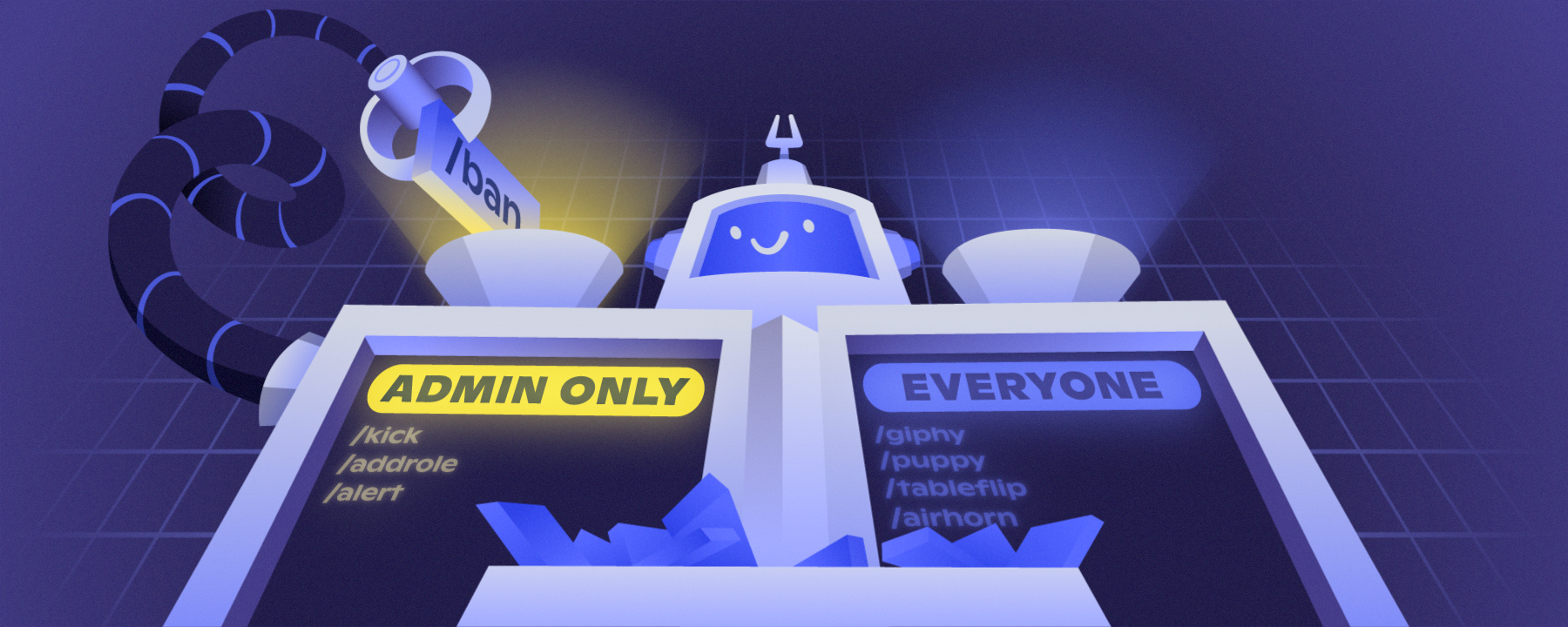
Today, we have a new update for slash commands in your servers: Permissions! If you don’t know, slash commands are a new, easier way to use bots on Discord. You might already have some to use—type / to find out!

With this new system, you can:
Control who can use slash commands in your servers
Control in which channels commands can be used
Sync or unsync commands like channels and categories, making mass management and special cases easy to handle

You can find these permissions in Server Settings → Integrations → Pick an app! If the app supports slash commands, you’ll see the UI.

⚠️ If a bot you use has integrated slash commands, the old way of denying the bot Read Messages will not work to moderate commands usage. You’ll need to use this new system to control access.

Not sure if your bots support slash commands? Check out in Server Settings → Integrations, or just type /!

Check out our blog post to learn more and see a detailed walkthrough: https://discord.com/blog/slash-commands-permissions-discord-apps-bots

Permission to Slash, Granted: Introducing Role Permissions for Slas...


There’s a brand-new page in Server Settings: Command Permissions! Server admins and moderators can head into the Integrations page to customize which slash commands can be used, in what channels, and by which roles. Read on for more!

Discord Slash Command Permissions Update Now Live