Discord Slash Command Permissions Update Now Live
Summary
The Make Money Online 💸 community announced a significant update regarding Discord slash commands: the introduction of Permissions. This new feature allows server admins and mods to precisely control which roles can use specific slash commands and in which channels they are accessible. Importantly, relying on the old method of denying bot read messages will no longer restrict slash command usage, necessitating the adoption of this new permissions system for access control.
Hello Admin & Mods!
Today, we have a new update for slash commands in your servers: Permissions! If you don’t know, slash commands are a new, easier way to use bots on Discord. You might already have some to use—type / to find out!
With this new system, you can:
 Control who can use slash commands in your servers
Control in which channels commands can be used
Sync or unsync commands like channels and categories, making mass management and special cases easy to handle
You can find these permissions in Server Settings → Integrations → Pick an app! If the app supports slash commands, you’ll see the UI.
⚠️ If a bot you use has integrated slash commands, the old way of denying the bot Read Messages will not work to moderate commands usage. You’ll need to use this new system to control access.
Not sure if your bots support slash commands? Check out in Server Settings → Integrations, or just type /!
Check out our blog post to learn more and see a detailed walkthrough: https://discord.com/blog/slash-commands-permissions-discord-apps-bots
Permission to Slash, Granted: Introducing Role Permissions for Slas...
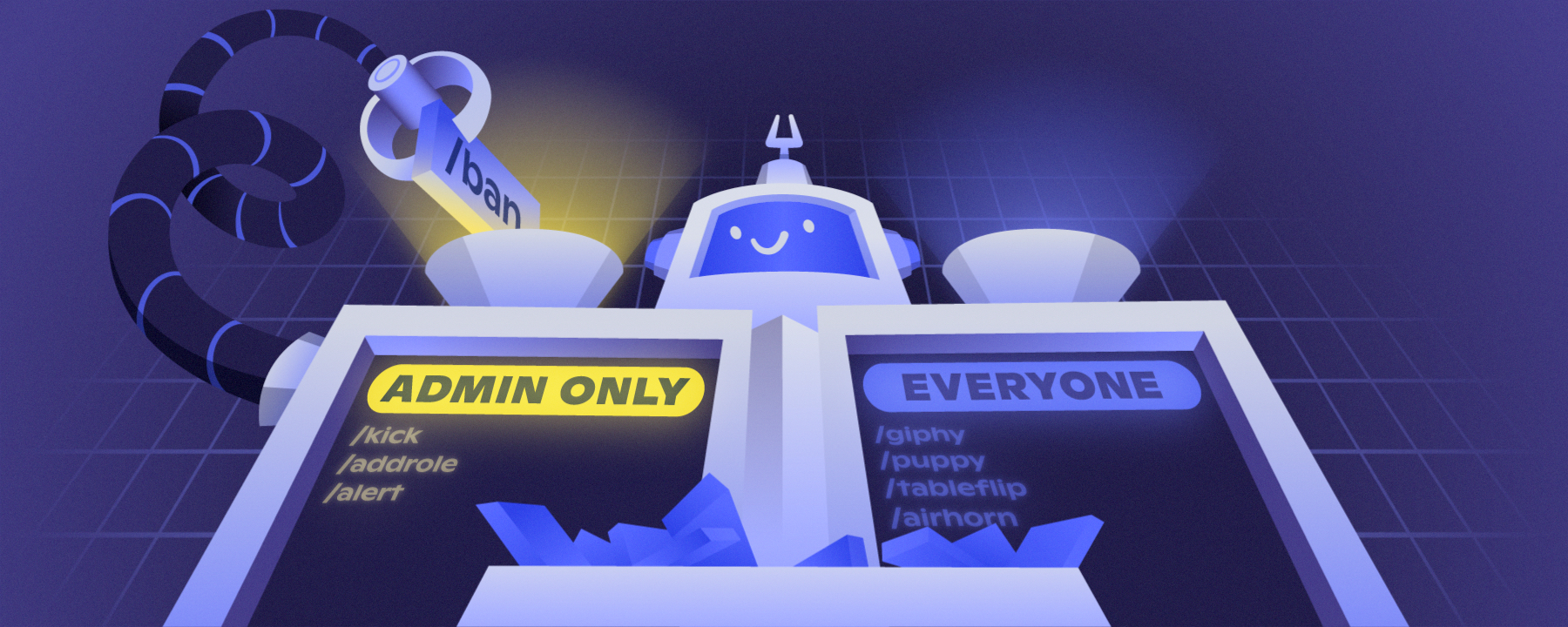
There’s a brand-new page in Server Settings: Command Permissions! Server admins and moderators can head into the Integrations page to customize which slash commands can be used, in what channels, and by which roles. Read on for more!










