1haha (Animated)
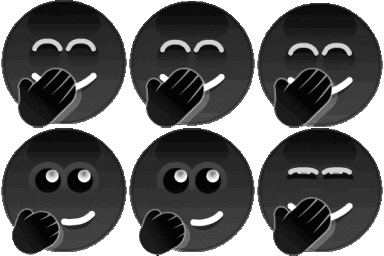
What does the 1haha emoji mean?
A cheeky, dark-themed giggle that says more than words ever could.
This custom emoji features a series of dark, stylized faces covering their mouths in a classic 'giggle' gesture. It is a staple in Discord servers for reacting to inside jokes, subtle shade, or moments where you're trying to contain your laughter. Its monochromatic, minimalist design makes it versatile for any server aesthetic.
When to use it
- Reacting to a funny inside joke shared
- Expressing amusement at a subtle sarcastic comment
- Showing restraint while laughing at something inappropriate
- Adding a layer of mystery to laughter
Part of these collections
Related emoji searches
More inspired emojis
Embed & share
How to add this emoji
Add to Discord
- Click Add to my server above and pick a Discord server you manage (CommunityOne must be installed).
- Or download the file: open Discord → Server Settings → Emoji → Upload Emoji.
- Give it a name and save. You need Manage Server (or Create Expressions) permission.
Add to Slack
- Download the 1haha image.
- Open the Slack emoji picker and click Add Emoji.
- Upload the file, name it, and save.
Add to Revolt/Stoat
- Download the 1haha image.
- Open Server Settings → Emojis in Revolt or Stoat.
- Upload the file and name your new emoji.
Add to Guilded
- Download the 1haha image.
- Go to Server Settings → Emotes in Guilded.
- Upload the file and give it a name.











