clickclick (Animated)
What does the clickclick emoji mean?
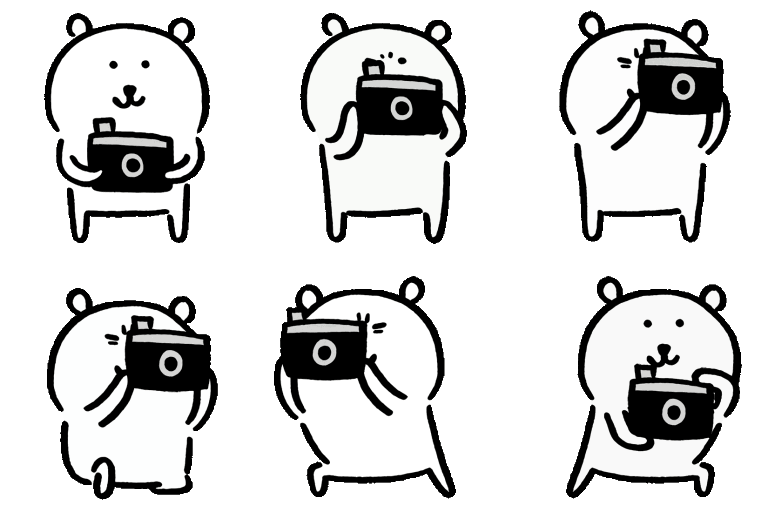
A cute little bear capturing all the best moments in the chat.
This adorable bear emoji features a simple line-art style, depicting a character enthusiastically taking photos. It is a popular choice for Discord servers to celebrate funny moments, document chat history, or react to shared media. The playful animation makes it perfect for lighthearted interactions and community engagement.
When to use it
- Capturing a funny moment in the chat
- Taking a picture of a shared link
- Documenting a special event in the server
- Reacting to a cool photo someone posted
Part of these collections
Related emoji searches
More inspired emojis
Embed & share
How to add this emoji
Add to Discord
- Click Add to my server above and pick a Discord server you manage (CommunityOne must be installed).
- Or download the file: open Discord → Server Settings → Emoji → Upload Emoji.
- Give it a name and save. You need Manage Server (or Create Expressions) permission.
Add to Slack
- Download the clickclick image.
- Open the Slack emoji picker and click Add Emoji.
- Upload the file, name it, and save.
Add to Revolt/Stoat
- Download the clickclick image.
- Open Server Settings → Emojis in Revolt or Stoat.
- Upload the file and name your new emoji.
Add to Guilded
- Download the clickclick image.
- Go to Server Settings → Emotes in Guilded.
- Upload the file and give it a name.











