___DAW (Animated)
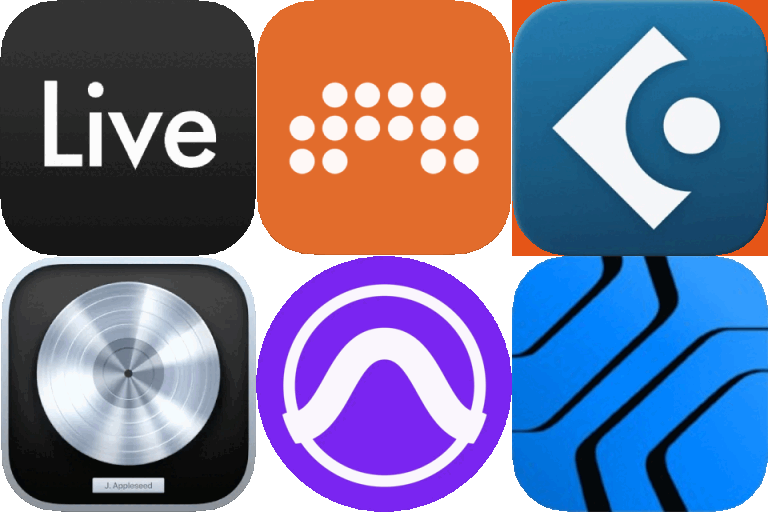
What does the ___DAW emoji mean?
The ultimate lineup for every music producer's digital workspace.
This emoji features the iconic logos of Ableton Live, FL Studio, GarageBand, and Avid Pro Tools. It is a staple in music production Discord servers, used to represent the collective struggle and joy of digital audio workstations. Whether you are debating the best DAW or showing off your setup, this emoji captures the essence of the producer lifestyle.
When to use it
- - discussing your favorite digital audio workstation software
- - sharing your latest music production project files
- - debating which daw is superior for production
- - showing off your professional music studio setup
Part of these collections
Related emoji searches
More inspired emojis
Embed & share
How to add this emoji
Add to Discord
- Click Add to my server above and pick a Discord server you manage (CommunityOne must be installed).
- Or download the file: open Discord → Server Settings → Emoji → Upload Emoji.
- Give it a name and save. You need Manage Server (or Create Expressions) permission.
Add to Slack
- Download the ___DAW image.
- Open the Slack emoji picker and click Add Emoji.
- Upload the file, name it, and save.
Add to Revolt/Stoat
- Download the ___DAW image.
- Open Server Settings → Emojis in Revolt or Stoat.
- Upload the file and name your new emoji.
Add to Guilded
- Download the ___DAW image.
- Go to Server Settings → Emotes in Guilded.
- Upload the file and give it a name.











