Roblox_Nara (Animated)
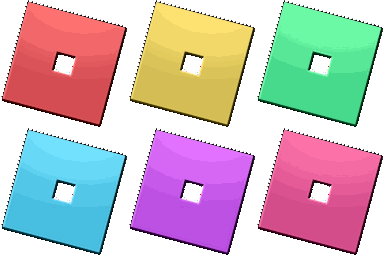
What does the Roblox_Nara emoji mean?
Level up your chat with these iconic Roblox-inspired blocks.
These colorful, glossy squares are a direct nod to the iconic Roblox logo style, instantly recognizable to anyone in the gaming community. They are perfect for Discord servers focused on gaming, creative building, or just showing off some retro-modern flair. Use them to add a pop of color and a touch of gaming nostalgia to your reactions.
When to use it
- Representing gaming culture in server chat
- Highlighting creative building projects in channels
- Adding colorful flair to reaction messages
- Showing appreciation for Roblox game content
Part of these collections
Related emoji searches
More inspired emojis
Embed & share
How to add this emoji
Add to Discord
- Click Add to my server above and pick a Discord server you manage (CommunityOne must be installed).
- Or download the file: open Discord → Server Settings → Emoji → Upload Emoji.
- Give it a name and save. You need Manage Server (or Create Expressions) permission.
Add to Slack
- Download the Roblox_Nara image.
- Open the Slack emoji picker and click Add Emoji.
- Upload the file, name it, and save.
Add to Revolt/Stoat
- Download the Roblox_Nara image.
- Open Server Settings → Emojis in Revolt or Stoat.
- Upload the file and name your new emoji.
Add to Guilded
- Download the Roblox_Nara image.
- Go to Server Settings → Emotes in Guilded.
- Upload the file and give it a name.











