AE_freakout (Animated)
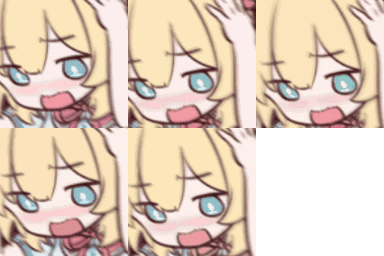
What does the AE_freakout emoji mean?
A flustered anime character struggling to keep their cool.
This emoji features a classic anime-style character with a panicked, blushing expression, often used to convey being overwhelmed or caught off guard. It is a staple in Discord servers for reacting to embarrassing moments, chaotic situations, or when someone is teasing you. The exaggerated, cute art style makes it perfect for lighthearted banter and playful reactions.
When to use it
- Reacting to being caught in a lie
- Expressing feeling overwhelmed by sudden attention
- Showing embarrassment after a silly mistake
- Responding to someone teasing you playfully
Part of these collections
Related emoji searches
More inspired emojis
Embed & share
How to add this emoji
Add to Discord
- Click Add to my server above and pick a Discord server you manage (CommunityOne must be installed).
- Or download the file: open Discord → Server Settings → Emoji → Upload Emoji.
- Give it a name and save. You need Manage Server (or Create Expressions) permission.
Add to Slack
- Download the AE_freakout image.
- Open the Slack emoji picker and click Add Emoji.
- Upload the file, name it, and save.
Add to Revolt/Stoat
- Download the AE_freakout image.
- Open Server Settings → Emojis in Revolt or Stoat.
- Upload the file and name your new emoji.
Add to Guilded
- Download the AE_freakout image.
- Go to Server Settings → Emotes in Guilded.
- Upload the file and give it a name.











