Hearts (Animated)
What does the Hearts emoji mean?
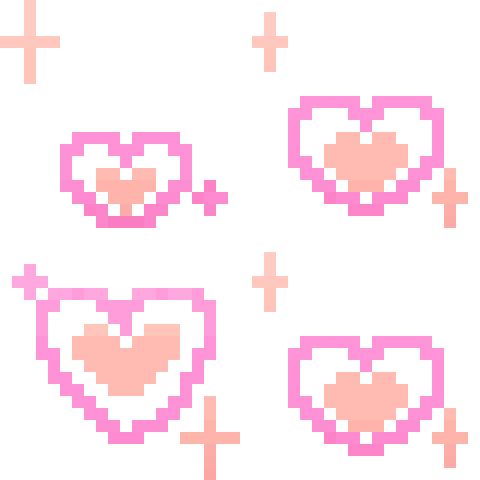
A shower of sparkling, pixelated hearts to brighten up any chat.
This charming pixel-art emoji features a series of hearts adorned with twinkling stars, perfect for expressing affection or adding a touch of sweetness to your Discord messages. It draws inspiration from classic 8-bit aesthetics and the kawaii culture, making it a staple for servers that value cute and nostalgic visuals. Use it to react to wholesome moments, show appreciation, or simply decorate your channel with some digital love.
When to use it
- Sending love to a close friend
- Reacting to a very wholesome message
- Decorating a channel with cute hearts
- Celebrating a sweet moment in chat
Also known as:
:PHeart:
Part of these collections
Related emoji searches
More inspired emojis
Embed & share
How to add this emoji
Add to Discord
- Click Add to my server above and pick a Discord server you manage (CommunityOne must be installed).
- Or download the file: open Discord → Server Settings → Emoji → Upload Emoji.
- Give it a name and save. You need Manage Server (or Create Expressions) permission.
Add to Slack
- Download the Hearts image.
- Open the Slack emoji picker and click Add Emoji.
- Upload the file, name it, and save.
Add to Revolt/Stoat
- Download the Hearts image.
- Open Server Settings → Emojis in Revolt or Stoat.
- Upload the file and name your new emoji.
Add to Guilded
- Download the Hearts image.
- Go to Server Settings → Emotes in Guilded.
- Upload the file and give it a name.











