mymelodysquish (Animated)
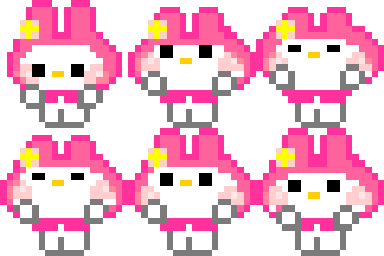
What does the mymelodysquish emoji mean?
My Melody is here to squish, squash, and brighten up your chat with pure pixelated charm.
This custom Discord emoji features the iconic Sanrio character My Melody in a cute, squishy pixel art style. It captures her signature sweet aesthetic, making it a perfect reaction for expressing affection, excitement, or just adding a touch of Sanrio magic to your server conversations.
When to use it
- Expressing pure joy during a friendly conversation
- Sending a cute reaction to a sweet message
- Adding a touch of Sanrio to daily chats
- Celebrating a wholesome moment with server friends
Also known as:
:2_nv_srio_mmsquish:
Part of these collections
Related emoji searches
More inspired emojis
Embed & share
How to add this emoji
Add to Discord
- Click Add to my server above and pick a Discord server you manage (CommunityOne must be installed).
- Or download the file: open Discord → Server Settings → Emoji → Upload Emoji.
- Give it a name and save. You need Manage Server (or Create Expressions) permission.
Add to Slack
- Download the mymelodysquish image.
- Open the Slack emoji picker and click Add Emoji.
- Upload the file, name it, and save.
Add to Revolt/Stoat
- Download the mymelodysquish image.
- Open Server Settings → Emojis in Revolt or Stoat.
- Upload the file and name your new emoji.
Add to Guilded
- Download the mymelodysquish image.
- Go to Server Settings → Emotes in Guilded.
- Upload the file and give it a name.











