pepomisery (Animated)
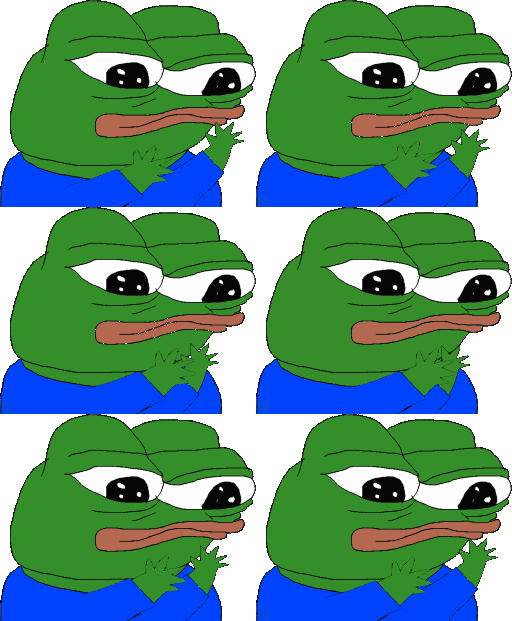
What does the pepomisery emoji mean?
Pepe the Frog gets lost in the rhythm and vibes out to his favorite music.
This iconic Pepe the Frog variation, commonly known as 'PepeVibe' or 'Vibing Pepe', features the character rhythmically swaying while wearing headphones. It has become a staple in Discord and Twitch communities to signal that a user is enjoying a song, relaxing, or simply vibing with the current conversation.
When to use it
- Expressing enjoyment of a song being played
- Showing that you are relaxing in chat
- Agreeing with a rhythmic or upbeat sentiment
- Celebrating a moment of pure musical bliss
Also known as:
:894c7c58a156498c9794d0ba0db73258: :pepemisery: :pepoclap:
Part of these collections
Related emoji searches
More inspired emojis
Embed & share
How to add this emoji
Add to Discord
- Click Add to my server above and pick a Discord server you manage (CommunityOne must be installed).
- Or download the file: open Discord → Server Settings → Emoji → Upload Emoji.
- Give it a name and save. You need Manage Server (or Create Expressions) permission.
Add to Slack
- Download the pepomisery image.
- Open the Slack emoji picker and click Add Emoji.
- Upload the file, name it, and save.
Add to Revolt/Stoat
- Download the pepomisery image.
- Open Server Settings → Emojis in Revolt or Stoat.
- Upload the file and name your new emoji.
Add to Guilded
- Download the pepomisery image.
- Go to Server Settings → Emotes in Guilded.
- Upload the file and give it a name.











