crown (Animated)
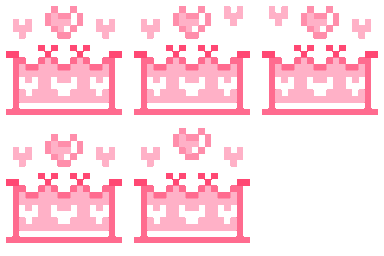
What does the crown emoji mean?
A sweet, pixelated crown perfect for your favorite royalty.
This cute pixel art crown features soft pink hues and floating hearts, making it the ultimate accessory for Discord servers. It is frequently used to celebrate friends, highlight a 'server queen,' or add a touch of magical flair to any conversation.
When to use it
- Celebrating a friend who achieved something great
- Highlighting a user with a royal status
- Adding a cute touch to a compliment
- Showing appreciation for a server member
Part of these collections
Related emoji searches
More inspired emojis
Embed & share
How to add this emoji
Add to Discord
- Click Add to my server above and pick a Discord server you manage (CommunityOne must be installed).
- Or download the file: open Discord → Server Settings → Emoji → Upload Emoji.
- Give it a name and save. You need Manage Server (or Create Expressions) permission.
Add to Slack
- Download the crown image.
- Open the Slack emoji picker and click Add Emoji.
- Upload the file, name it, and save.
Add to Revolt/Stoat
- Download the crown image.
- Open Server Settings → Emojis in Revolt or Stoat.
- Upload the file and name your new emoji.
Add to Guilded
- Download the crown image.
- Go to Server Settings → Emotes in Guilded.
- Upload the file and give it a name.











