Skull_Edit (Animated)
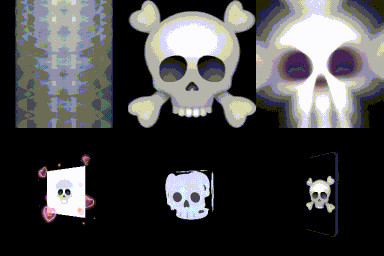
What does the Skull_Edit emoji mean?
A collection of chaotic skull variations for when you're feeling extra dead inside.
This emoji pack features a variety of skull-themed pixel art, ranging from classic crossbones to ethereal, magical, and distorted variations. It captures the internet's obsession with 'skull' humor, perfect for expressing existential dread, dark irony, or just adding a spooky aesthetic to your Discord chats.
When to use it
- Expressing deep existential dread during long meetings
- Reacting to a hilariously bad take in chat
- Adding a spooky vibe to server announcements
- Emphasizing a moment of pure chaotic energy
Part of these collections
Related emoji searches
More inspired emojis
Embed & share
How to add this emoji
Add to Discord
- Click Add to my server above and pick a Discord server you manage (CommunityOne must be installed).
- Or download the file: open Discord → Server Settings → Emoji → Upload Emoji.
- Give it a name and save. You need Manage Server (or Create Expressions) permission.
Add to Slack
- Download the Skull_Edit image.
- Open the Slack emoji picker and click Add Emoji.
- Upload the file, name it, and save.
Add to Revolt/Stoat
- Download the Skull_Edit image.
- Open Server Settings → Emojis in Revolt or Stoat.
- Upload the file and name your new emoji.
Add to Guilded
- Download the Skull_Edit image.
- Go to Server Settings → Emotes in Guilded.
- Upload the file and give it a name.











