dancindoggo (Animated)
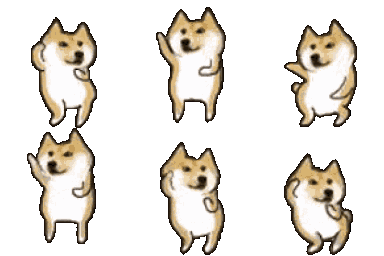
What does the dancindoggo emoji mean?
The iconic Doge vibing and grooving to the beat.
This emoji features the legendary Doge meme character rhythmically swaying back and forth in a classic dance loop. It is a staple in Discord servers for reacting to music, celebrating a win, or just bringing a lighthearted, chaotic energy to the chat.
When to use it
- Reacting to a great song in chat
- Celebrating a victory with server friends
- Dancing along to a shared music link
- Adding hype to a positive announcement
Part of these collections
Related emoji searches
More inspired emojis
Embed & share
How to add this emoji
Add to Discord
- Click Add to my server above and pick a Discord server you manage (CommunityOne must be installed).
- Or download the file: open Discord → Server Settings → Emoji → Upload Emoji.
- Give it a name and save. You need Manage Server (or Create Expressions) permission.
Add to Slack
- Download the dancindoggo image.
- Open the Slack emoji picker and click Add Emoji.
- Upload the file, name it, and save.
Add to Revolt/Stoat
- Download the dancindoggo image.
- Open Server Settings → Emojis in Revolt or Stoat.
- Upload the file and name your new emoji.
Add to Guilded
- Download the dancindoggo image.
- Go to Server Settings → Emotes in Guilded.
- Upload the file and give it a name.











