speakerz (Animated)
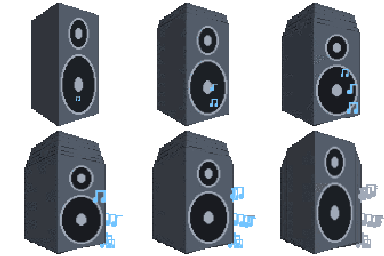
What does the speakerz emoji mean?
Turn the volume up to eleven with this musical speaker animation.
This animated pixel art speaker emoji captures the essence of bumping music or a loud announcement in a chat. It is a staple for music-themed Discord servers, DJ channels, or simply to signal that you are blasting your favorite tracks while hanging out with friends.
When to use it
- Signaling that you are listening to music
- Announcing a new track in a chat
- Showing excitement for a loud party playlist
- Representing a loud or booming audio message
Part of these collections
Related emoji searches
More inspired emojis
Embed & share
How to add this emoji
Add to Discord
- Click Add to my server above and pick a Discord server you manage (CommunityOne must be installed).
- Or download the file: open Discord → Server Settings → Emoji → Upload Emoji.
- Give it a name and save. You need Manage Server (or Create Expressions) permission.
Add to Slack
- Download the speakerz image.
- Open the Slack emoji picker and click Add Emoji.
- Upload the file, name it, and save.
Add to Revolt/Stoat
- Download the speakerz image.
- Open Server Settings → Emojis in Revolt or Stoat.
- Upload the file and name your new emoji.
Add to Guilded
- Download the speakerz image.
- Go to Server Settings → Emotes in Guilded.
- Upload the file and give it a name.











