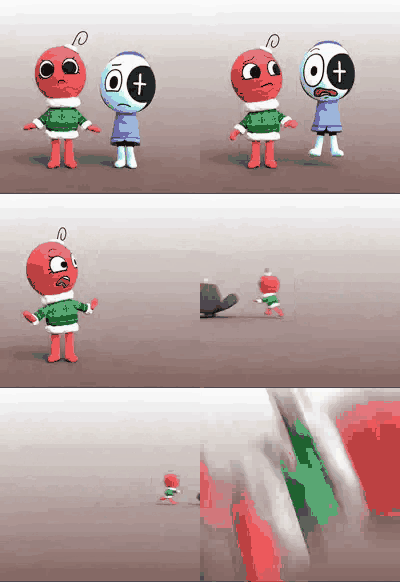
oh (Animated)
Skip the manual upload: CommunityOne can add it straight to your server.
What does the oh emoji mean?
When you and your bestie are just done with everything.
This emoji features two stylized, 3D characters looking visibly unimpressed and dejected. It is perfect for Discord servers when a conversation takes a turn for the awkward or when you need to express collective disappointment or shared annoyance.
When to use it
- Expressing shared disappointment in a bad situation
- Showing mutual annoyance during a boring conversation
- Reacting to a particularly awkward or cringey moment
- Displaying collective sadness over a failed plan
Part of these collections
Related emoji searches
More inspired emojis
Embed & share
How to add this emoji
Add to Discord
- Click Add to my server above and pick a Discord server you manage (CommunityOne must be installed).
- Or download the file: open Discord → Server Settings → Emoji → Upload Emoji.
- Give it a name and save. You need Manage Server (or Create Expressions) permission.
Add to Slack
- Download the oh image.
- Open the Slack emoji picker and click Add Emoji.
- Upload the file, name it, and save.
Add to Revolt/Stoat
- Download the oh image.
- Open Server Settings → Emojis in Revolt or Stoat.
- Upload the file and name your new emoji.
Add to Guilded
- Download the oh image.
- Go to Server Settings → Emotes in Guilded.
- Upload the file and give it a name.











