bunny (Animé)
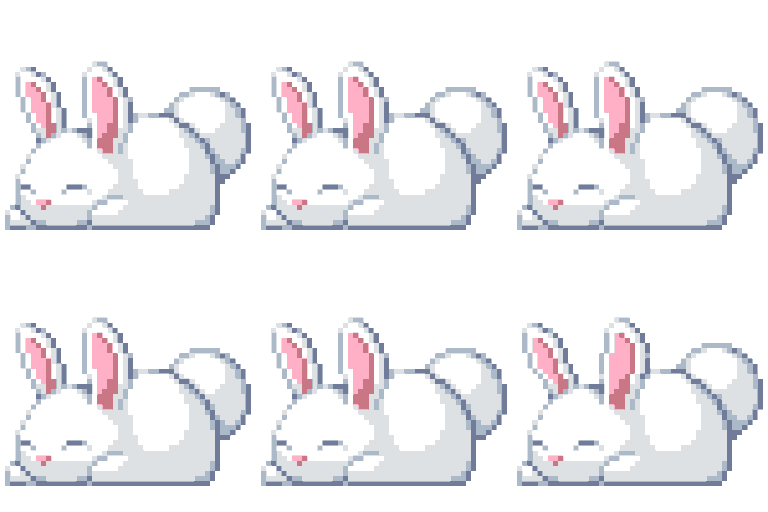
Que signifie l’emoji bunny ?
The ultimate mood for when you're ready to hibernate through the rest of the day.
This pixel art bunny captures the universal feeling of being completely done with everything. It is a staple in Discord servers for signaling that you are logging off, taking a nap, or simply ignoring the chaos in the chat.
Quand l’utiliser
- Signaling that you are going to sleep
- Expressing that you are totally exhausted today
- Showing you are ignoring the current conversation
- Representing a cozy and relaxed server vibe
Also known as:
:zbunny: :w_bunny: :sleepy_bunbun:
Dans ces collections
Related emoji searches
More inspired emojis
Intégrer et partager
Comment ajouter cet emoji
Add to Discord
- Cliquez sur Ajouter à mon serveur ci-dessus et choisissez un serveur Discord que vous gérez (CommunityOne doit être installé).
- Ou téléchargez le fichier : ouvrez Discord → Paramètres du serveur → Emoji → Importer un emoji.
- Donnez-lui un nom et enregistrez. Vous avez besoin de la permission Gérer le serveur (ou Créer des expressions).
Ajouter à Slack
- Téléchargez l’image bunny.
- Ouvrez le sélecteur d’emojis Slack et cliquez sur Ajouter un emoji.
- Importez le fichier, nommez-le et enregistrez.
Ajouter à Revolt/Stoat
- Téléchargez l’image bunny.
- Ouvrez Paramètres du serveur → Emojis dans Revolt ou Stoat.
- Importez le fichier et nommez votre nouvel emoji.
Ajouter à Guilded
- Téléchargez l’image bunny.
- Allez dans Paramètres du serveur → Emotes dans Guilded.
- Importez le fichier et donnez-lui un nom.











