bunny (Animado)
O que significa o emoji bunny?
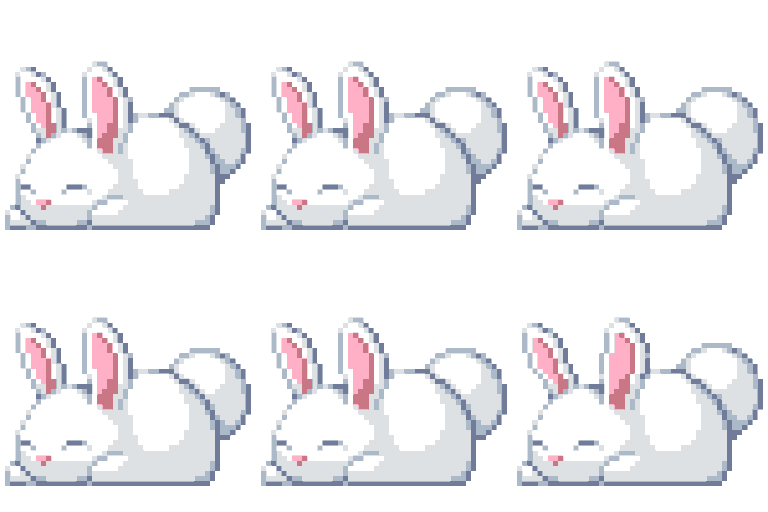
The ultimate mood for when you're ready to hibernate through the rest of the day.
This pixel art bunny captures the universal feeling of being completely done with everything. It is a staple in Discord servers for signaling that you are logging off, taking a nap, or simply ignoring the chaos in the chat.
Quando usar
- Signaling that you are going to sleep
- Expressing that you are totally exhausted today
- Showing you are ignoring the current conversation
- Representing a cozy and relaxed server vibe
Also known as:
:zbunny: :w_bunny: :sleepy_bunbun:
Parte destas coleções
Related emoji searches
More inspired emojis
Incorporar e partilhar
Como adicionar este emoji
Add to Discord
- Clique em Adicionar ao meu servidor acima e escolha um servidor Discord que administra (a CommunityOne deve estar instalada).
- Ou descarregue o ficheiro: abra o Discord → Definições do servidor → Emoji → Carregar emoji.
- Dê-lhe um nome e guarde. Precisa da permissão Gerir servidor (ou Criar expressões).
Adicionar ao Slack
- Descarregue a imagem bunny.
- Abra o seletor de emojis do Slack e clique em Adicionar emoji.
- Carregue o ficheiro, dê-lhe um nome e guarde.
Adicionar ao Revolt/Stoat
- Descarregue a imagem bunny.
- Abra Definições do servidor → Emojis no Revolt ou Stoat.
- Carregue o ficheiro e dê um nome ao novo emoji.
Adicionar ao Guilded
- Descarregue a imagem bunny.
- Vá a Definições do servidor → Emotes no Guilded.
- Carregue o ficheiro e dê-lhe um nome.











