Optimum Realism Resource Pack: Texture Bug Fixes & Updates
- Share this discussion
- Copy link
- Share on X (Twitter)
Summary
The Optimum Realism community is actively collaborating to improve the resource pack by identifying and reporting texture inconsistencies. Recent reports highlight issues with dispenser, dropper, and blackstone block faces, as well as connected texture errors on spruce logs. These community-led debugging efforts are essential for the developer to refine the pack, ensuring high-quality visuals and consistent performance across all block orientations.

Some block sides seem to revert to vanilla, depending on the direction they're facing. I've noticed it so far with dispensers/droppers. Here are some screenshots of the dispenser/dropper facing sideways, up, and down. Only sideways does it show the lion face. I tested this in 26.x as well as 1.21.x, the only mods I'm running are EMF, ETF, Continuity, Fabric API, Iris Shaders, Lithium, Polytone, and Sodium.

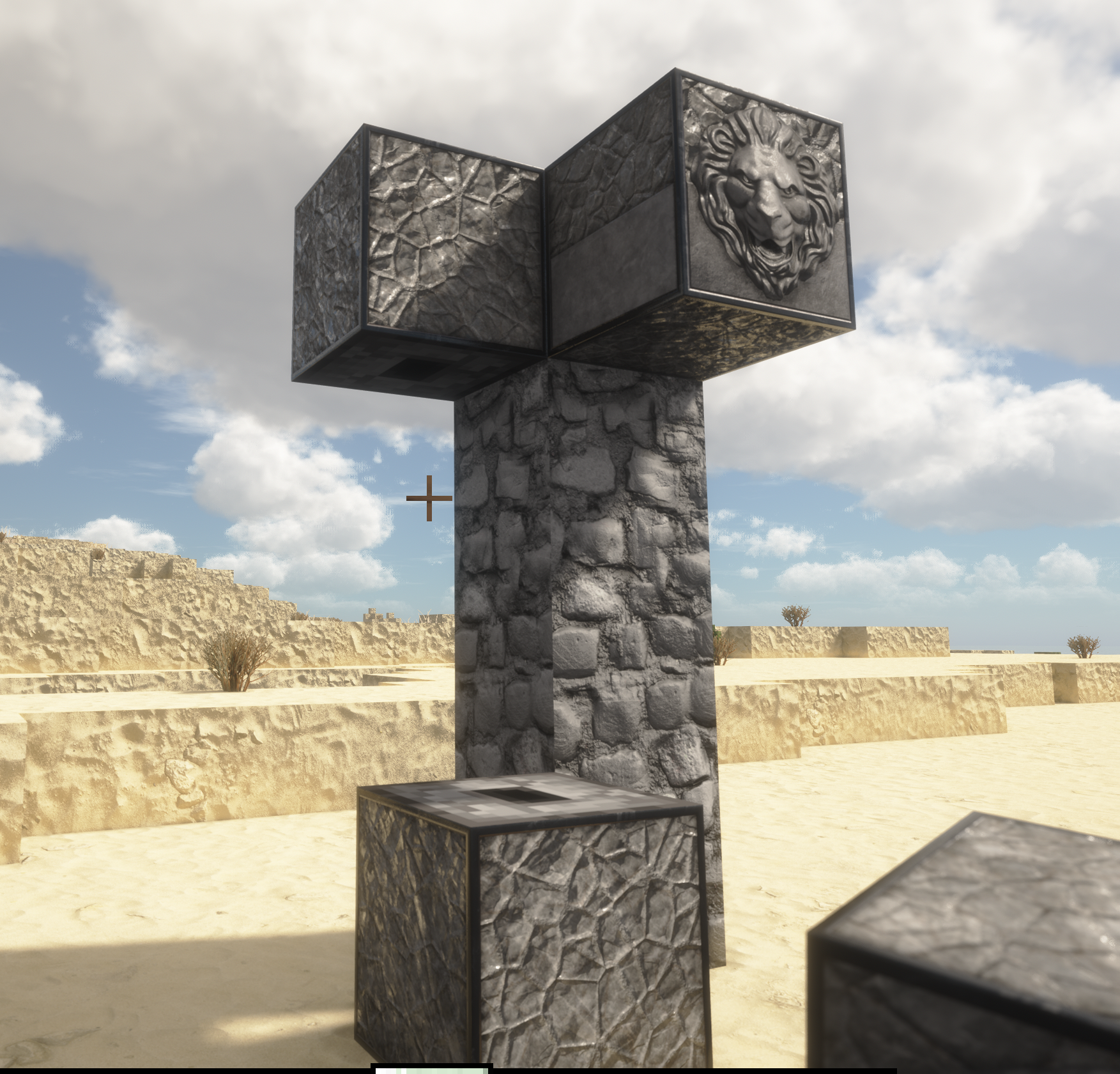

oh thanks for letting me know, will be fixed
np, it looks like blackstone has the same issue. 🙂 I wasn't sure about Basalt to the right, it has a smooth side depending on orientation.

will look into this
Please do tell me if you find any more issues like this
It's hard to find them at an individual level, but communnity debugging makes it very quick for me to debug and improve the pack
I noticed the Observer is currently completely vanilla also (doesn't appear to be in the resource pack).
I'm assuming it's probably done and just didn't get including, but if on the off chance it hasn't been started I was thinking: Similar to the lion dispenser/dropper but a stern bearded 'Zeus' style face, maybe with light colored (blue/yellow/etc) gems for the 'observer eyes'? Just spit-balling. 🙂
One more: It looks like connected textures aren't working properly for Spruce Log. Possibly due to different directional placement as well, not sure.
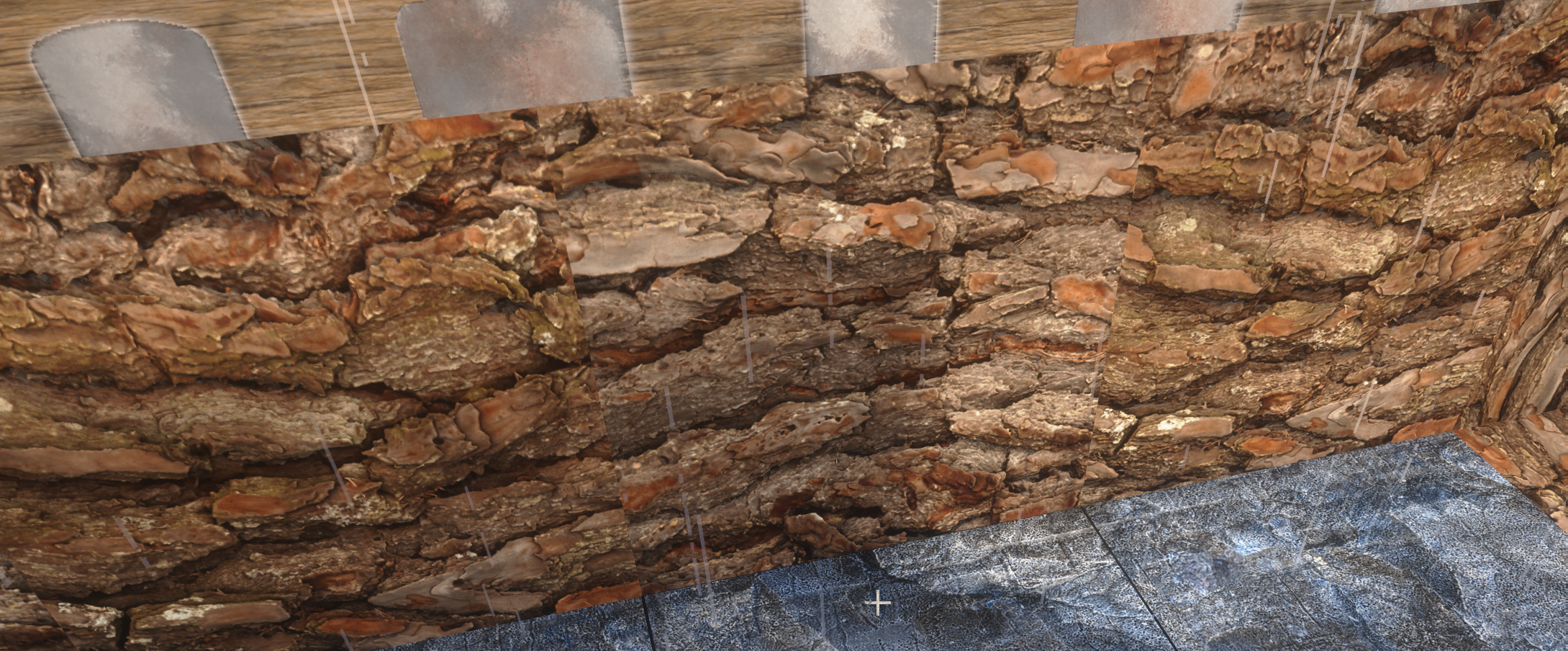
will check
oh observer is not textured
just like redstone repeater/comparator/redstone torches
reason is that I'm unsure if I want to alter how redstoners work, because it might be hard to debug redstone systems if the redstoners are not familiar
I'd love to hear concepts
Yeah I could see that with the repeaters and whatnot if they're altered too much. Might be nice to just up the resolution of them for 64/128/256/512 so they aren't all pixelly? I'd think the Observer would be ok as long as it still has the directional arrow on the side so you can tell which way it's facing when obscured. I'm just getting back into Minecraft after a long hiatus though, might be better to get opinions from seasoned redstoners as to whether it would impact them, I mostly use tutorials for now 🙂
Here's an interesting one for you. Grass blocks are buggy but only when held. It says "Enable Connected Textures" however I do have them enabled otherwise it would say it everywhere on the grass blocks on the ground also. Is it possible to use a different block texture for when it's in hand that doesn't use connected textures, maybe? 🙂

Another one for you. It looks like bells aren't rendering properly in 26.2. It's fine in 10.21.11 First pic is 26.x, second is 10.x The only mods I'm running are EMF, ETF, Continuity, Fabric API, Iris Shaders, Lithium, Polytone, and Sodium.
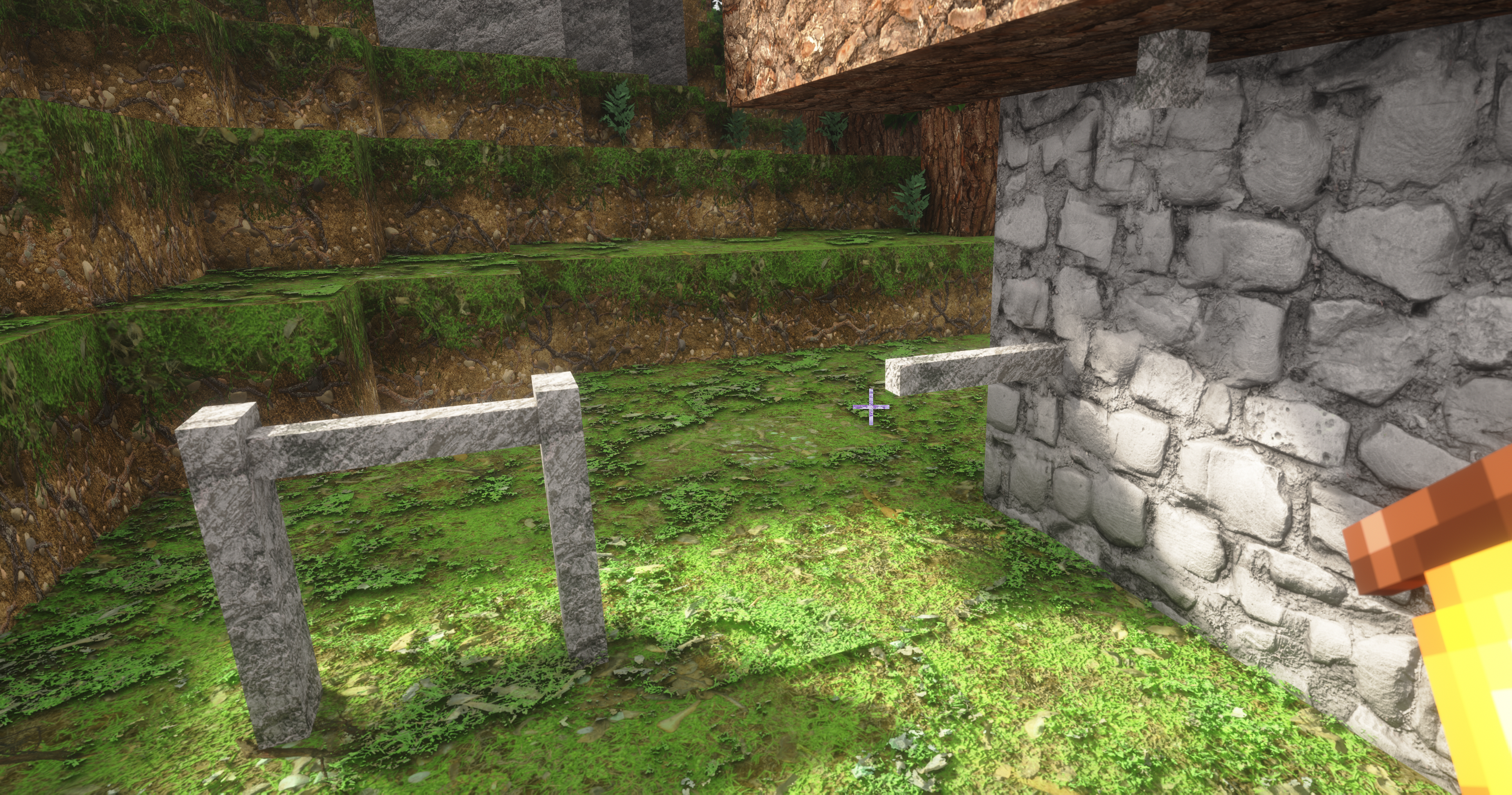

Huh. This is something I might have to debug about
I'm gonna be honest though, I was a little short on time so not all of this could be fixed
As I don't want to delay this months update
Hmm, this I don't think i can do much
The entity texture uses the same default that non ctm does, so I'm not sure if there's any workaround
Ctm doesn't work on blocks held in hand
We just kinda fake it
But the way we fake it is being used to tell people that they need ctm mod enabled
Pom problem is 100% fixed tho

All good, I'm just sending you what I find, I know it all takes time 🙂
I was placing some bottom slabs (spruce) next to grass blocks and noticed it tries to do connected textures but since it's a bottom slab the texture sort of hangs, I don't know if this would be fixable without it breaking top slab connectivity? Are you able to take the type into account?
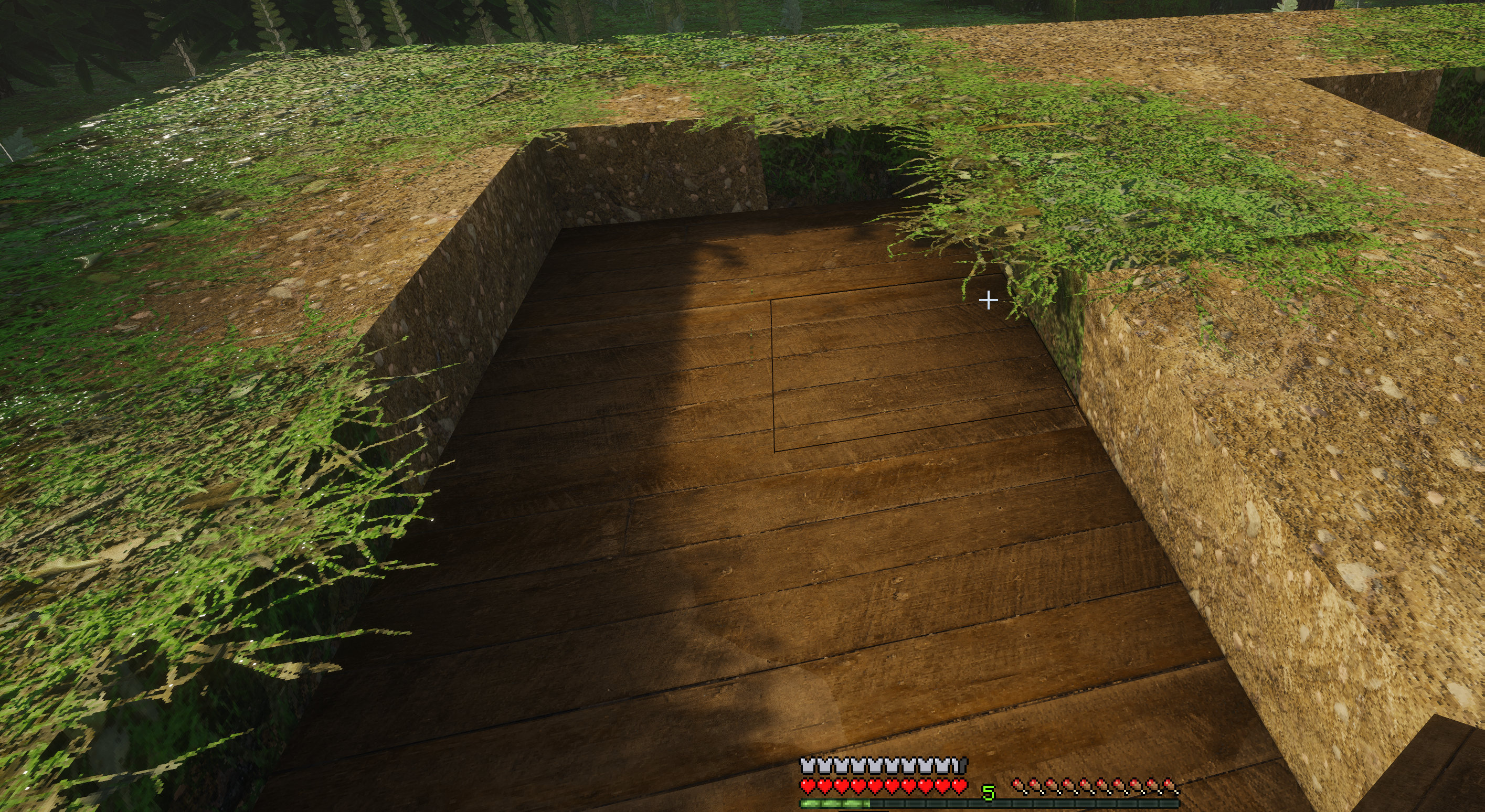
Small followup, it also leaves some hanging grass pixels, same reason 🙂

If I block CommunityOne will it stop responding to me? 😅
No unfortunately not fixable
I'd to remove it from slabs completely
Uh, no 😅 😭
Fair enough, I don't know if I'll ever have a situation where they'll be visible. So for me personally no big deal 🙂
That's because of POM
I feel it kinda gives map makers a way to add a grass hanging side
Another vanilla texture for you. The daylight detector looks great(!), but the inverted daylight detector (night detector) is vanilla 🙂
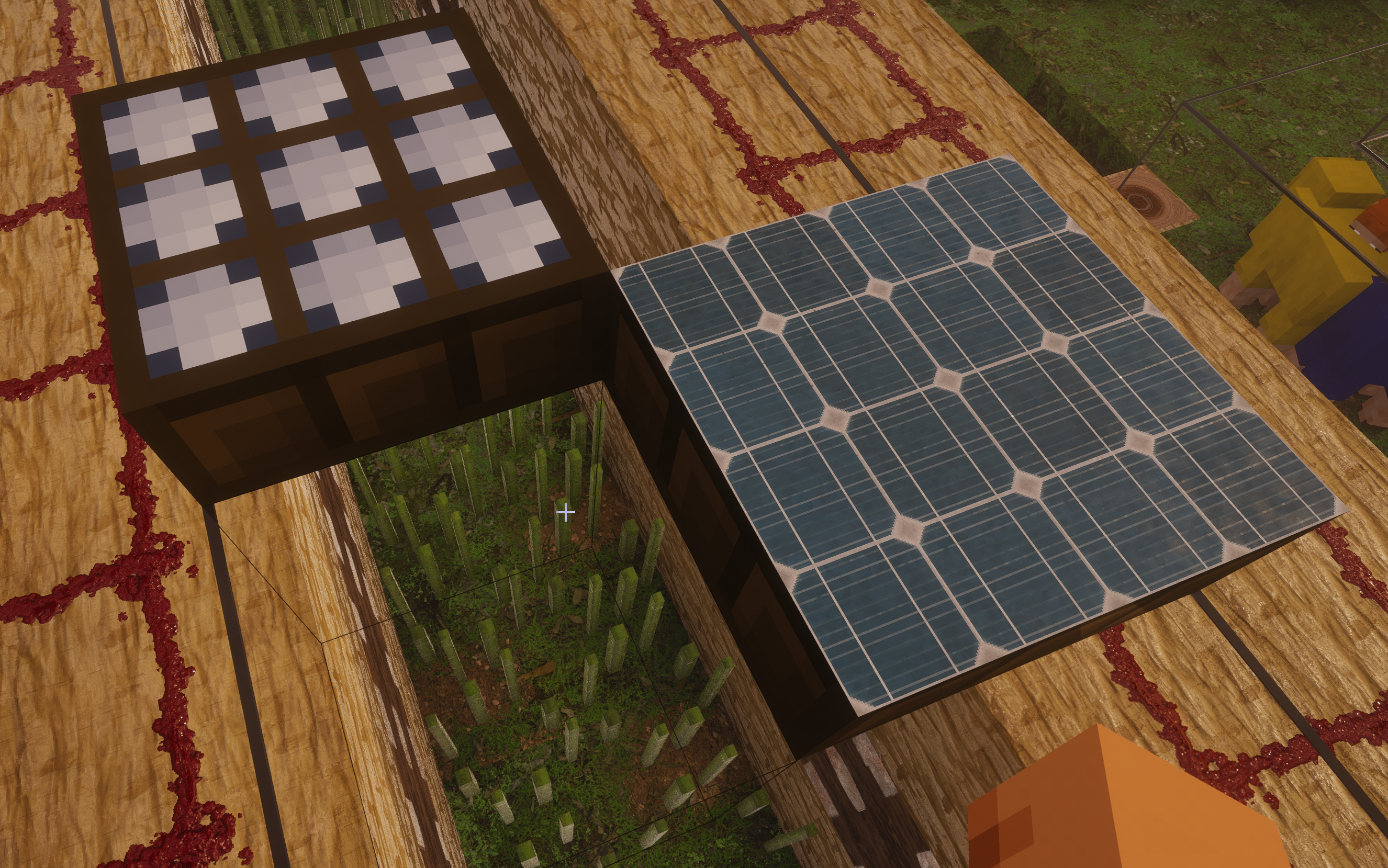
Also will be fixed
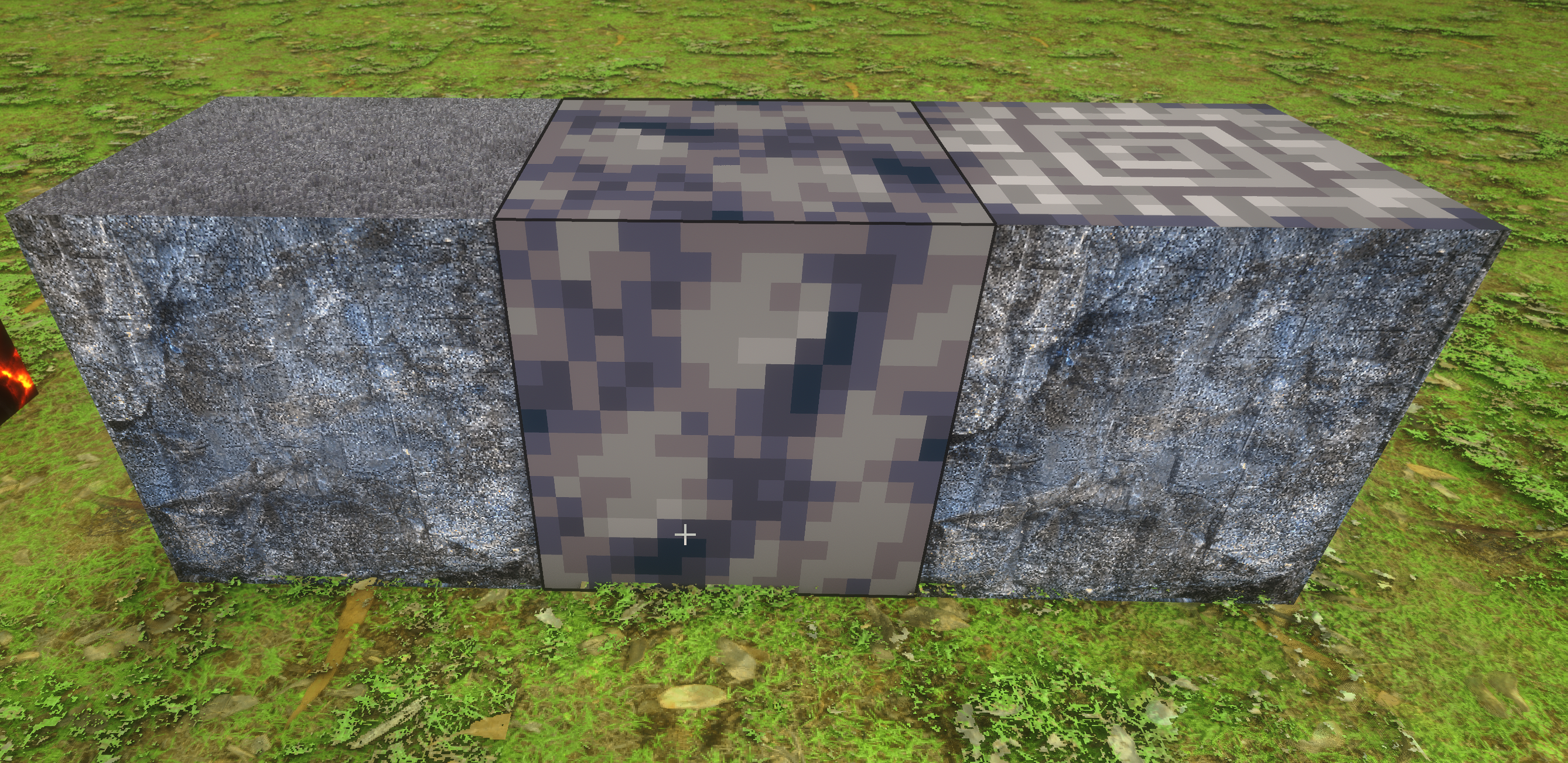
Polished Basalt has a vanilla top:
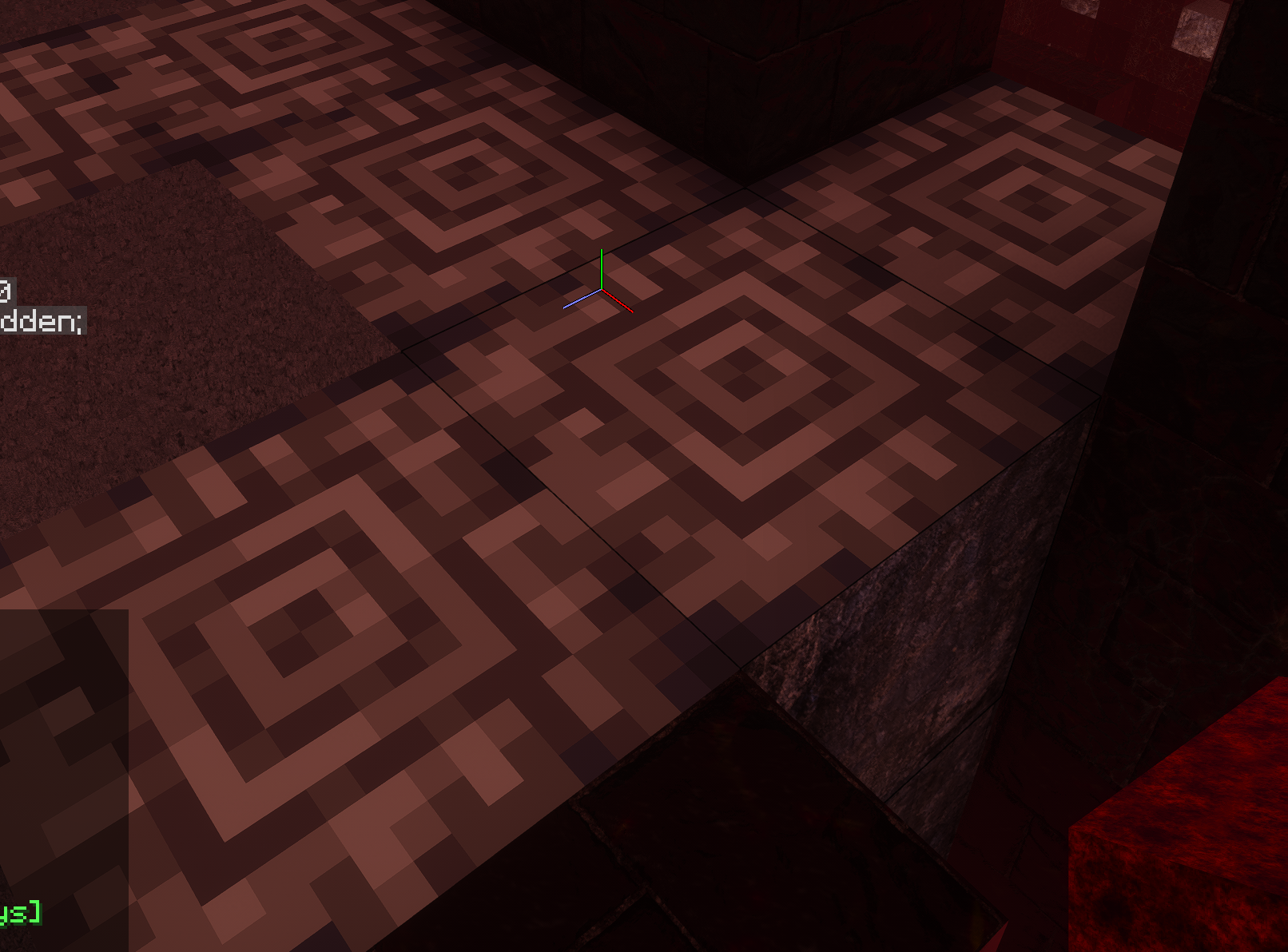
Noted
Smooth basalt (middle one) is currently vanilla also
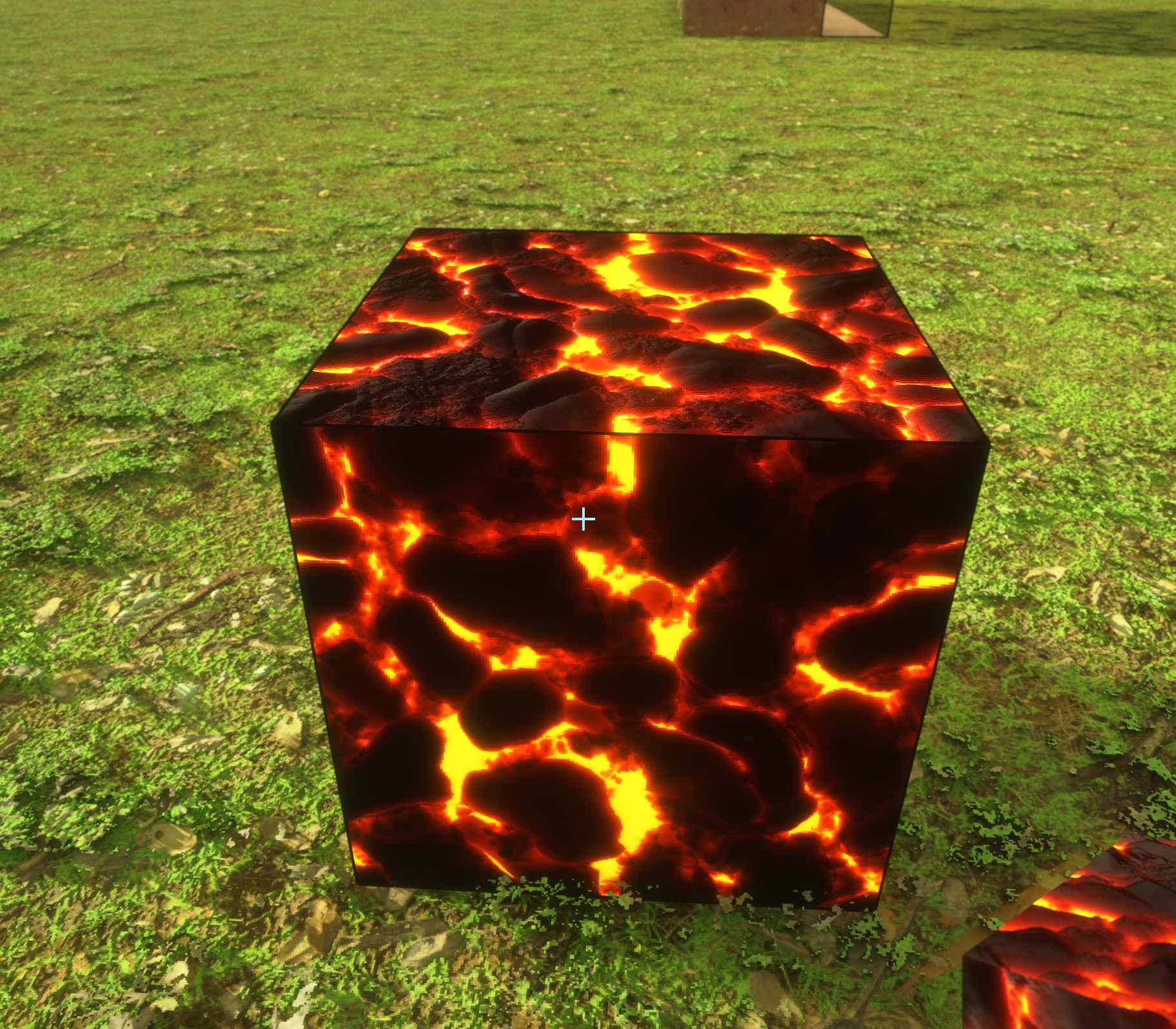
If I may make a suggestion as well? 🙂 Gilded = decorated with gold foil. This is the gilded blackstone, it looks more lava-y to me. I think it'd look beautiful as blackstone with reflective gold decoration, the black stone + shiny gold decoration would be an awesome combination IMO.
Additional vanilla textures from left to right: Sculk, Sculk Catalyst, sculk sensor, sculk shrieker, sculk_vein (overlays other blocks)
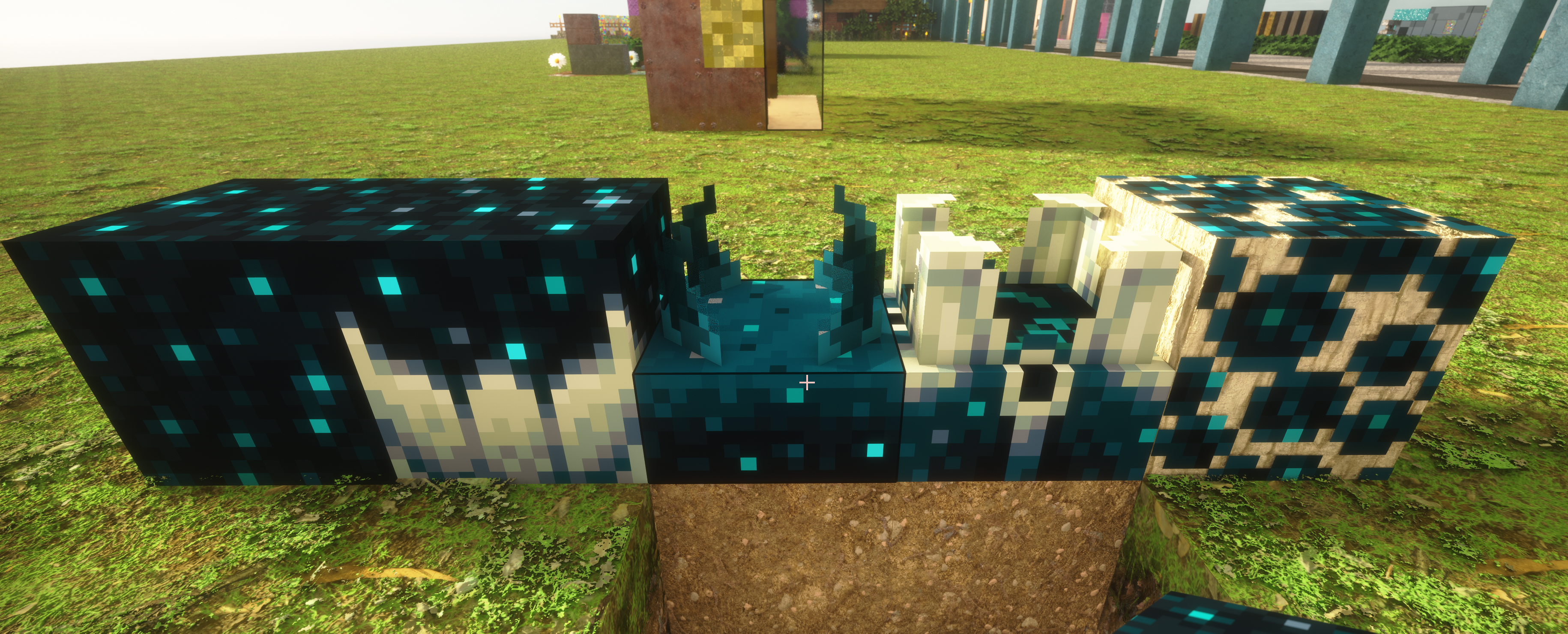
That's a cool idea, like blackstone but the crevices of gold?
No worries, I'm not in any sort of a hurry. Just trying to help where I can 🙂
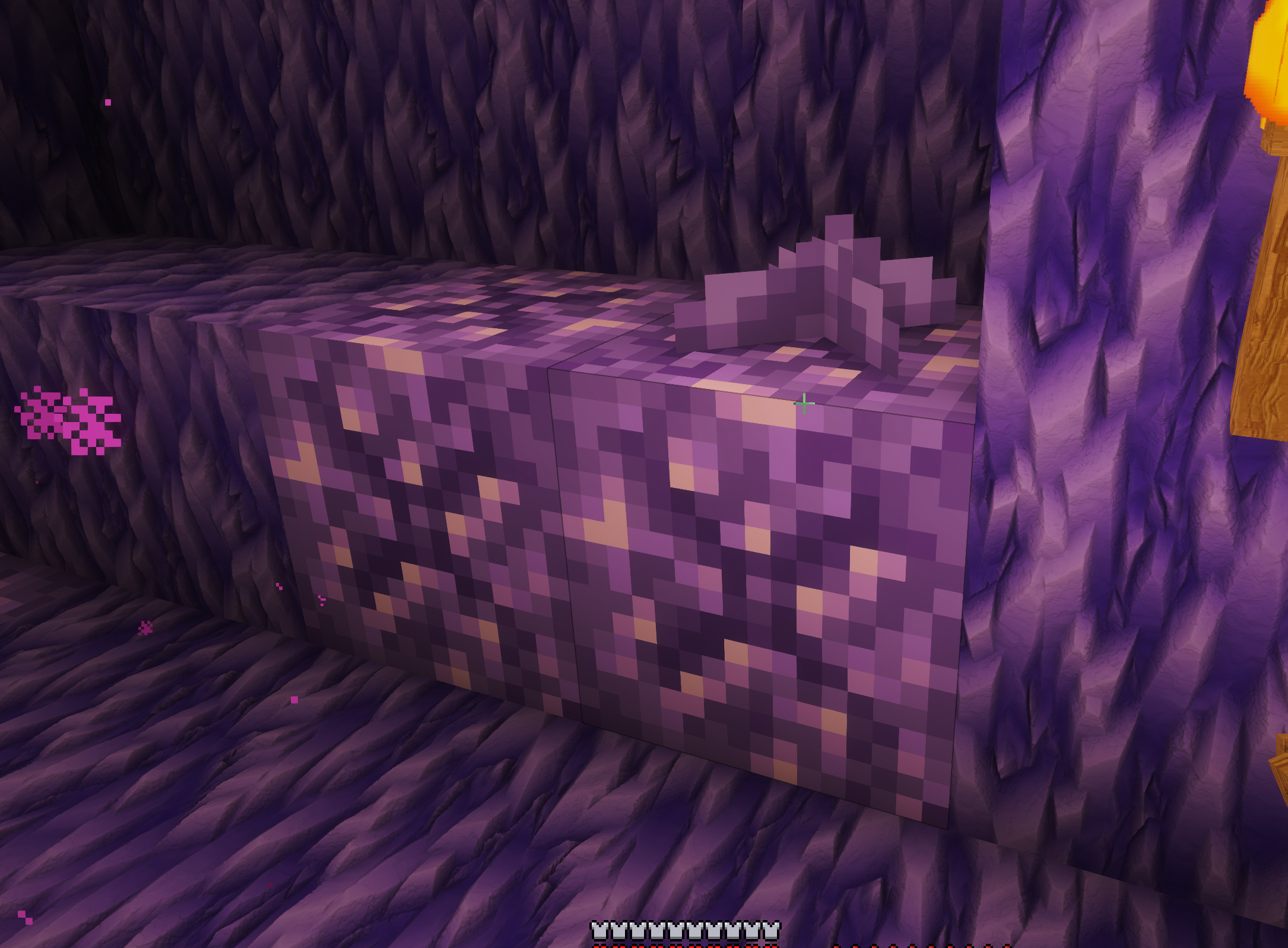
Budding amethyst (and small amethyst bud) 🙂
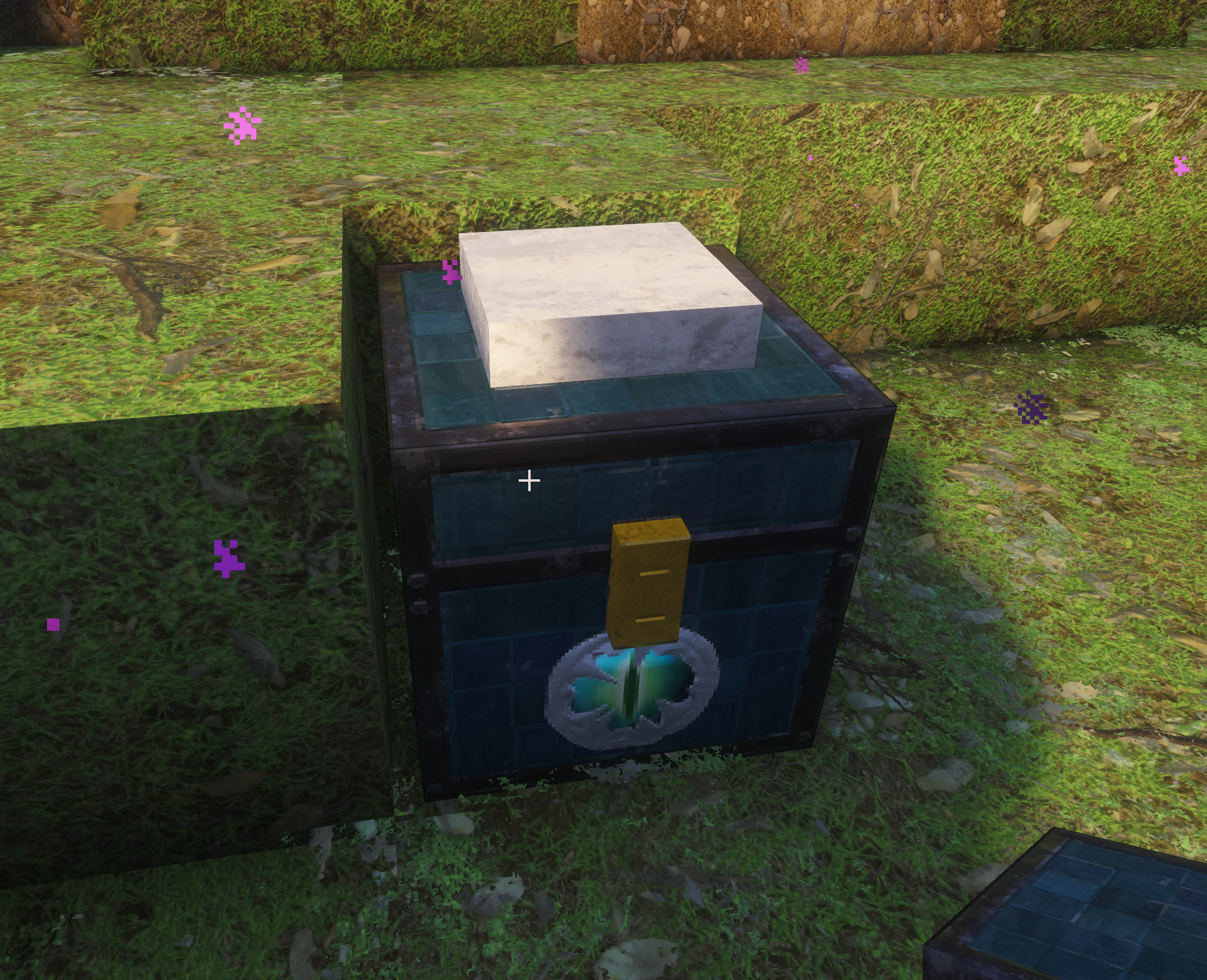
Ender chests seem to have this weird white cube in them. It clips through the top, when I open it up the white cube is inside it.
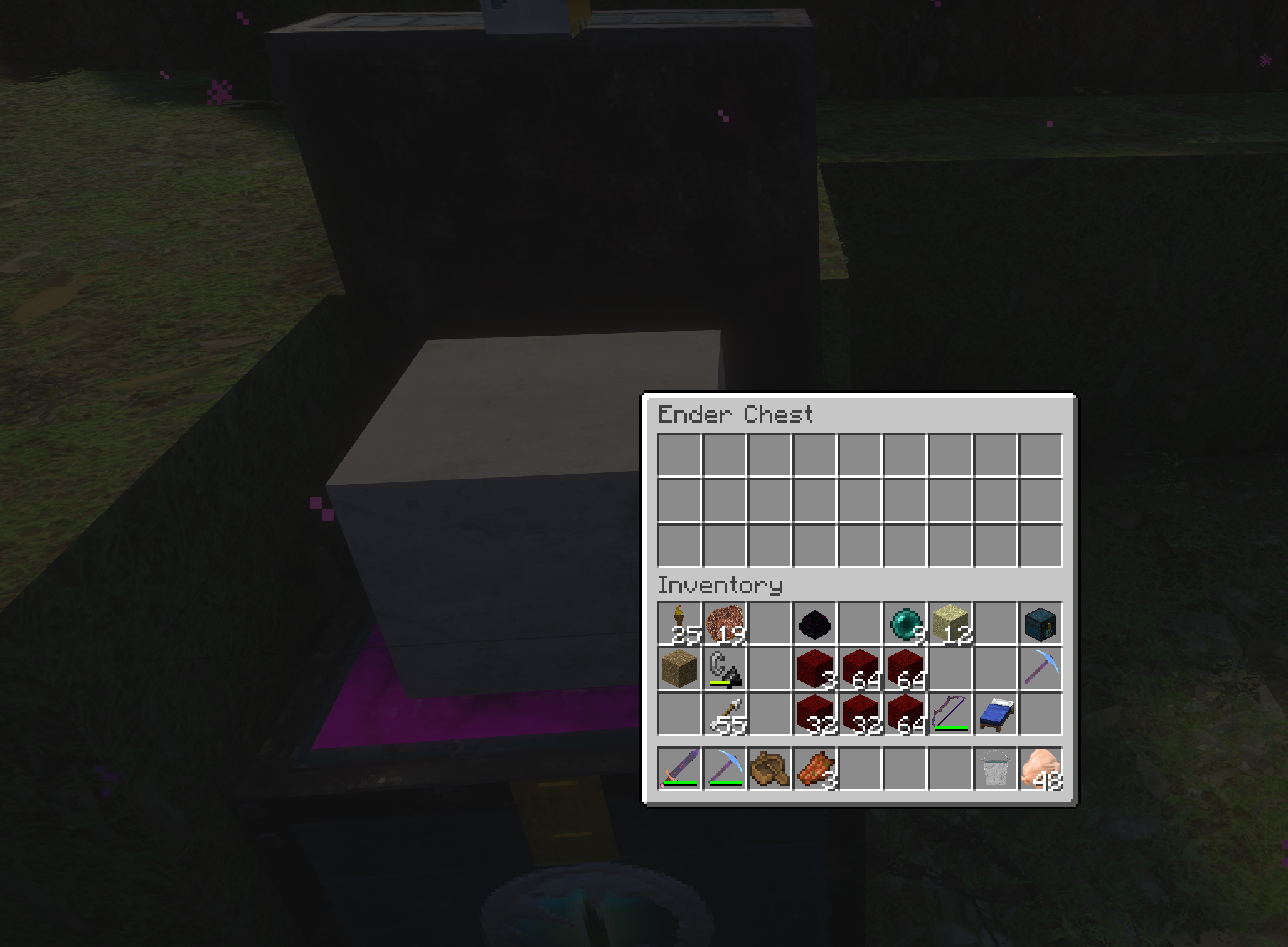
Here's one with it open
Missing/Broken texture on end rods
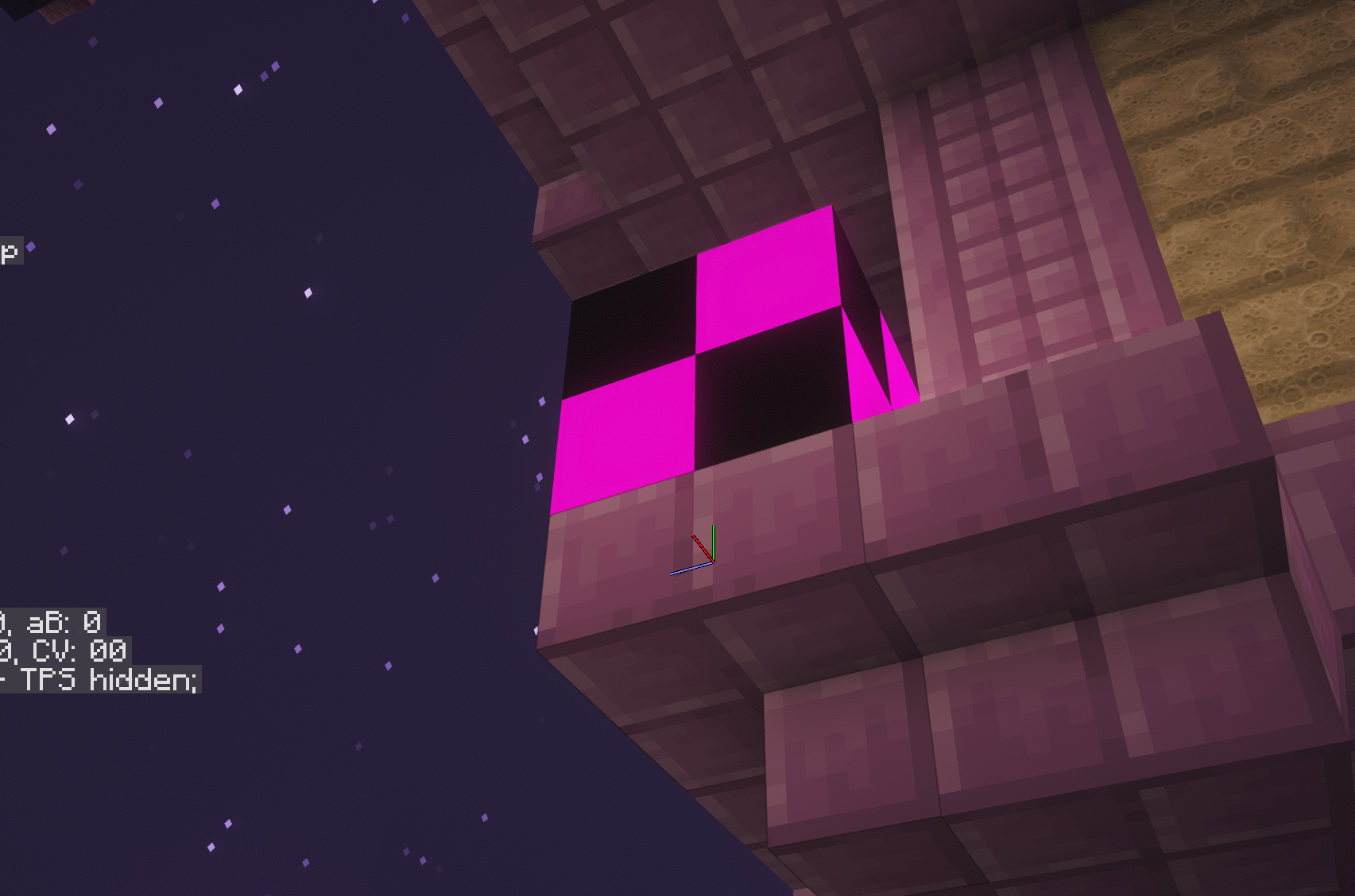
Also to note, it appears to be just the ones that are vertical, the horizontal ones display correctly.
Vertical ones should be having lamps
Will check
I think this is mod related though
This is with no mods except: continuity, fabric api, lithium, sodium, EMF, ETF, Polytone, Iris
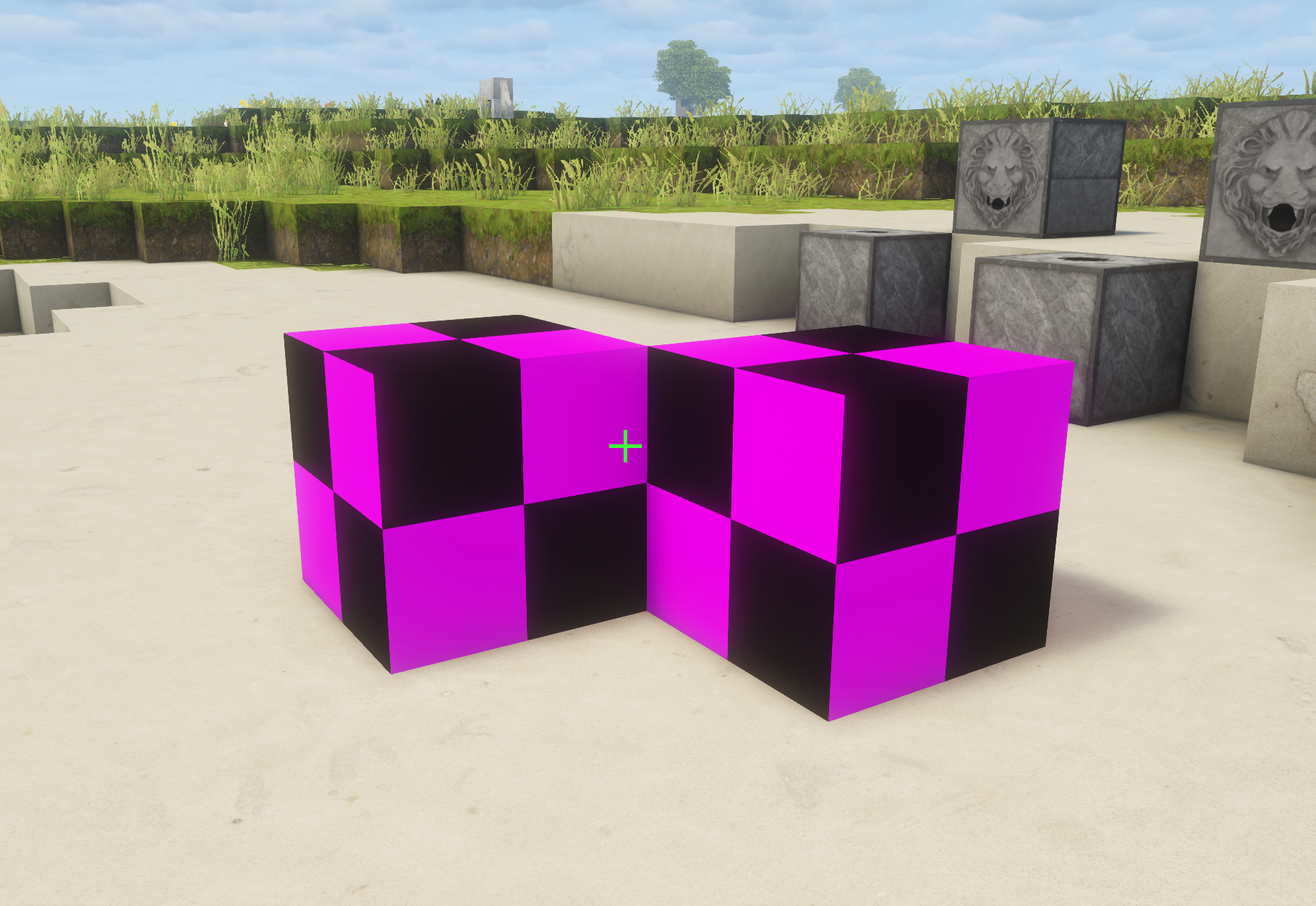
Finally free today to act upon some of these
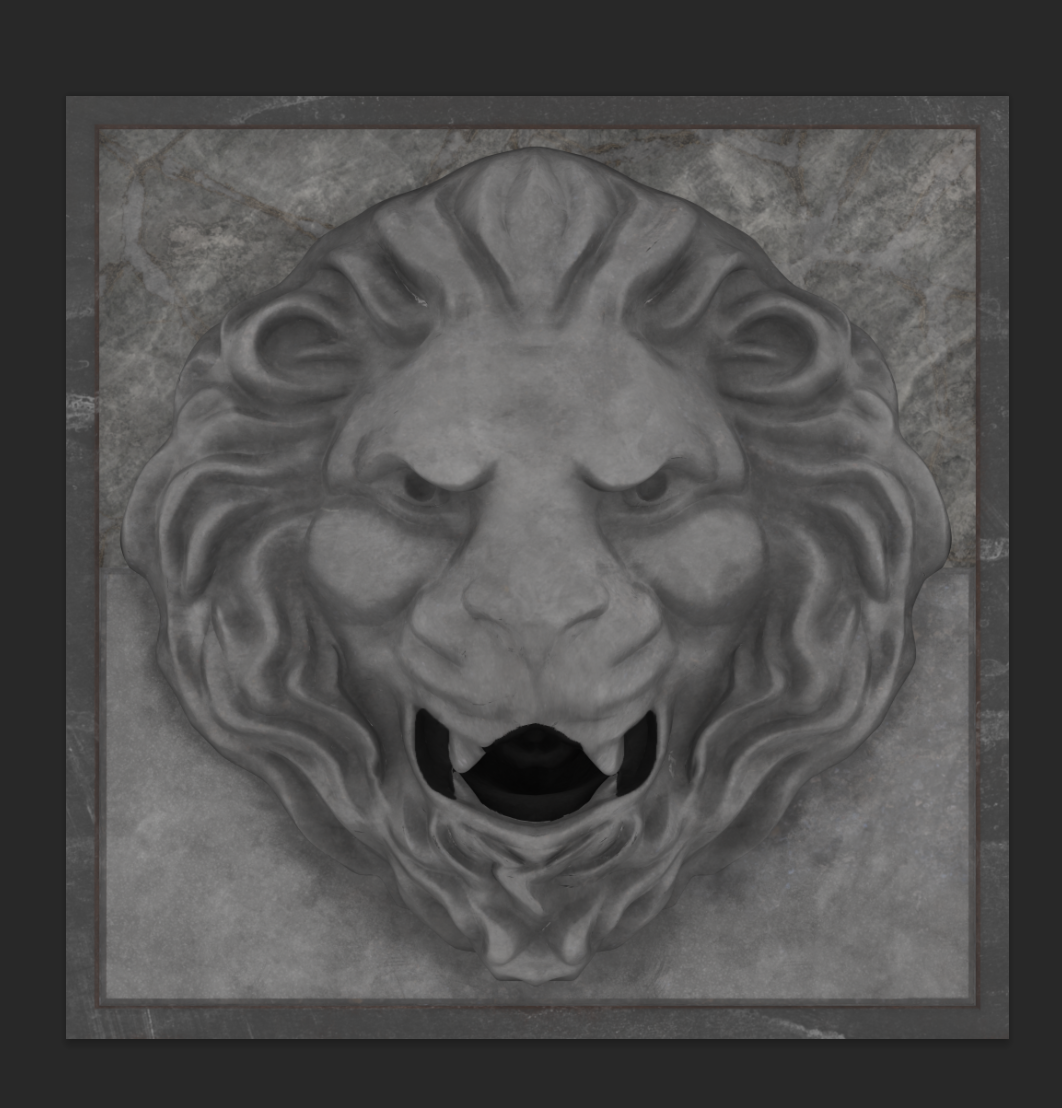
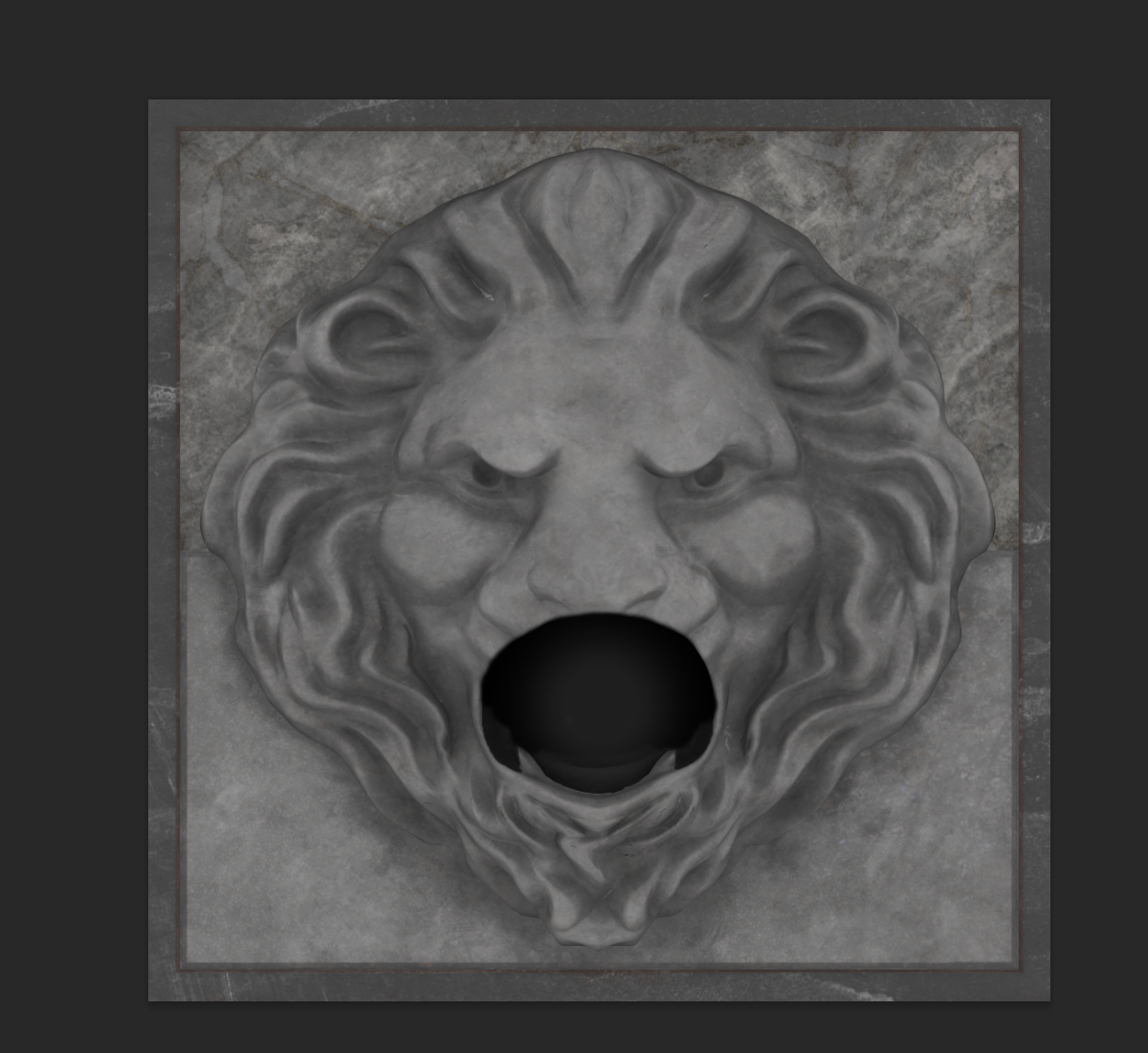
rigth side for the dispenser vertical
this is done
for the dispenser, I've another idea
I didn't really want to modify it too much for the vertical, so I took my creative imagination to image that the lion's mouth is half closed for the vertical
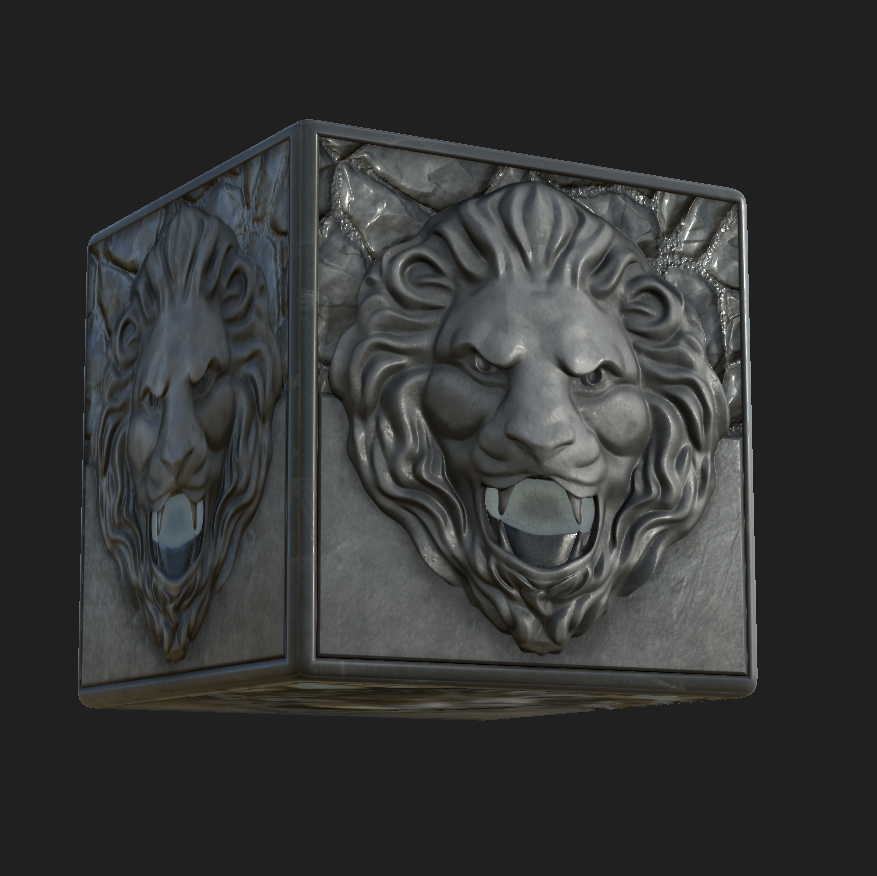
or half filled
I think it's very cool
can be used in many places in someone's build
if someone wants the full mouth thing, they can always just use the dropper
which blackstone is this
spruce log is like this
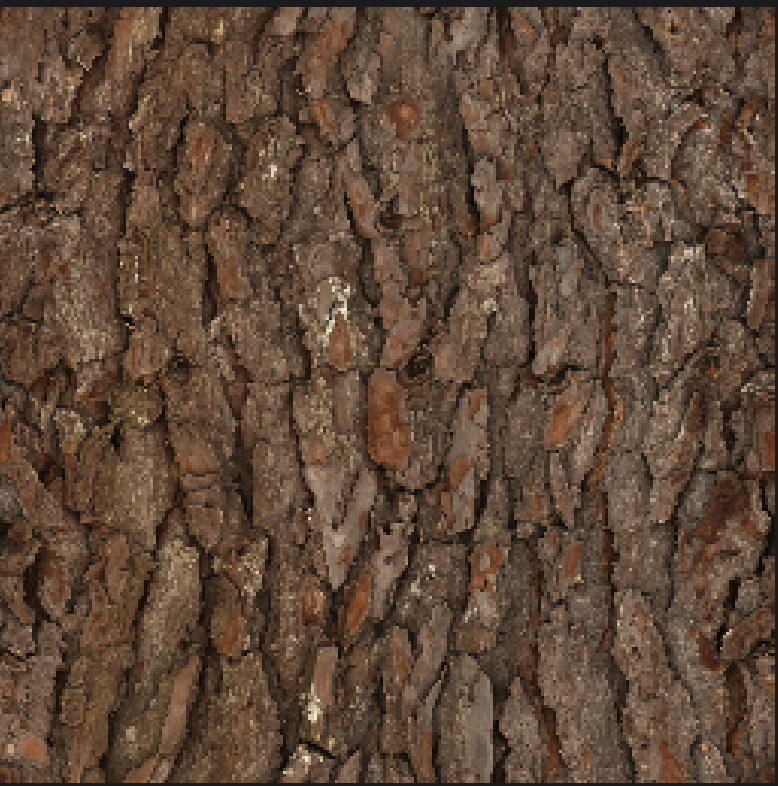
not sure why it is that way for you
huh why is the ender chest like this
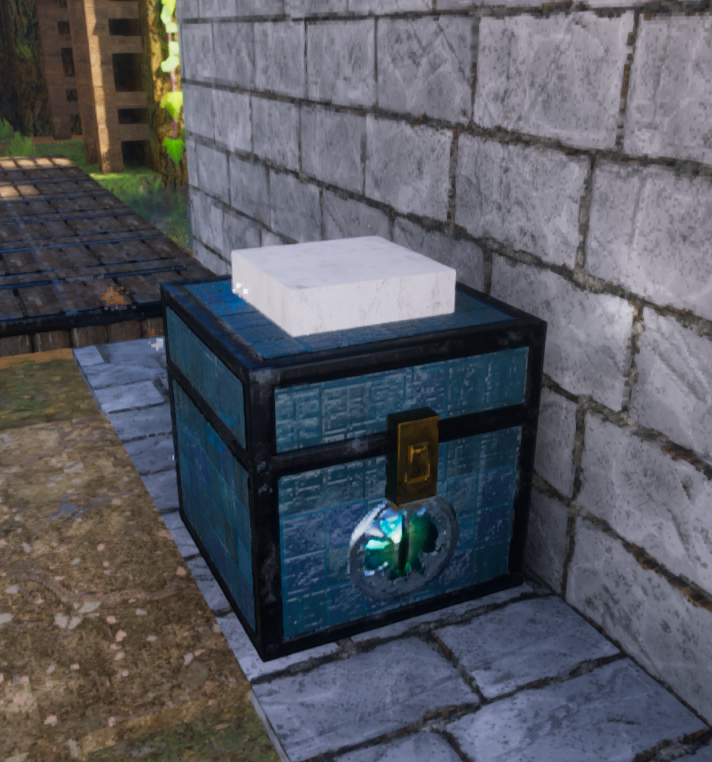
ender chest fixed
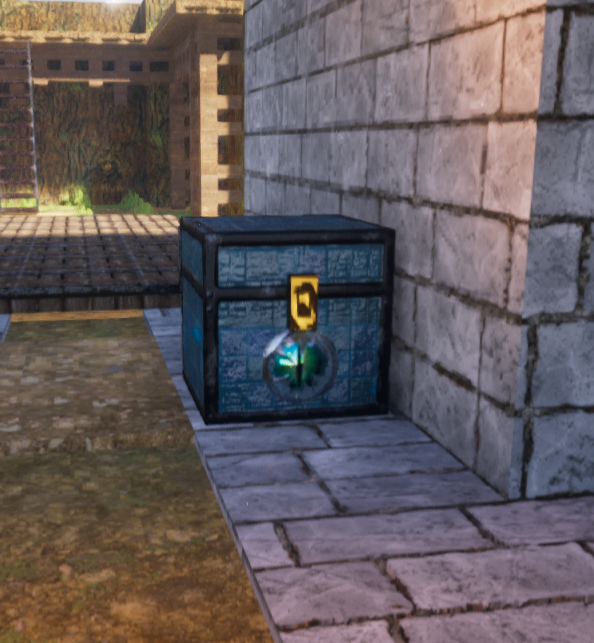
fixed

on the end rod one.. I'm not sure
my spruce logs tile
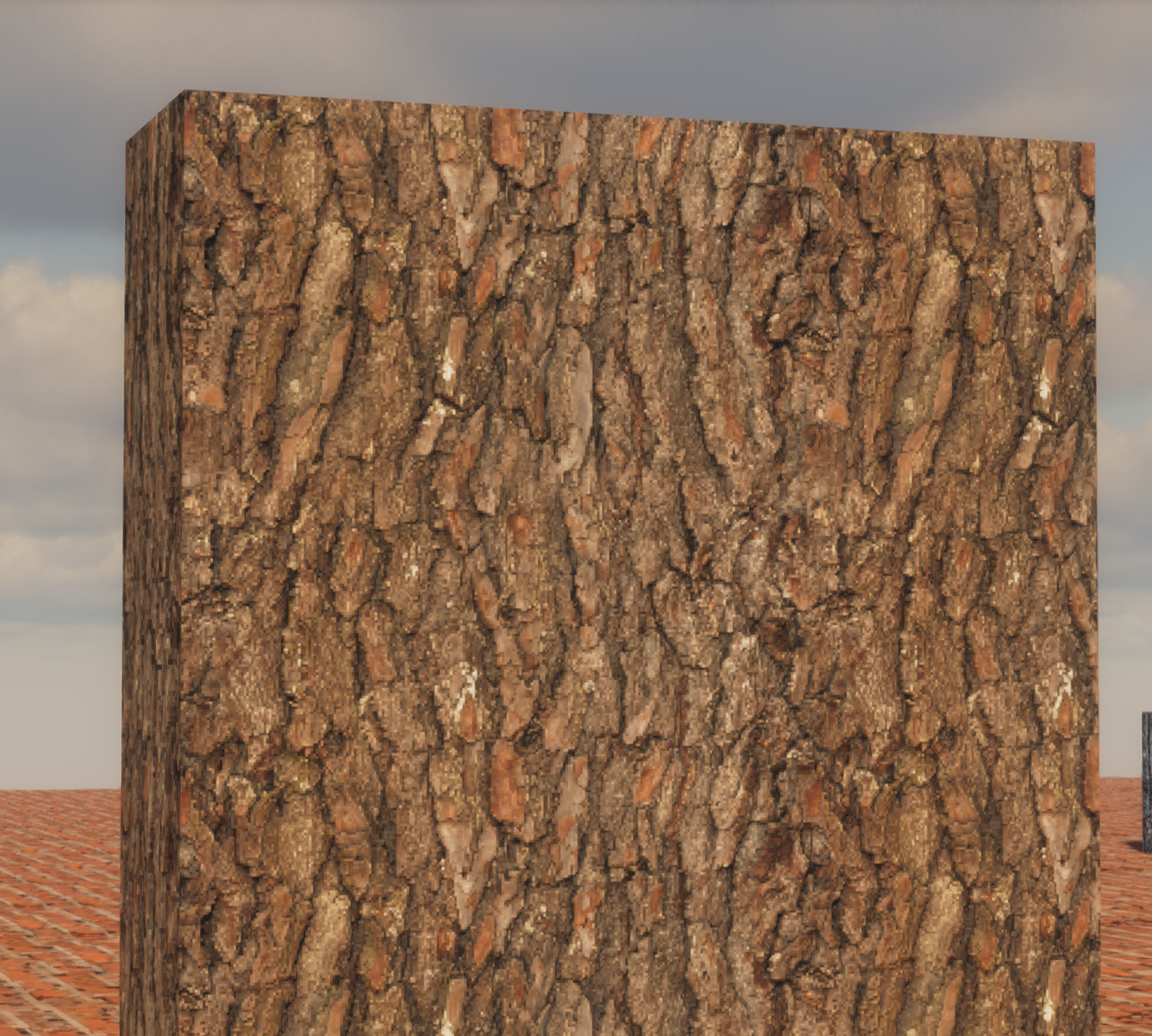
did you figure out the blackstone problem from some map using blackstone?
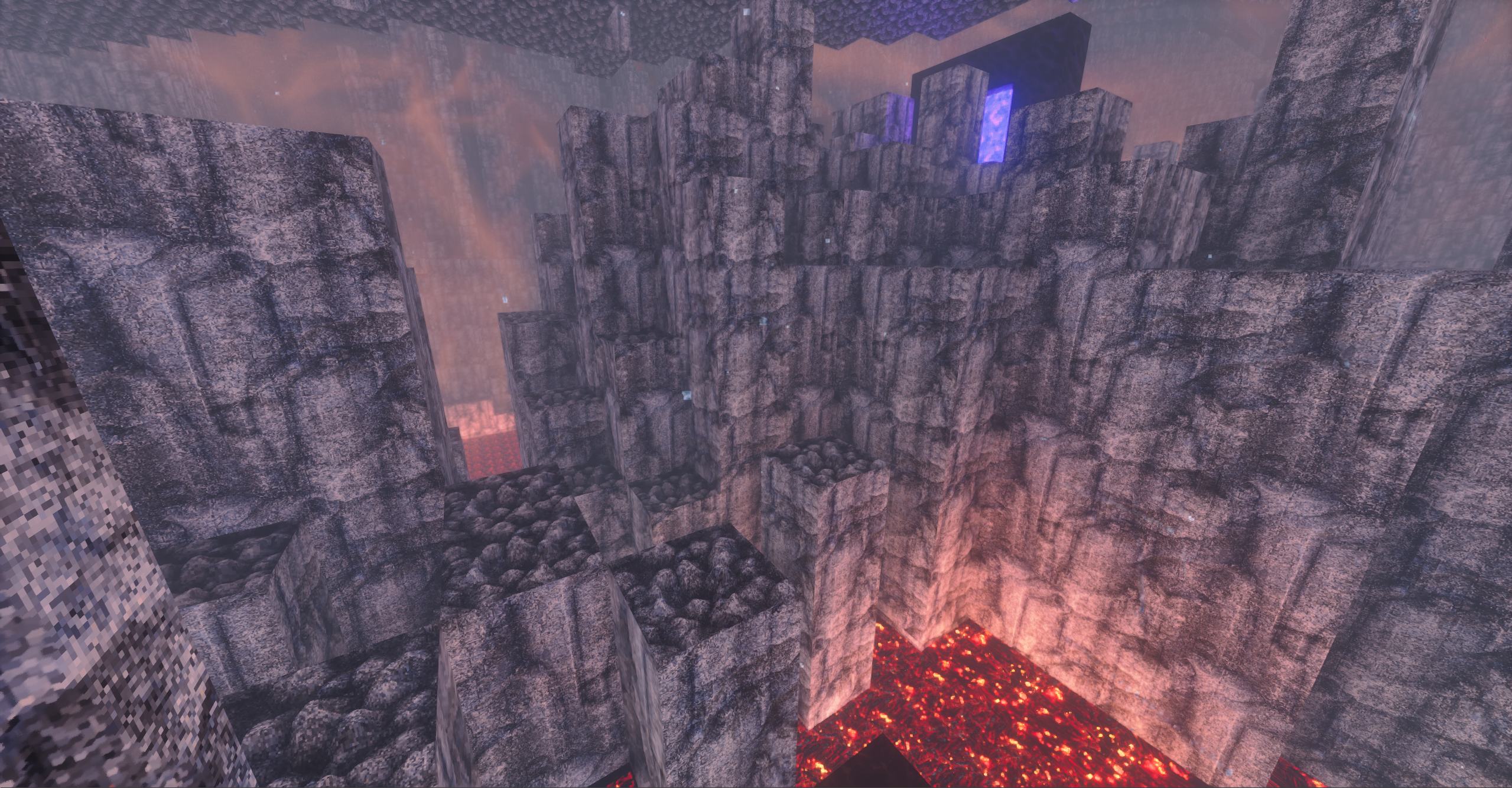
I would like to rework the entire blackstone block framework
fixed basalt top
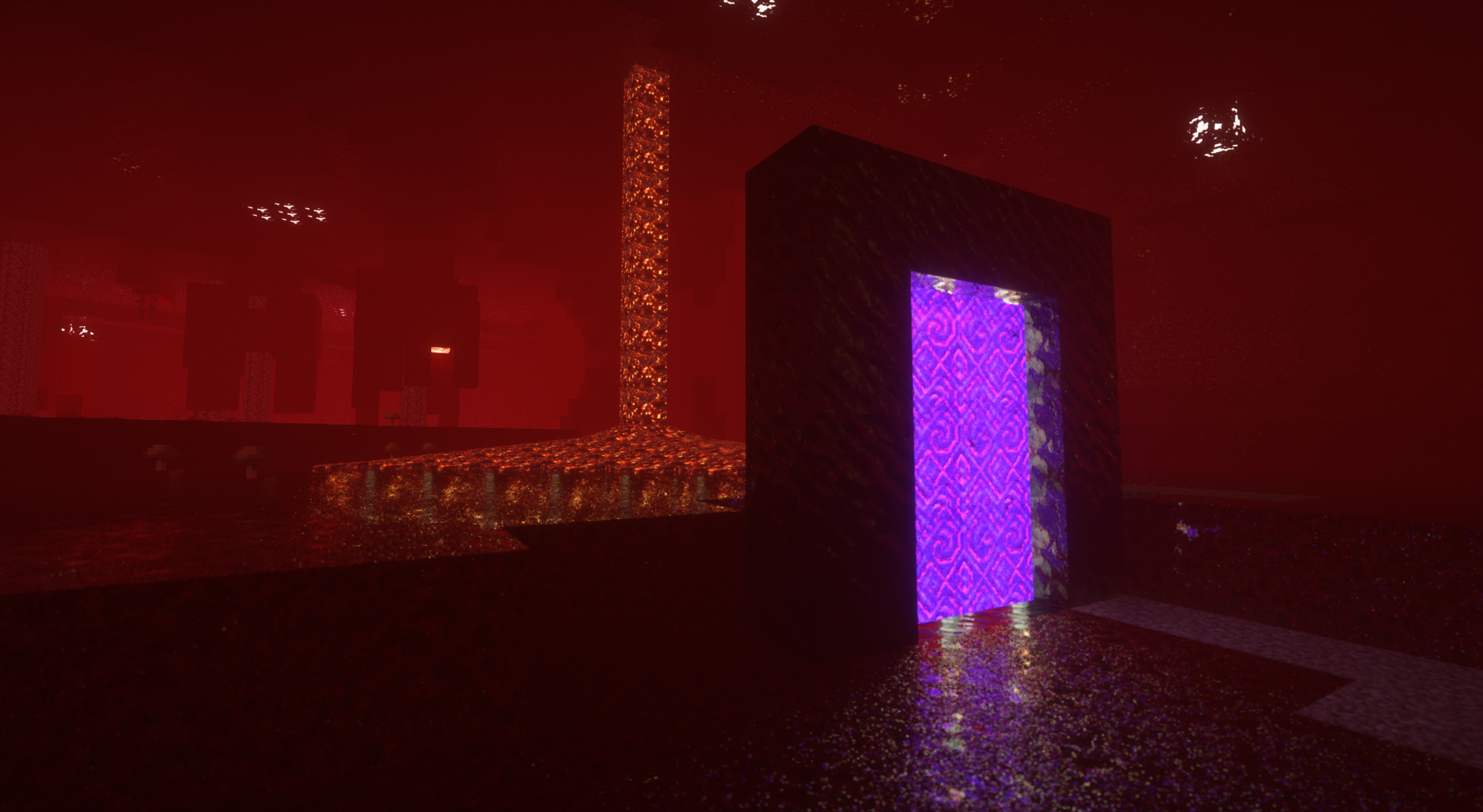
added nether portal animation
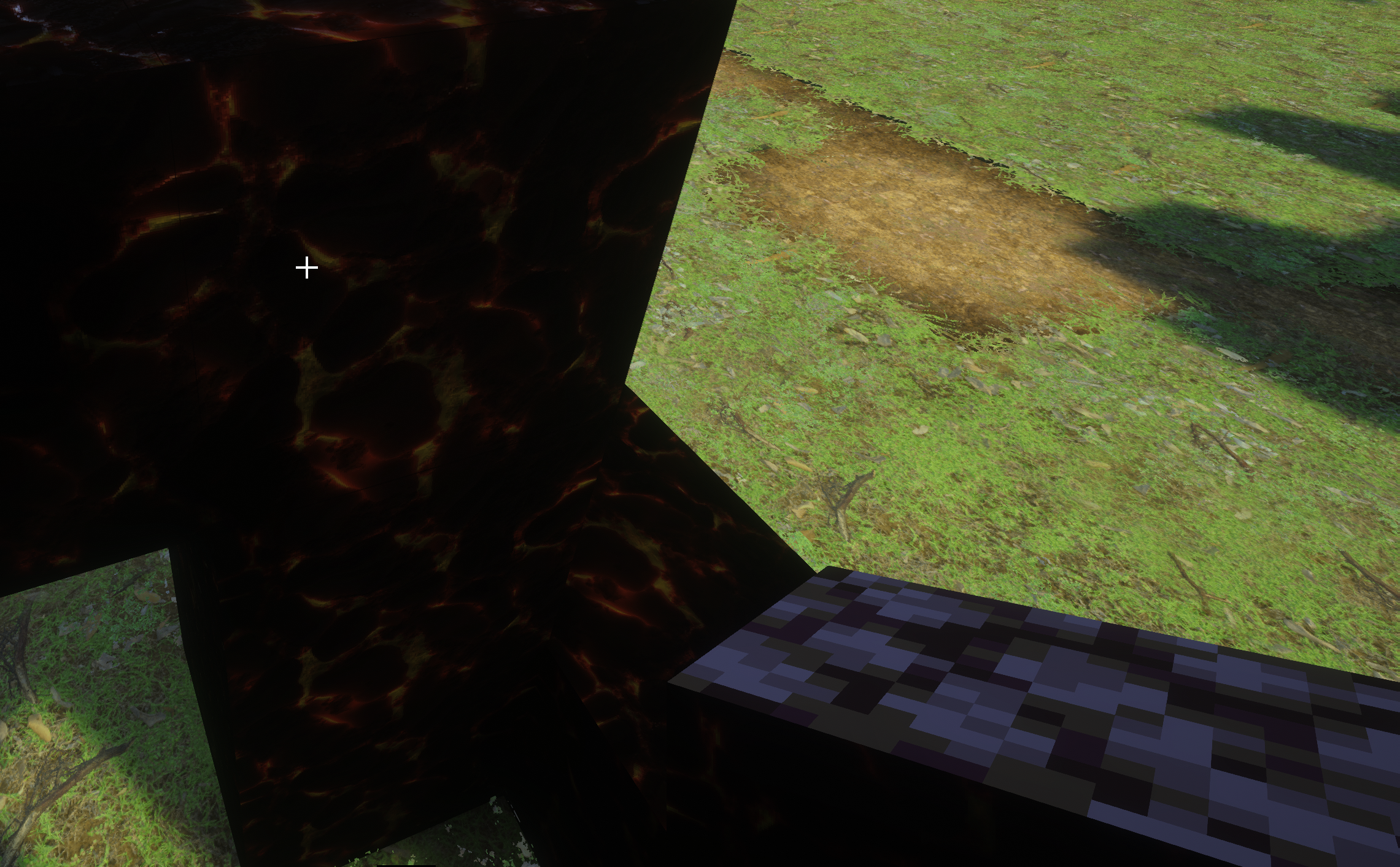
Blackstone was vanilla on one side depending on how it was placed. I can't reproduce it in 3.9 though. It does look vanilla in the handheld though 🙂
Spruce logs shows incorrect for me when horizontal, when done vertically it looks correct. My back is vertical like yours and looks great, the front is horizontal.
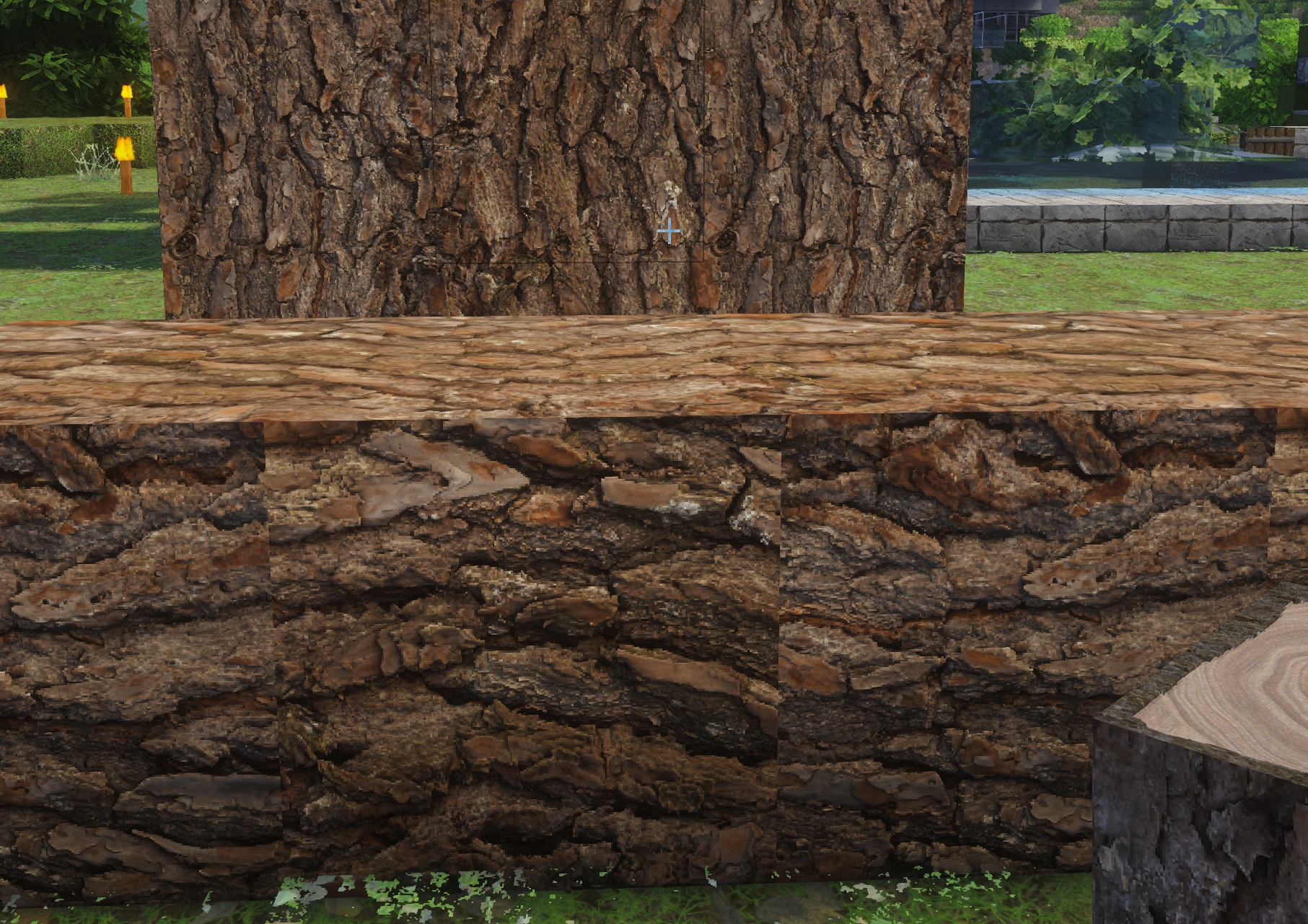
Also to make things just a little bit more if a pain in the butt. On the horizontal log, SOME sides are correct and others are not. On this screenshot, the top looks correct, but the sides are off.
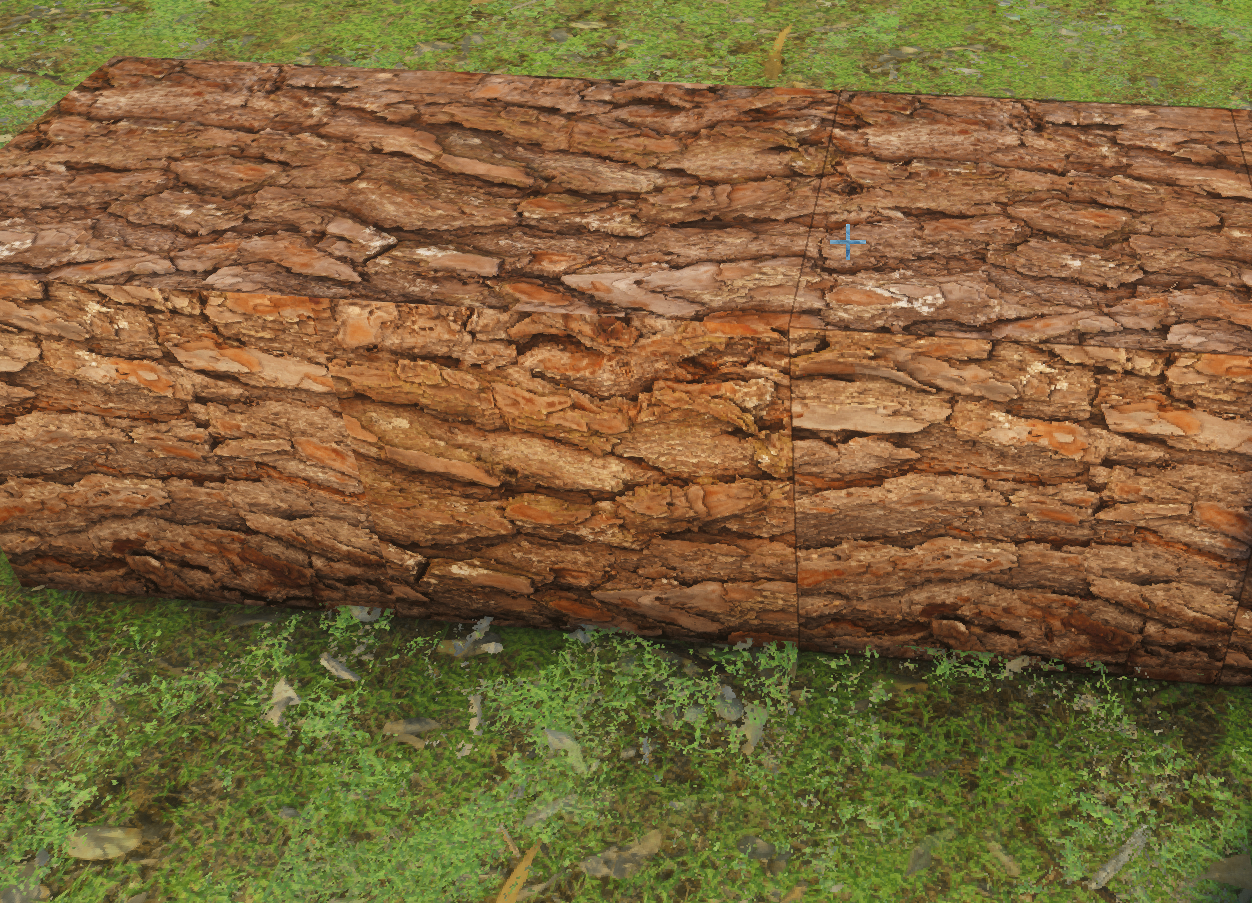
Oh
Damn that might be something hard to figure out yea
TBH, I was just thinking of the lion face pointing up, though IDK how that'd look. Either way I just look forward to more 256/512 textures, I can't wait until I've advanced enough in the game to start building projects. 🙂
ok so purpur blocks are done, so the end is complete
I can try doing nether blocks now
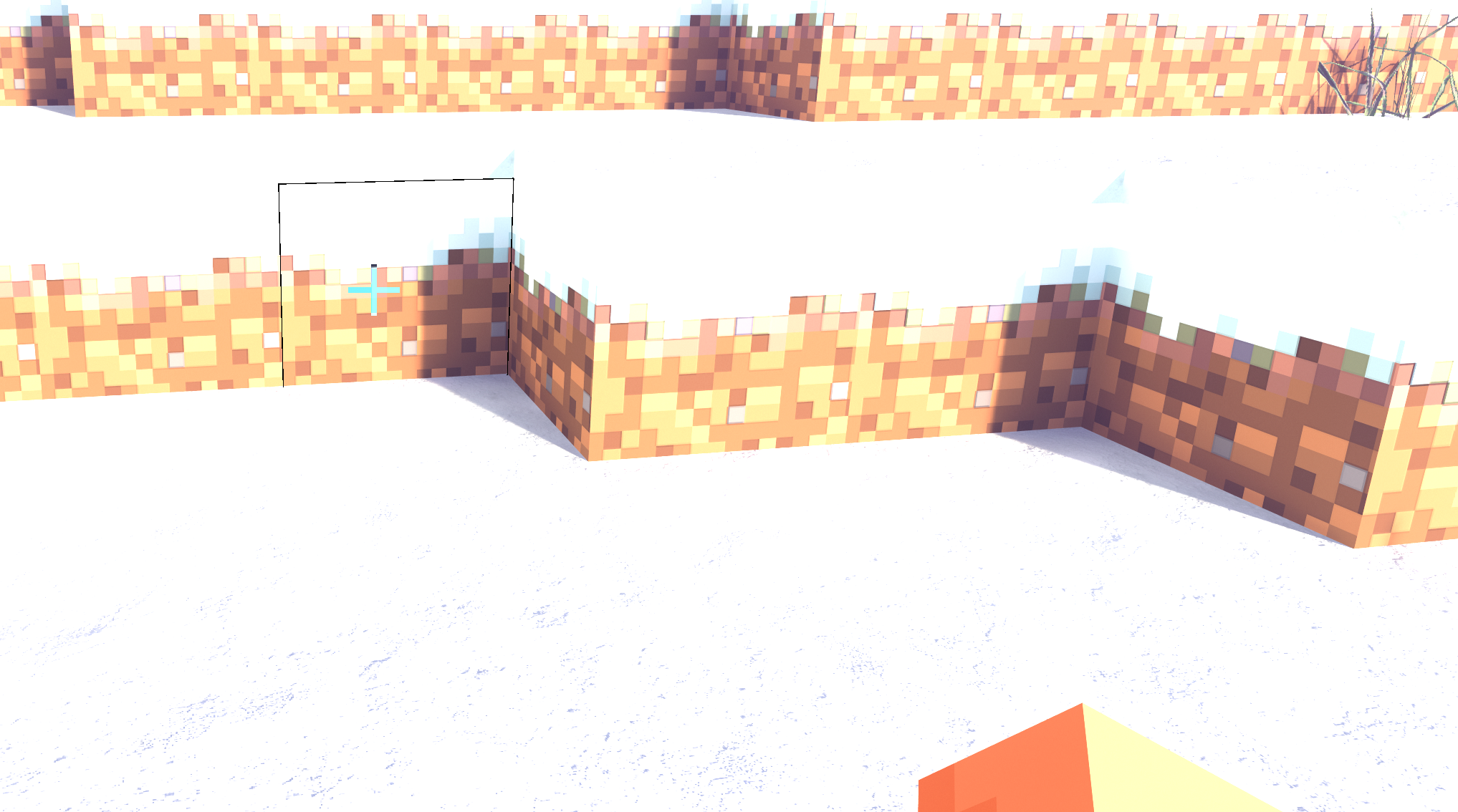
it looks like grass blocks when affected by snow are vanilla still, ignore the brightness, this is bedrock as I wanted to check out that other guy's issues, and it seems that the snipping tool + bedrock makes stuff bright for some reason:
One question I have for bedrock (not that I'll be using it, the performance is -way- better but everything else sucks) xD Trees don't seem to have the neat leaves like the java version, is that just an issue with bedrock not supporting it, or a setting I have wrong?
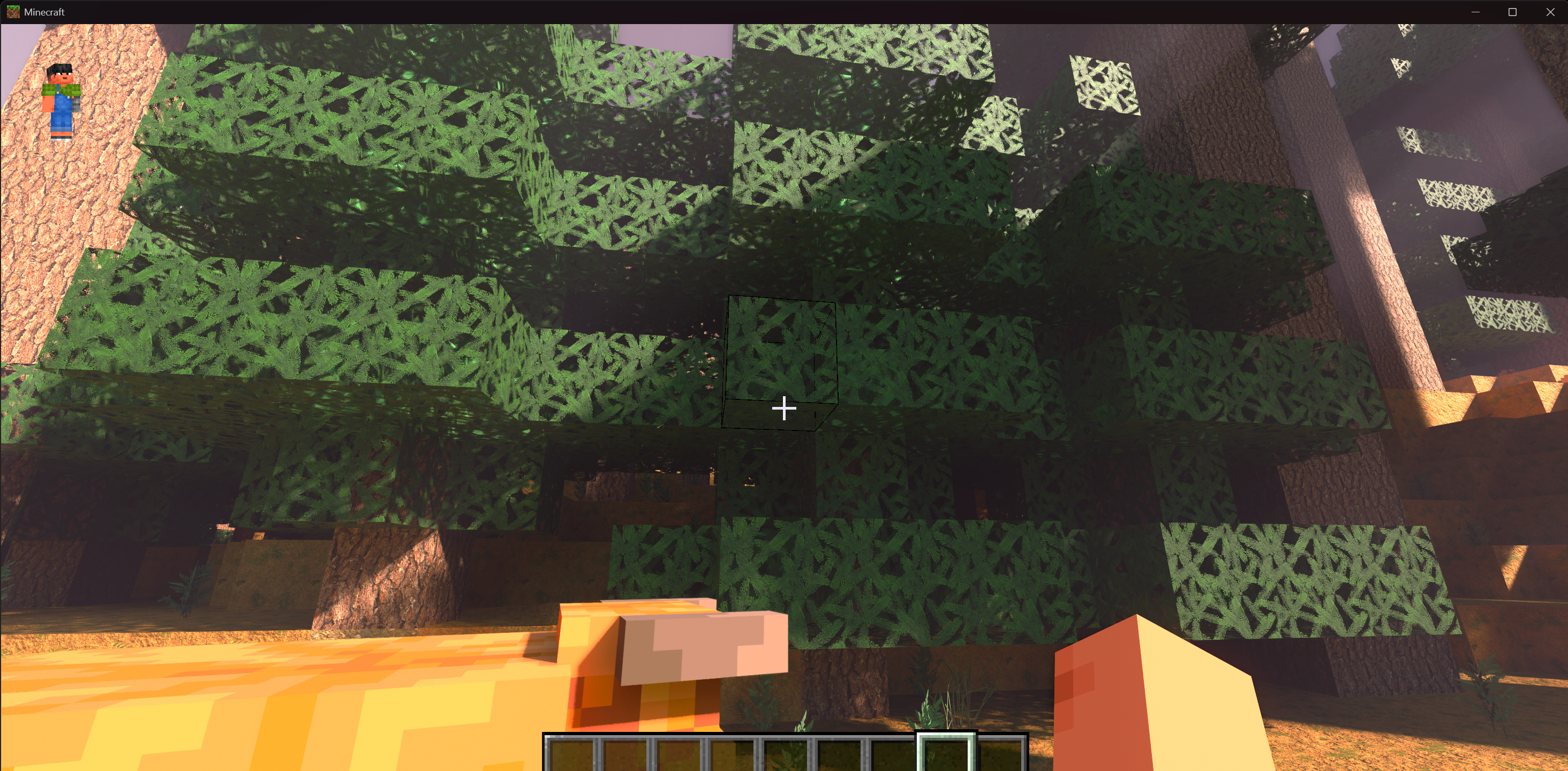
Nevermind on the leaves, I just looked at the bedrock screenshots on the website and they're the same 🙂
Here's a little PITA for you. This is Bedrock specific, it looks like the connected textures for sand aren't working. I checked in Java and they work fine. Snow is the same. Other textures such as gravel and grass look ok, in gravel the individual pebbles persist across blocks.
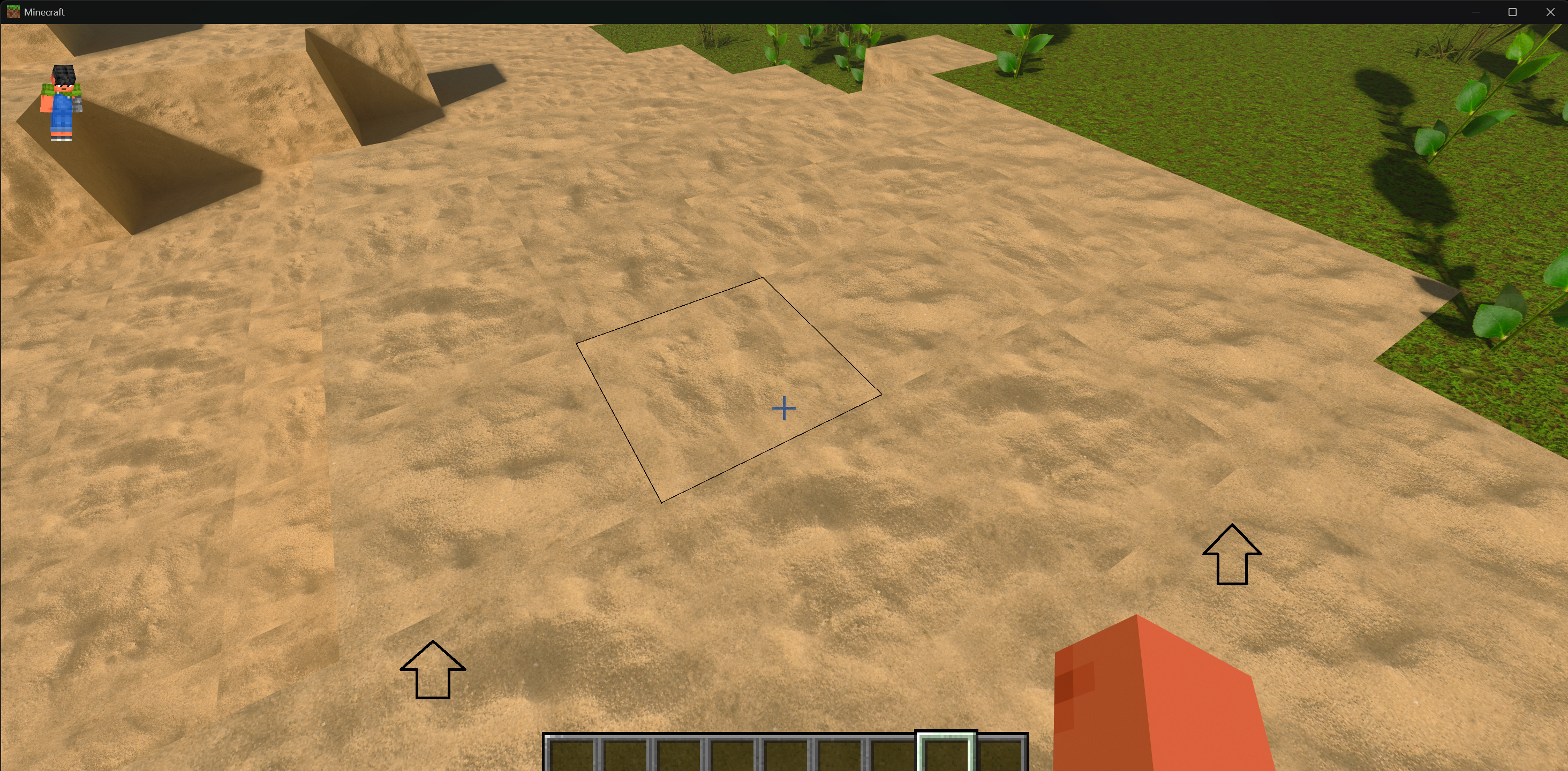
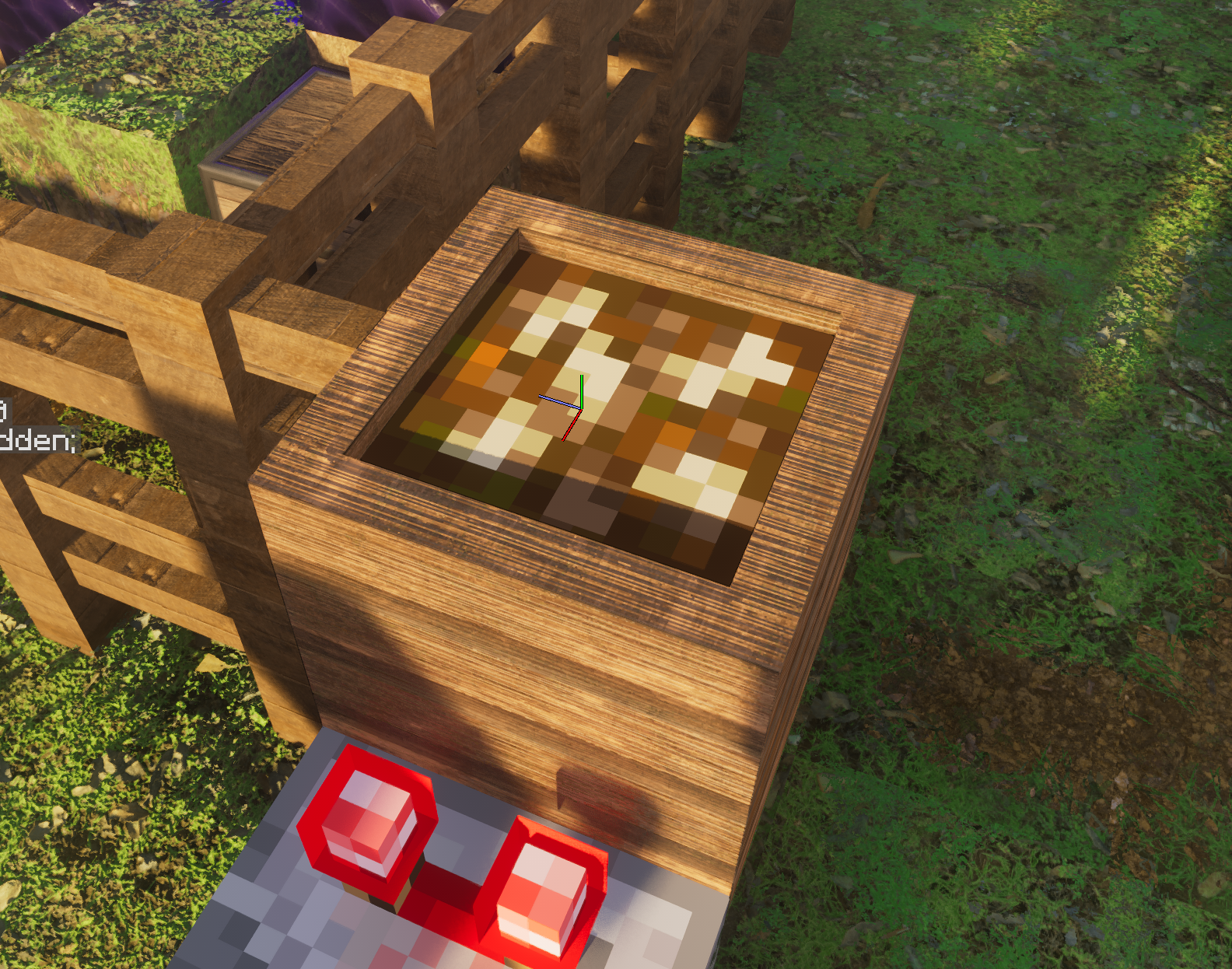
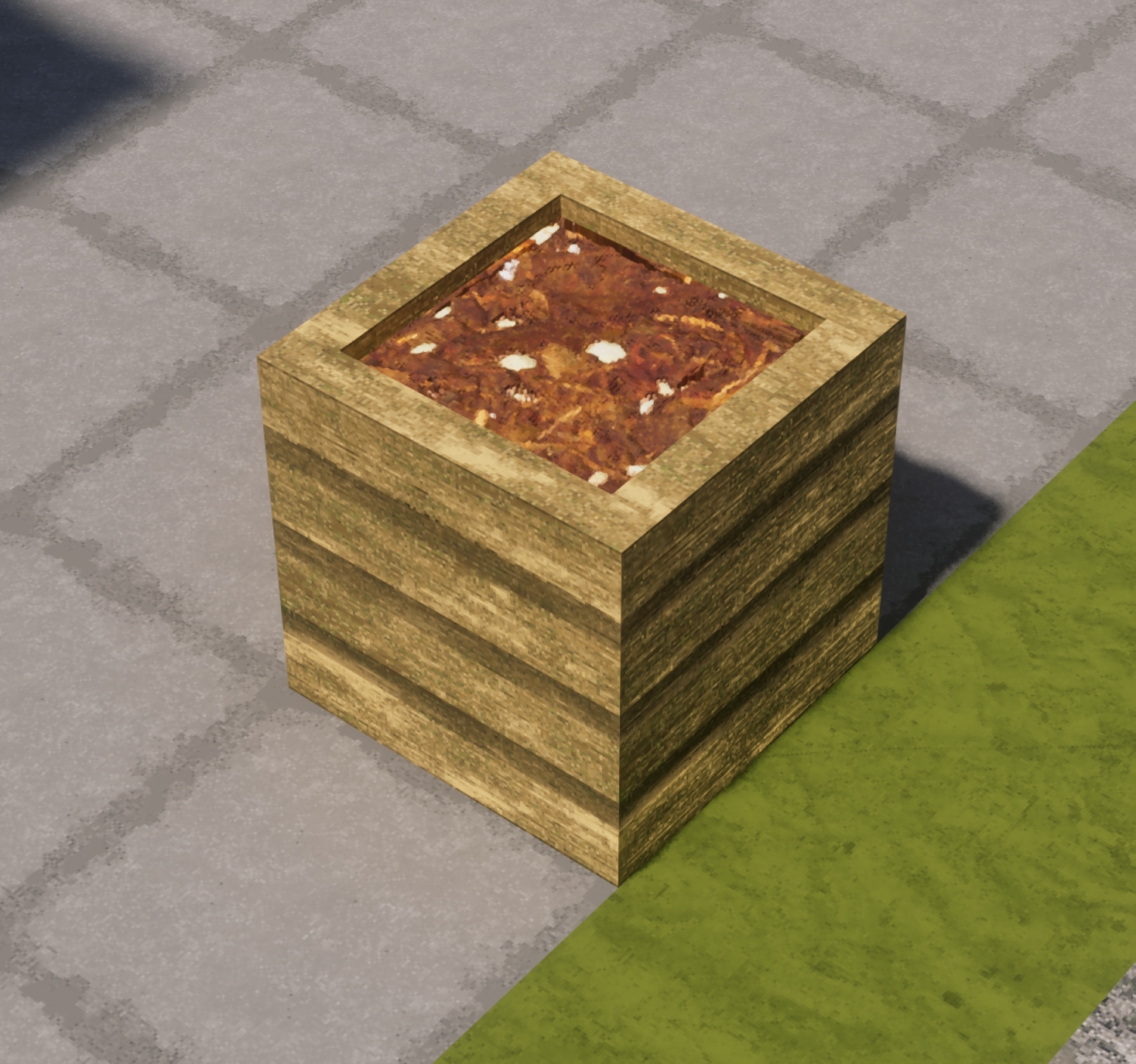
Composter insides at level 8 (max level) uses a vanilla texture, all the other levels seem to use custom ones:
oh no this was intentional
I was using the potted cactus plant as decoration
as a sci-fi theme
oh that's fair 🙂
I loved dune, so I kinda kept it
if I want I could probably just delete the model and the potted cactus in the pot and cactus would come back
yes, bedrock has custom models for entities
no blocks
and java vanilla is opposite
Eh I wasn't using it for anything, I just happened to come across a desert village and it stood out 🙂
Oh, will be fixed
I
I'm gonna release the new Optimum Realism R4.0.0 soon in another 3-4 days
should be fixed, and the older chest structure underground textures
will also be done
probably something went wrong with java-> bdrock port
will check as well
oh sorry, the composter one is Java, I left bedrock after reporting on the sand.
playing bedrock just doesn't feel the same xD
oh
IDK if this is something you have control over, there appear to be Z fighting between the grass connected texture and the top of stone brick stairs (maybe other stairs also, I didn't have them on hand)
No nothing I can do
Both "Prismarine" and "Prismarine Brick" blocks share the same texture:
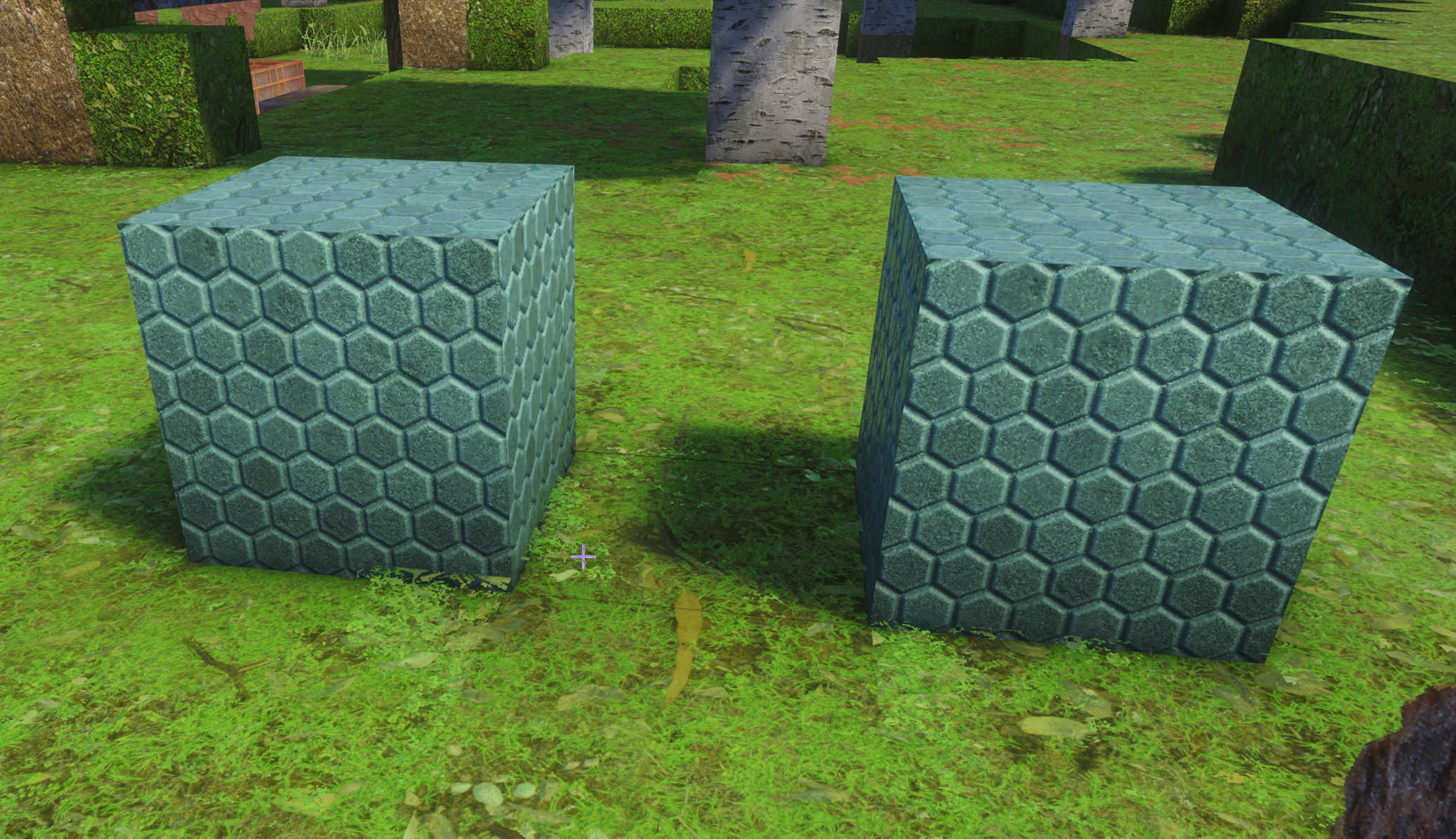
That's interesting. How did I screw that up
sulfur and cinnebar from 26.2 🙂
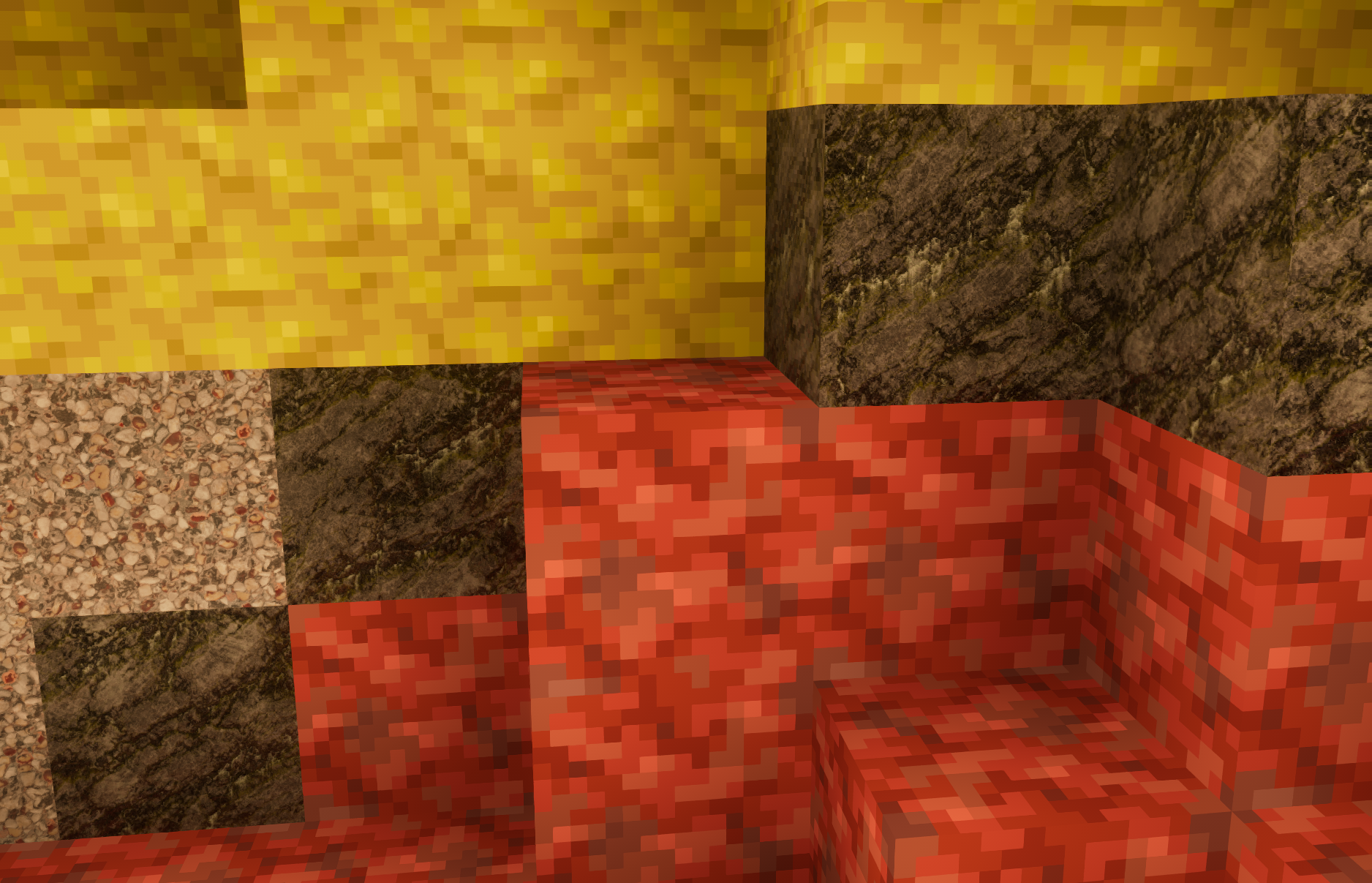
Barrel, when you open it, the top changes from the high res circle pic back to vanilla:
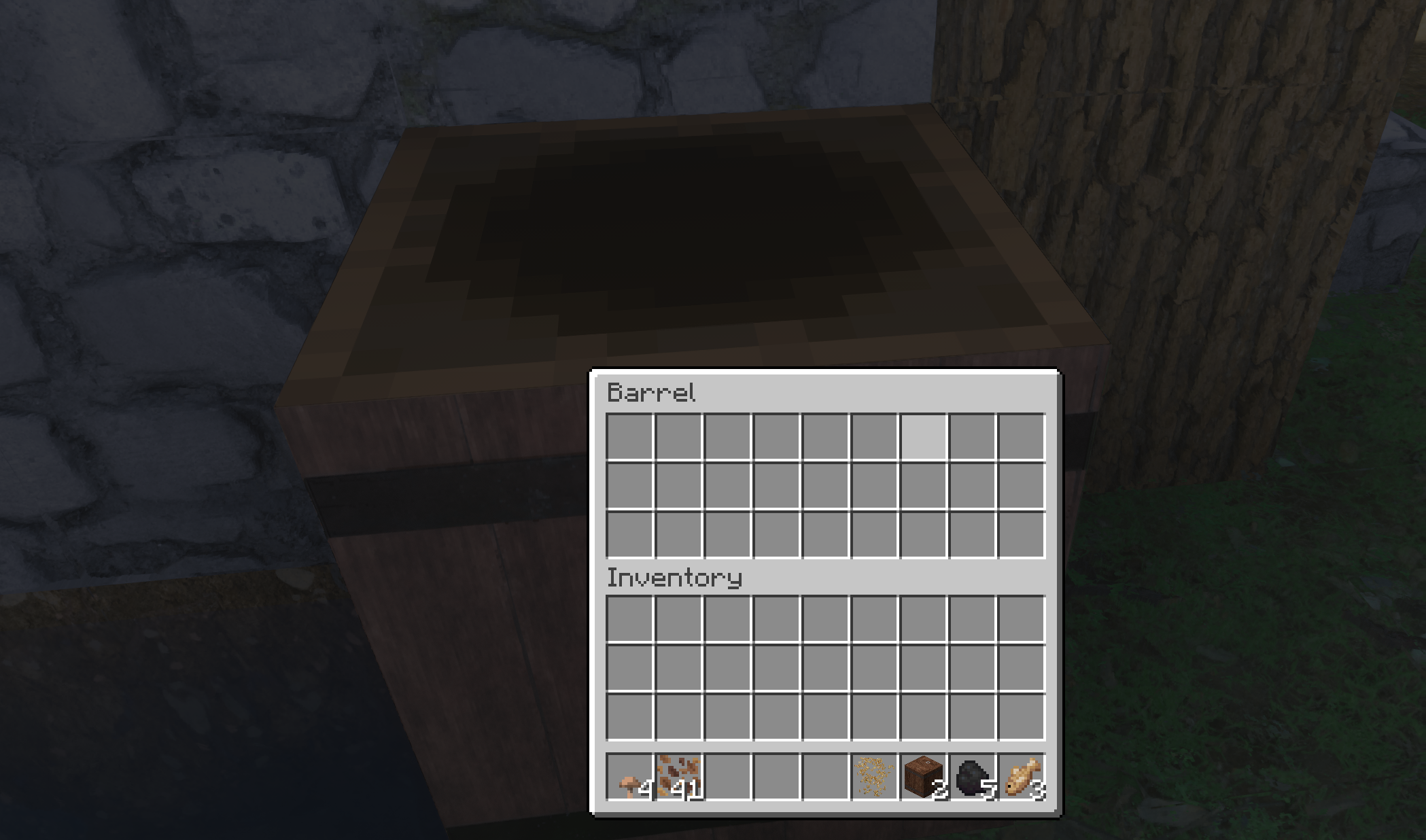
Prefect, I'll do this after the sheep
hitting spruce leaves shows the missing texture pink and black colors for the particles. Oak and Birch looked ok, haven't tested the others:
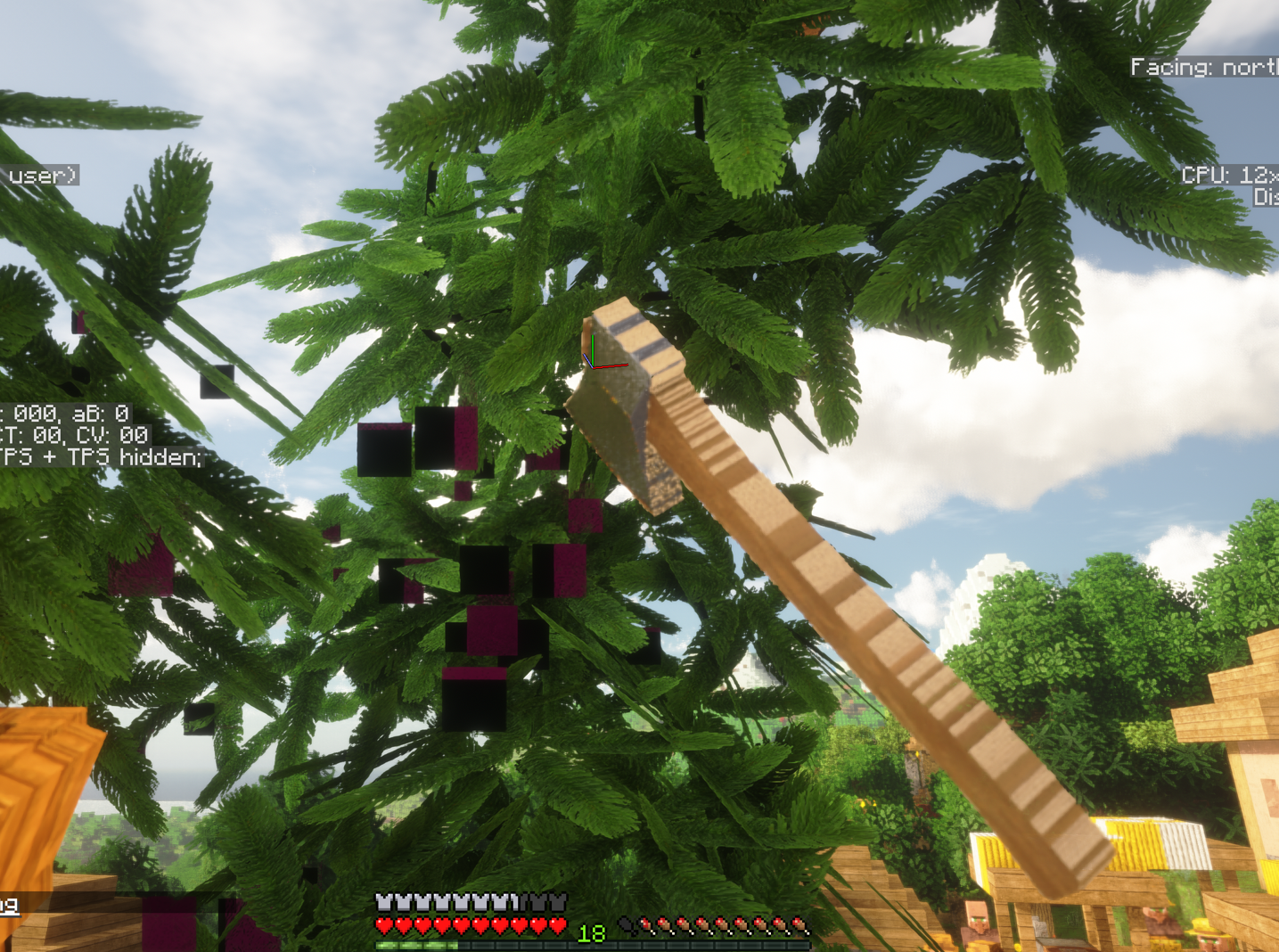
Stupid AI, this is the help channel you moron
fixed
fixed
Okay the colors and stuff here needs to match with other blocks right?
For this I'll have to use some build that has these blocks
before I could texture thm
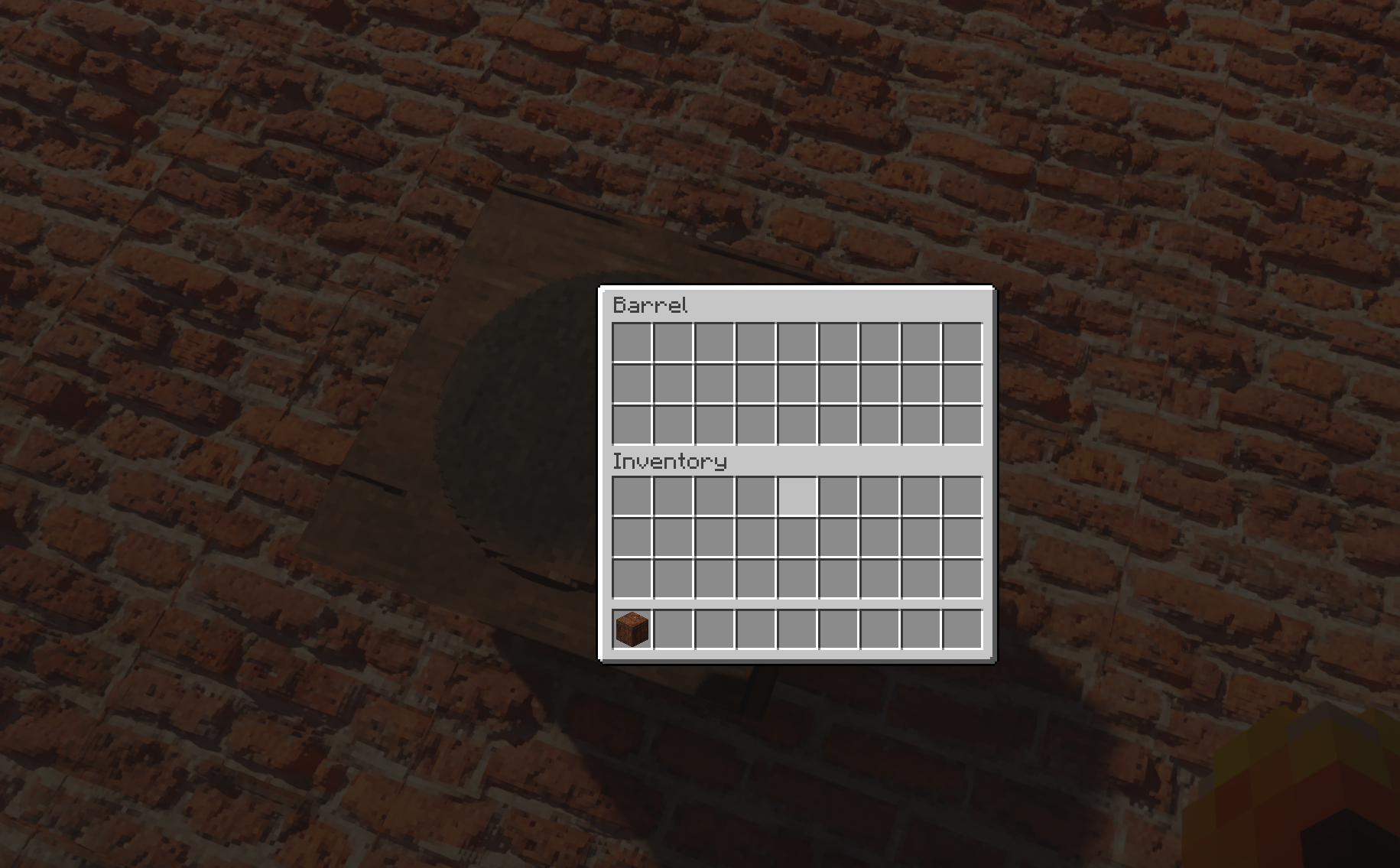
Again, I'm really thankful to you for debugging these issues
Issues like these are impossible to solve without help like this
TBH I had to google Cinnebar to even know what it was xD What do you mean by match other blocks? Like tiling?
I think i fixed the spruce tiling but forgot to inform you

No, like match with where cinnabar and sulfur naturally spanw
how they look with my other blocks in vnaill
like that
Oh got it, Yeah the screenshot I took had what I think is blackstone and gravel, but I didn't hang around there long. I was just making sure lithosphere + natural temperature still spawned all the new biomes 🙂
No problem, I tend to play with a wide range of materials so eventually I should come across most issues hopefully 🙂
Activator rail (right) is vanilla
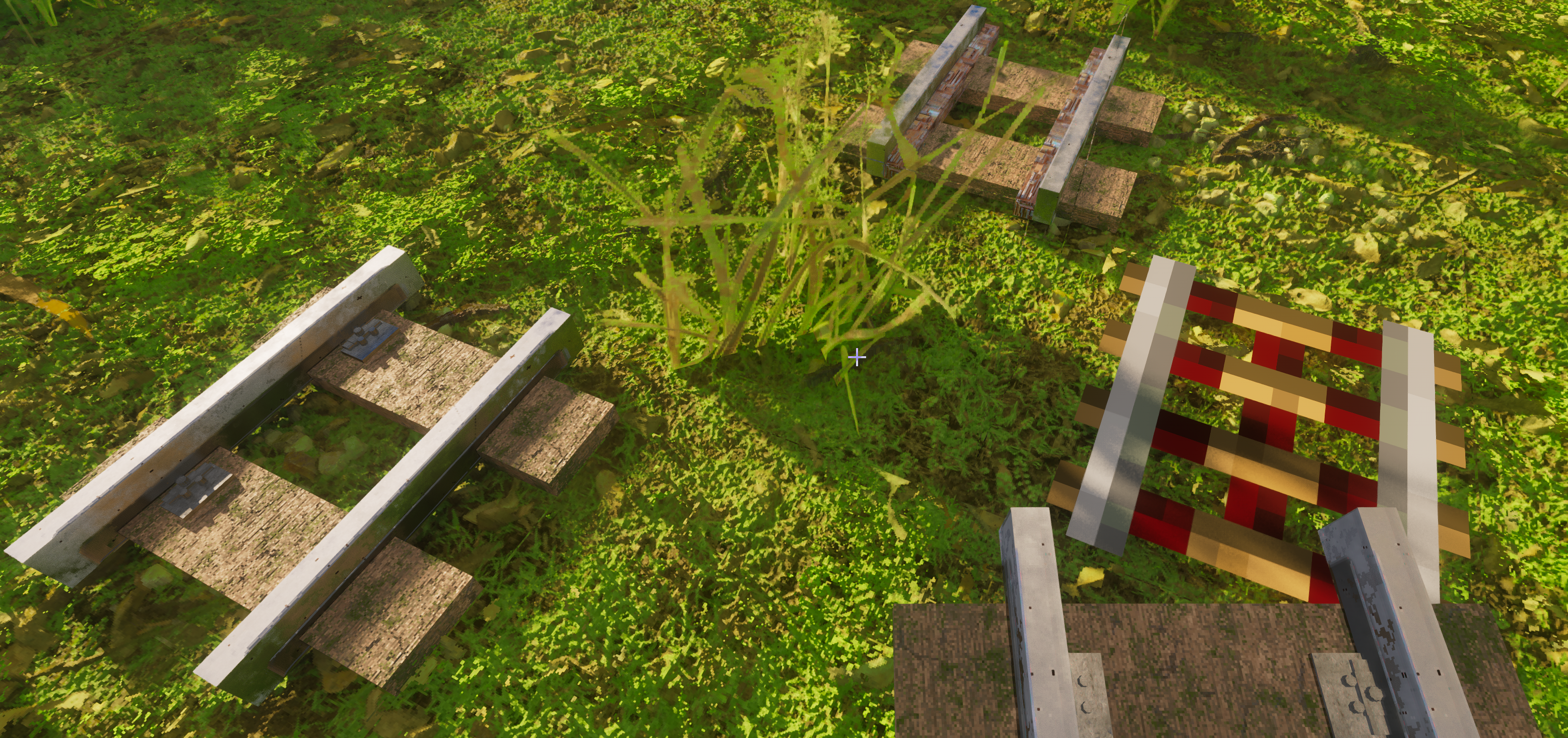
Okay will think of something for it
The sulfur stuff has stalagmite/stalactites as well, called "sulfur spike" the apparently have different sections and thickness, idk. "Tip" and "Frustrum" where the two parts of the bigger spike in this pic.
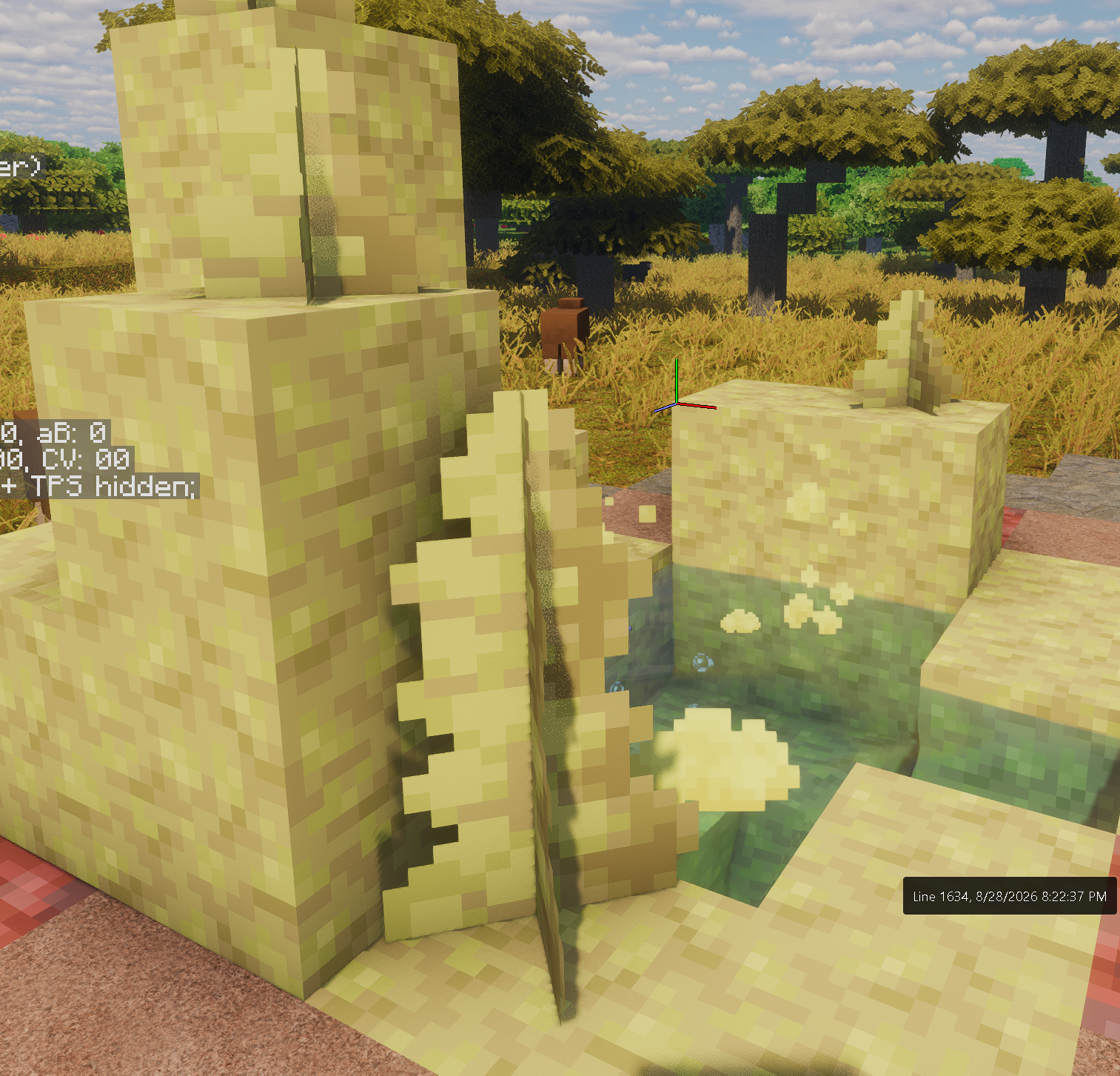
Not another one of these spikes 😭
Mojang let me rest 😩

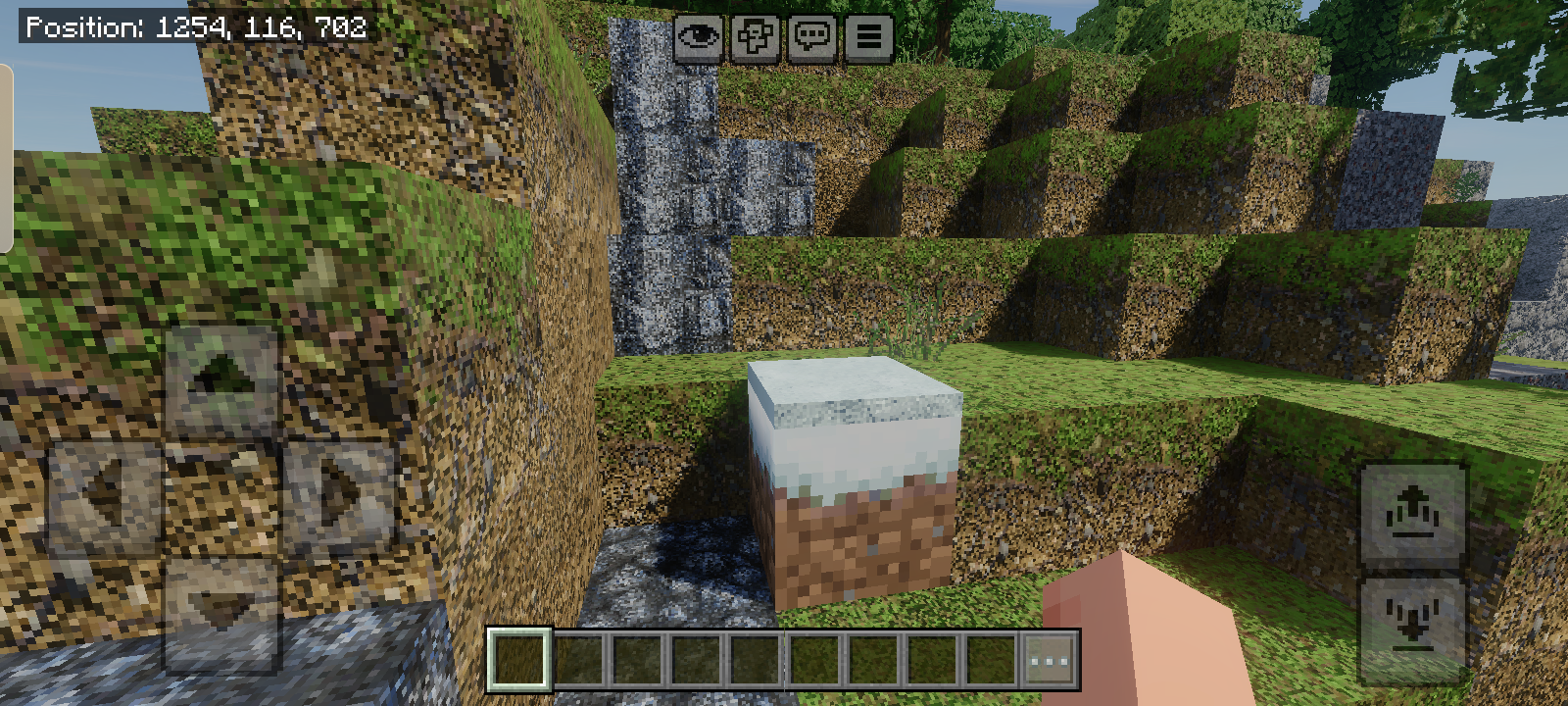

The snowy grass block have vanilla regular texture
That one's Bedrock specific (for Atmosphere to know for debugging)
Smooth Basalt
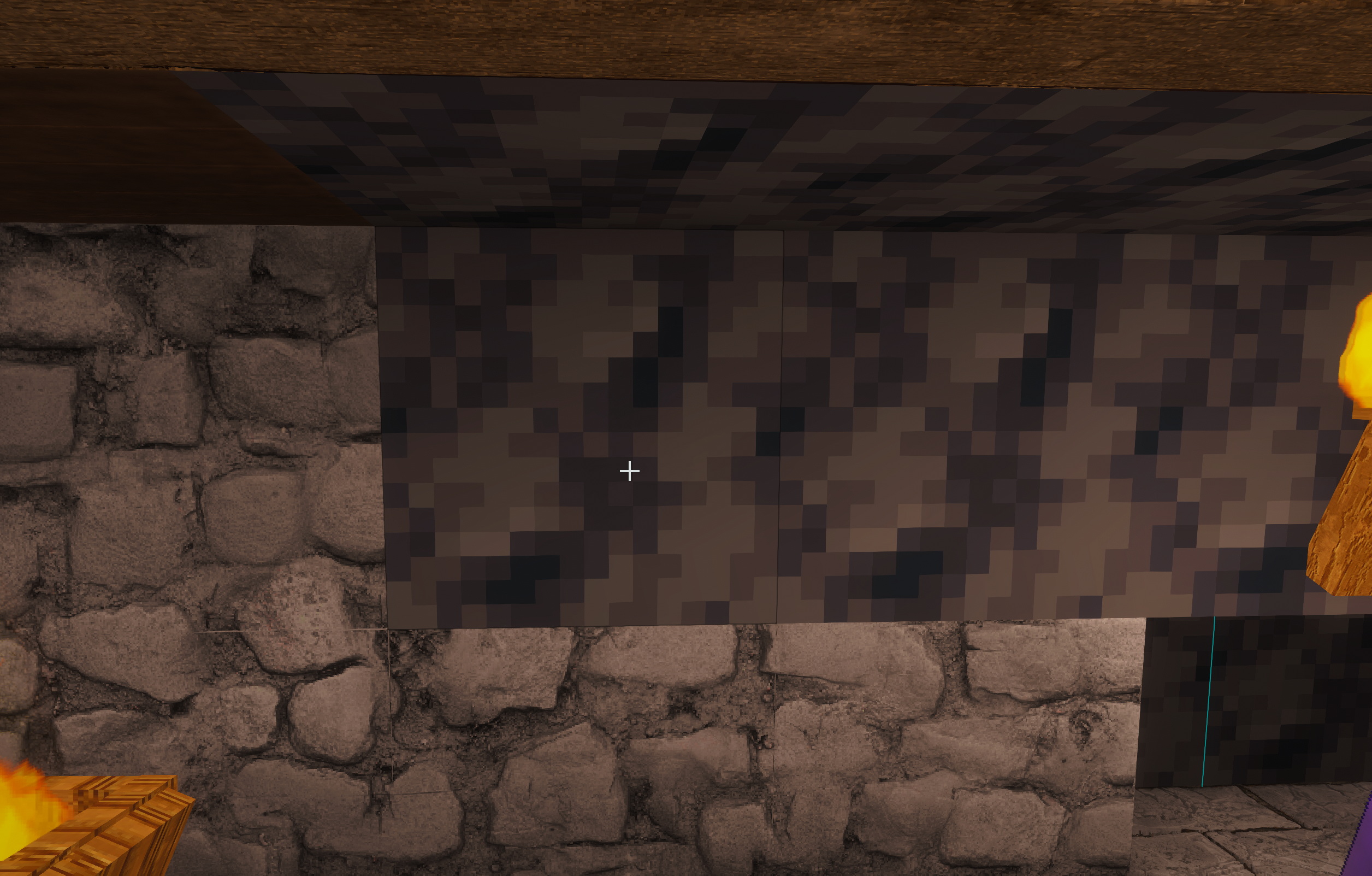
Breaking scaffolds have the missing texture pink and black particles. CommunityOne do not respond!
Also, in the End (and nether I believe) the compass goes crazy, it's like it's missing some textures for certain compass directions, but I can't reproduce it even when I spin in the overworld.
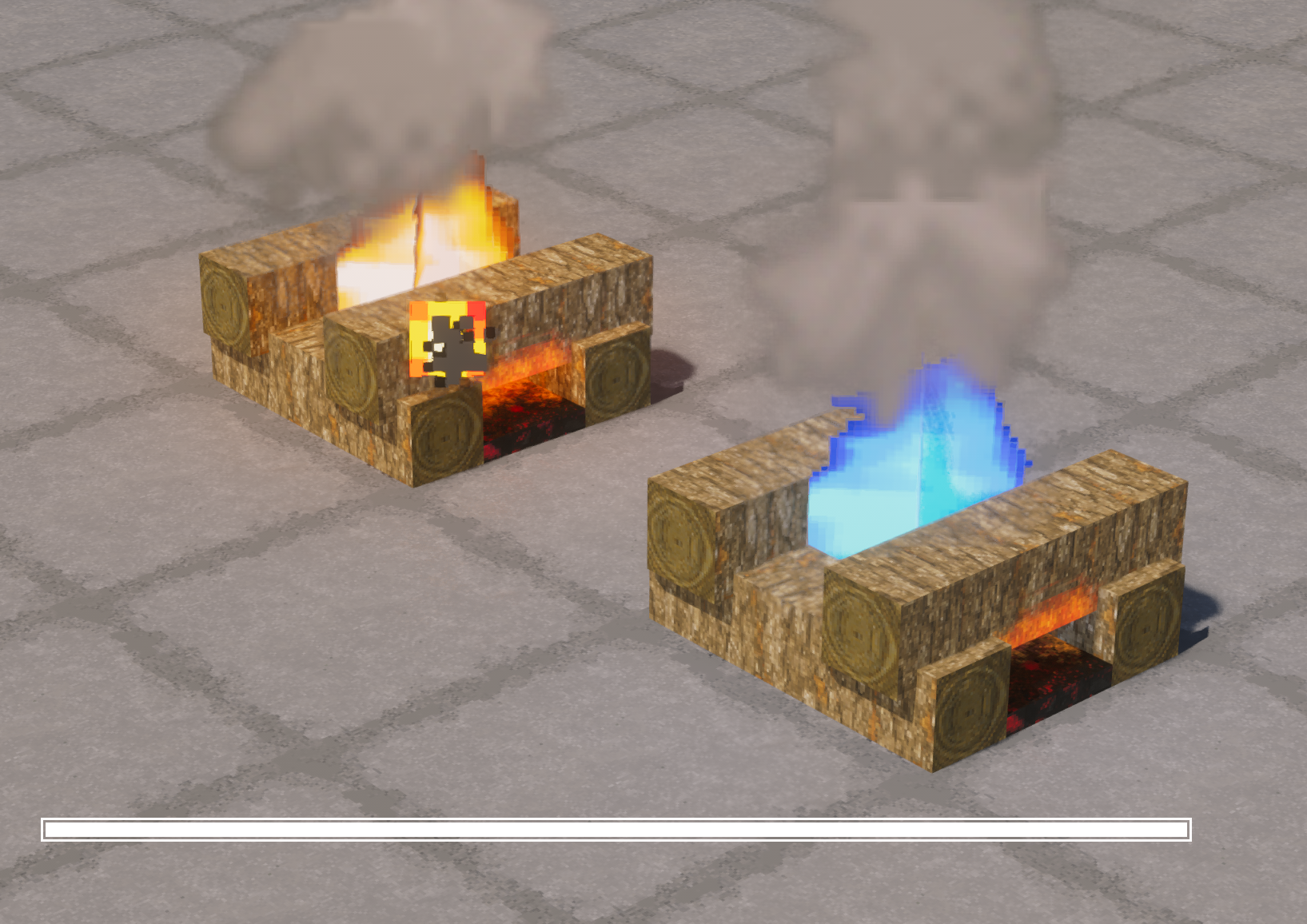
Ooo ooo! Blue fire to go with the regular!
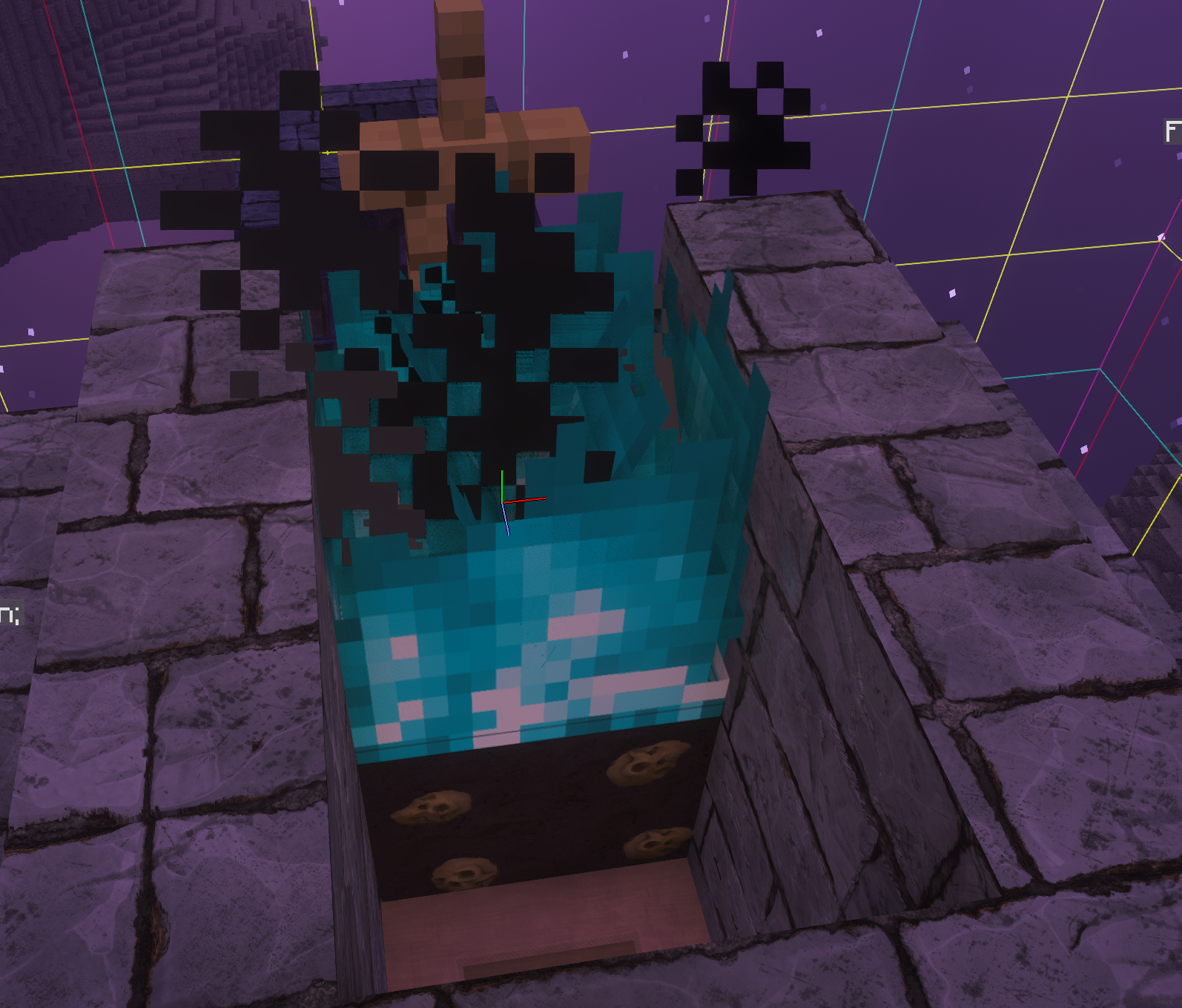
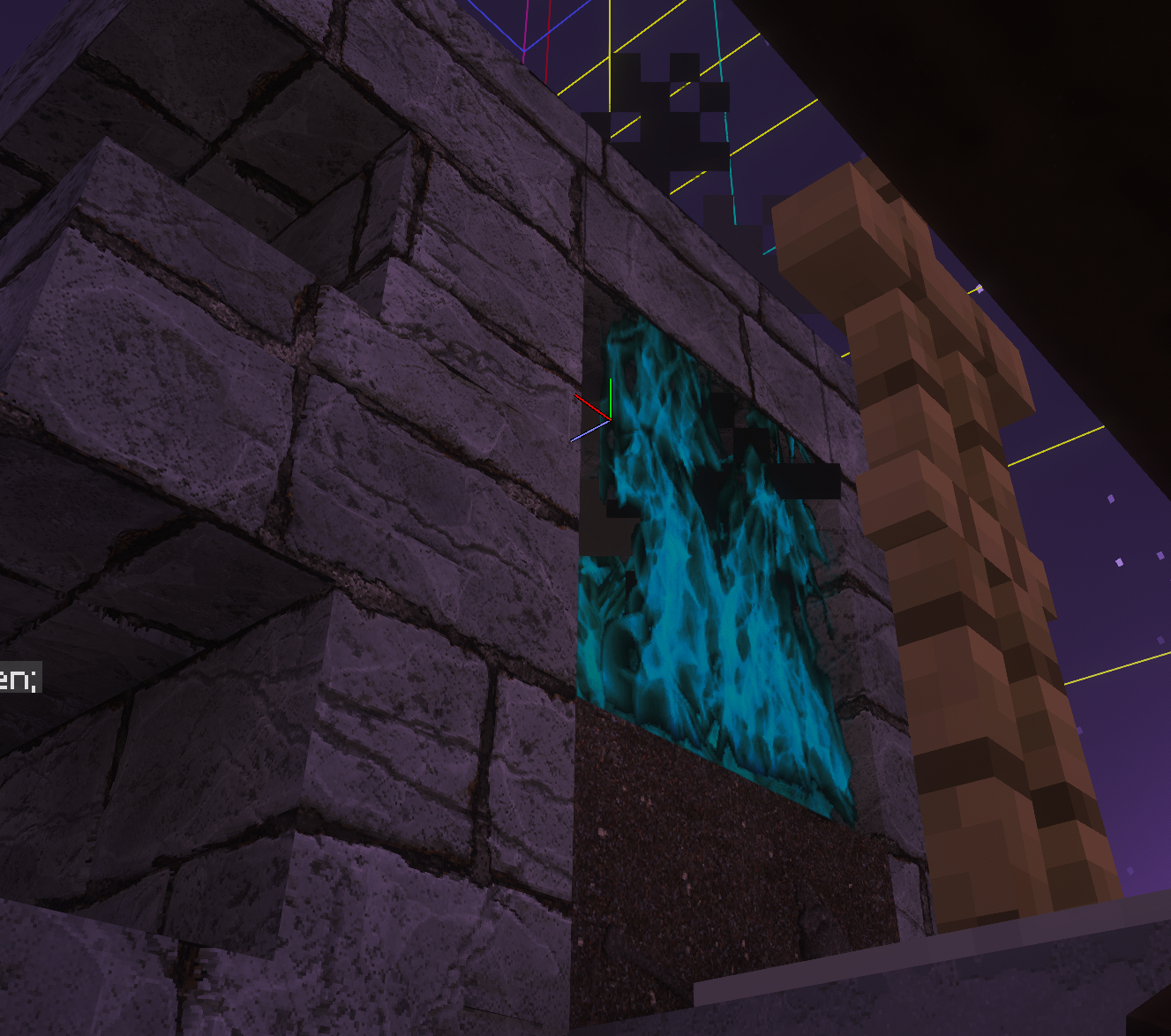
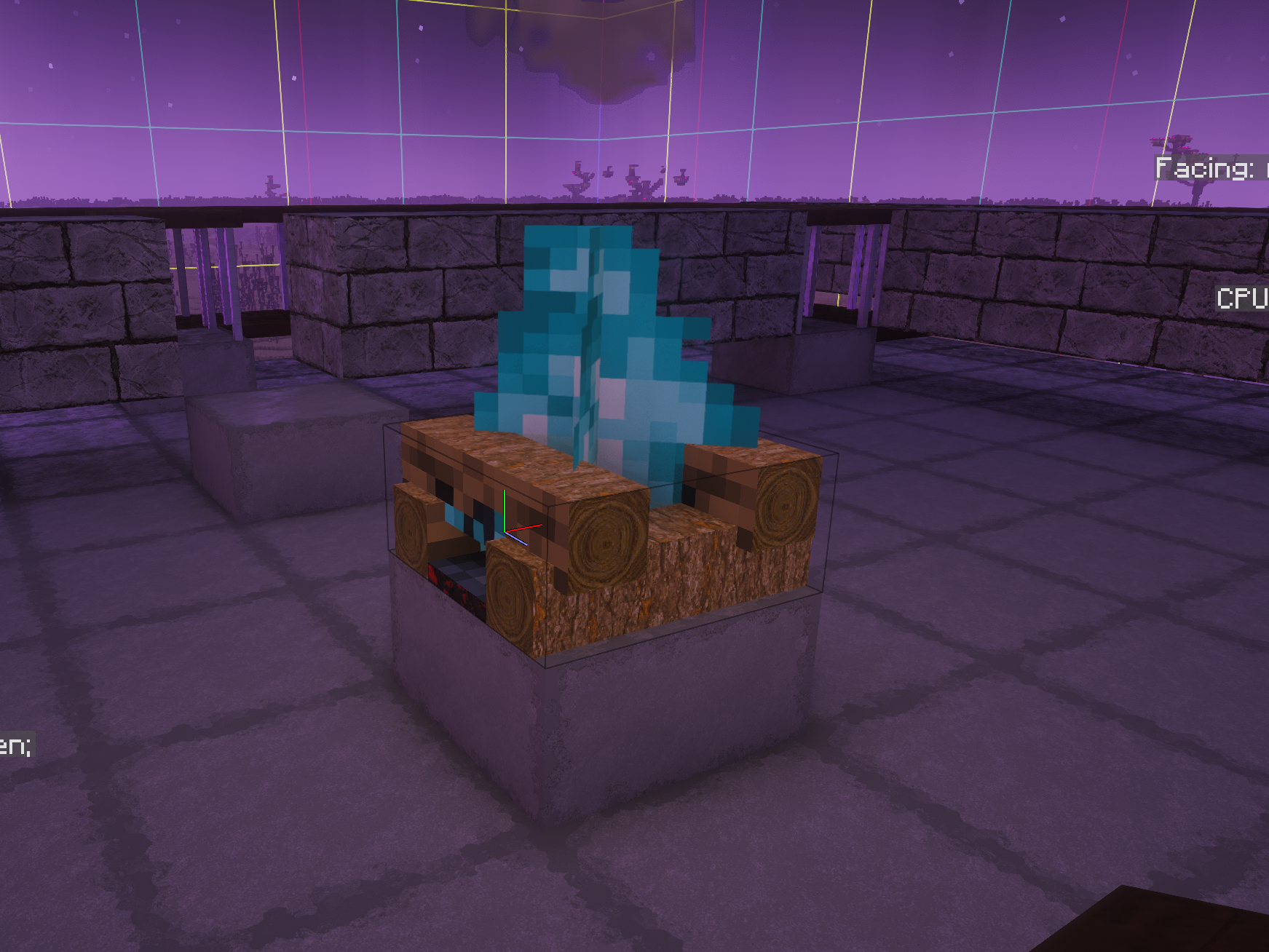
Soul fire? That's weird.. That should have been textured
Okay will look into this one as well
Oh shit you know what, for some reason I was using an old 512.. IDK how that happened. So soul fire on a soul sand looks good. The soul campfire is still vanilla though 🙂
the other reports still stand
The other reports still stand 🙂
Oh the soulfire campfire needs a texture different, I'll do that later
So the end rods are still purple/black broken texture. I found this error in the logs, it might help 🙂
Also, Oak items seem to be a little borkened, they alternate wrong colors:
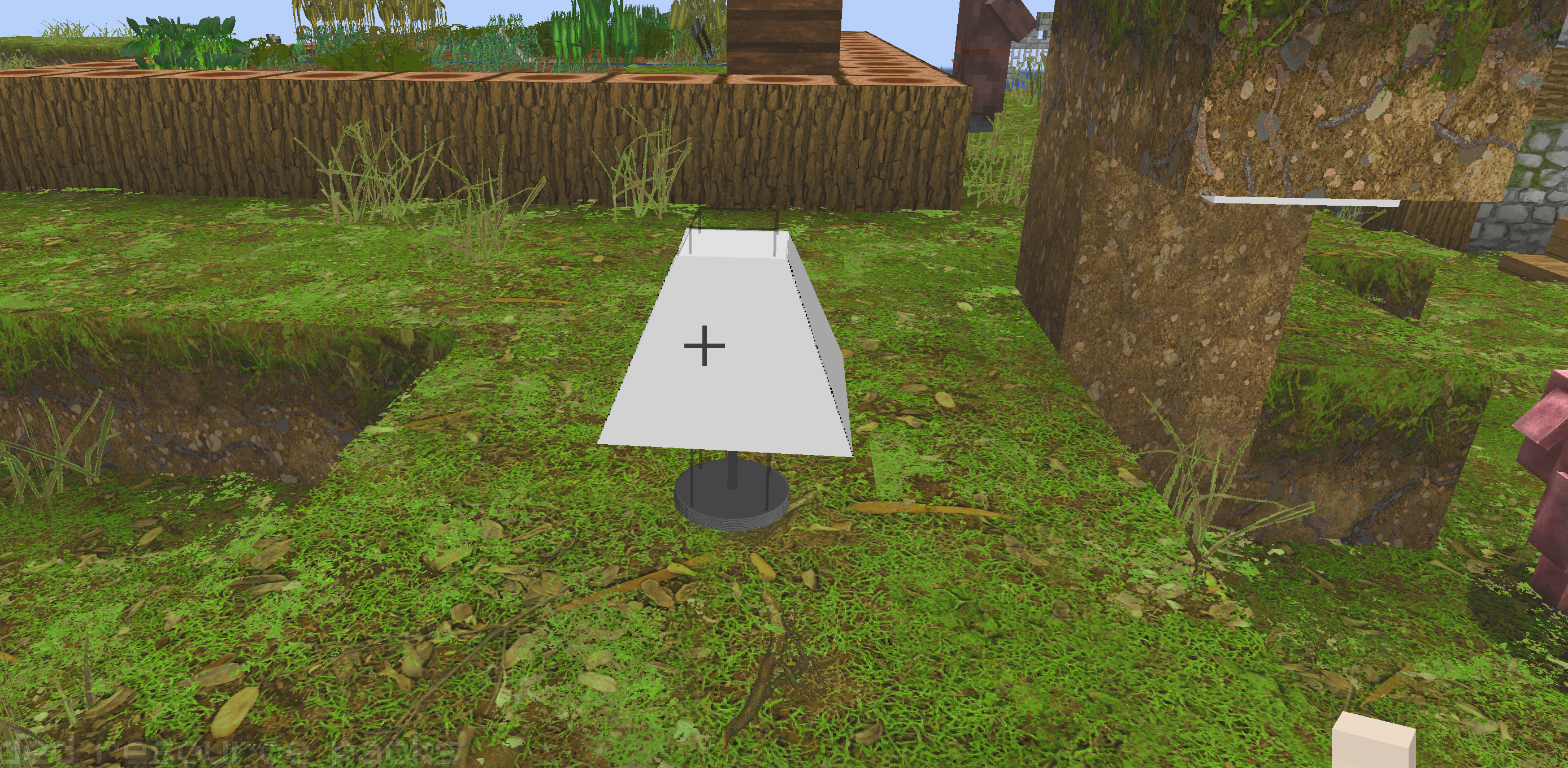
Regarding the end rods above, I found the issue. In the table_lamp.json file there's a floating point issue:
"down": {"uv": [1.70313, 10.95313, 6.80313, 16.05313], "texture": "#2"}
That line (190), 16 is the upper limit so 16.05313 exceeds it and breaks it 🙂
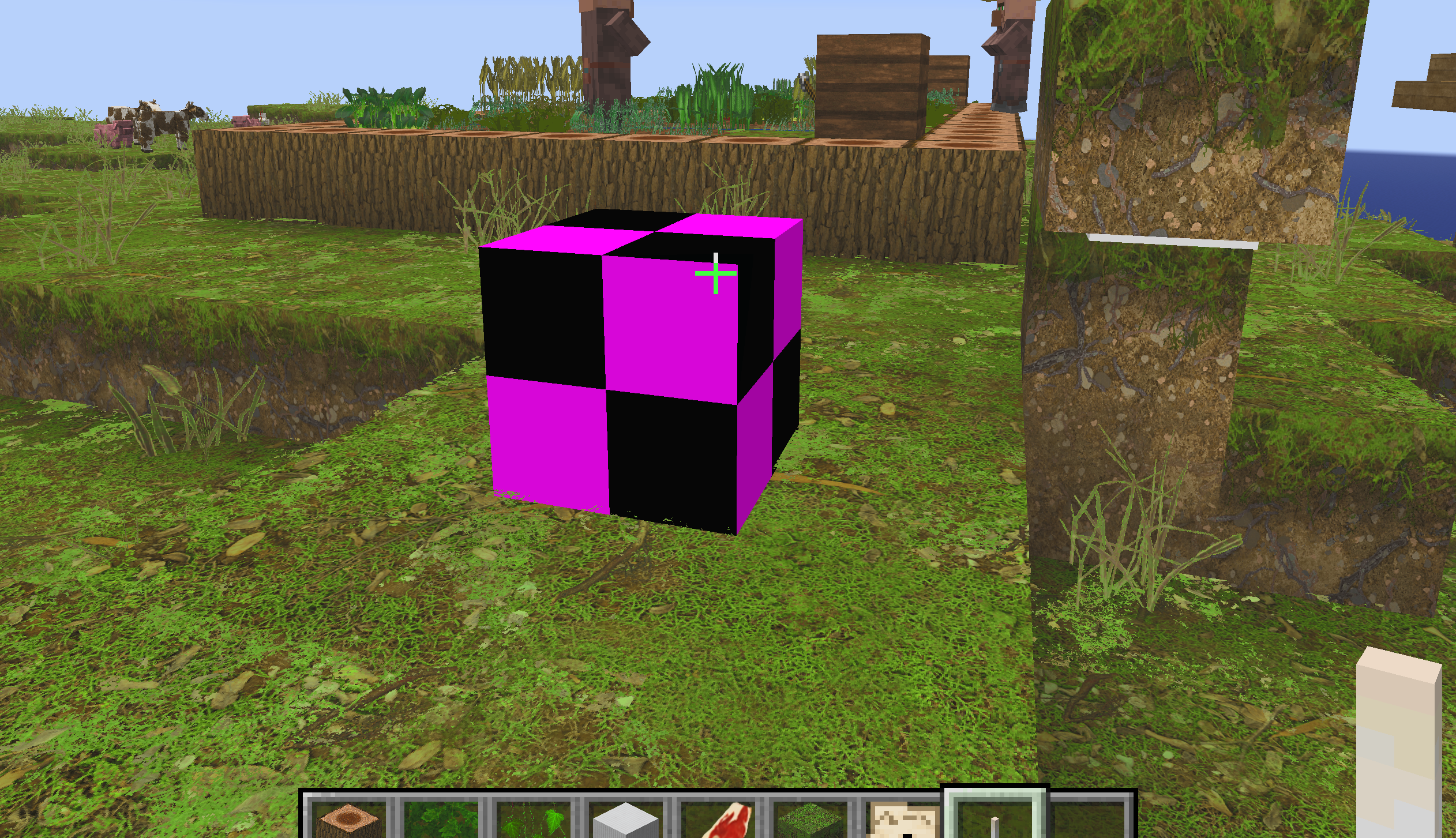
Also, regarding the grass blocks with snow on them displaying as vanilla in bedrock. This is an error in Java but it's being handled elegantly, I assume the same error exists in bedrock but bedrock is just clumsy. xD
[20:49:10] [Worker-Main-95/WARN]: Unresolved texture references in minecraft:block/grass_block_snow:
#up-> #top
Oh
Huh. I wonder why that happens. Because this model was unchanged and it only recently started showing up like this..in fact, if you use this model as some other block it works
Maybe in prior versions it truncated if it was too large, and they broke it in newer versions, not sure.
Yes prolly that
Will see if I can match the corners with a decreased size
One last thing I noticed. Beds for me are vanilla, and remember how I said bells were broken a while back? those are both items that are in the optifine/cem folder, which have separate .png files for those models in the same folder. It looks like in newer verisions of MC this is broken. I dropped down to 1.21.11 to test, and the beds there are textured, but all the same color, here's red green and white on 1.21.11. on 26.2 they're the right colors but vanilla thanks to MC breaking something 🙂
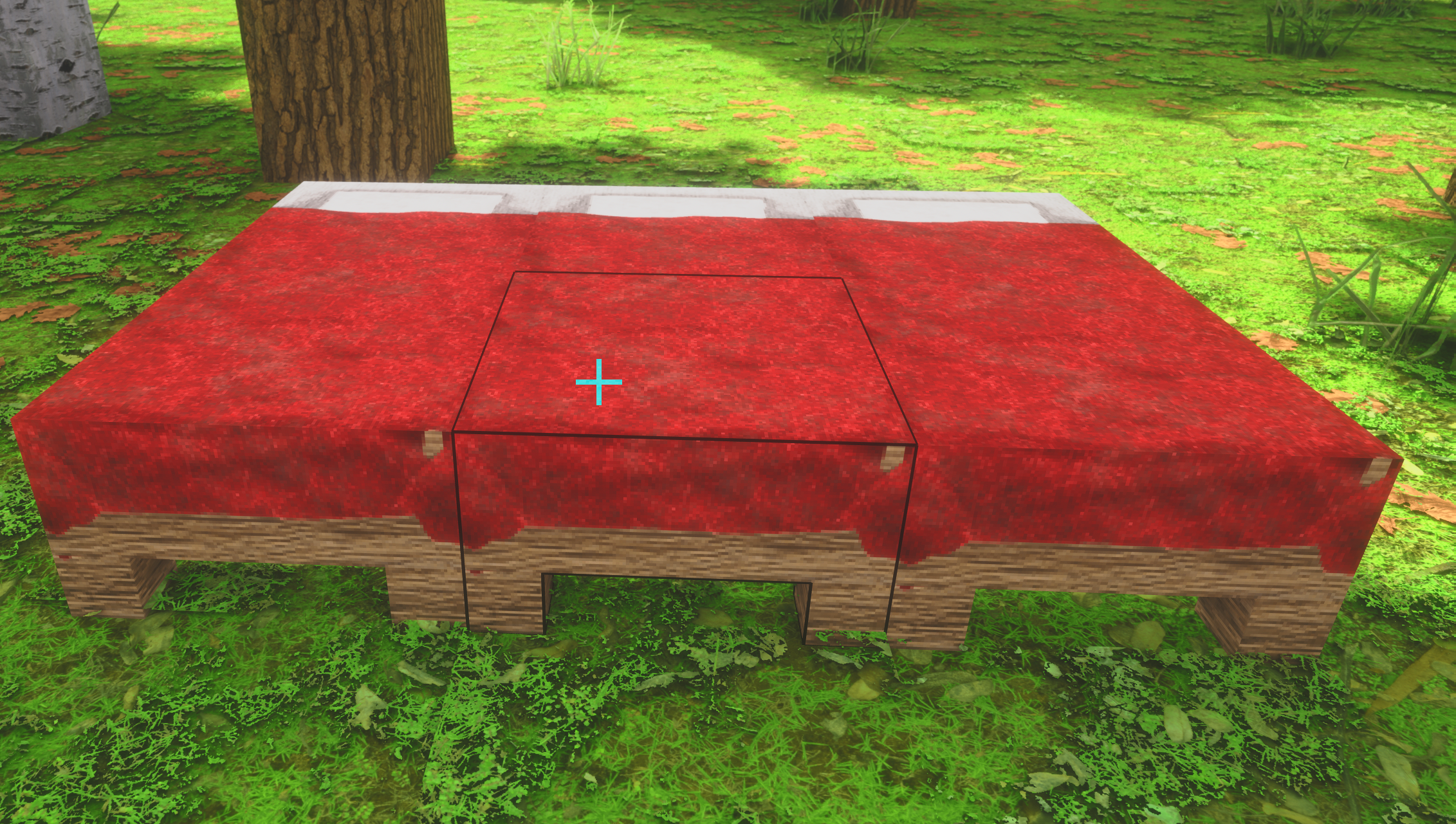
haha I spoke too fast, this is the held bed in 1.21.11, it's all sorts of funky, that little bed is floating around and moves weird as I move around. The only mods I'm using is EMF, ETF, Continuity, Fabric API, Iris Shaders, Sodium, Lithium, Polytone.
It looks like beds post 1.21.2 are blocks now, instead of block entities which is why they don't display textures using CEM in newer MC versions. No clue what the issue is with bells 🙂
Chest Armor seems to have a piece not connected, down by the hands. No shaders. The netherite armor is the most noticeable because it has yellow trim, I noticed it on Iron as well, haven't looked at the rest. Removing the chest armor makes that floaty bit disappear as well.
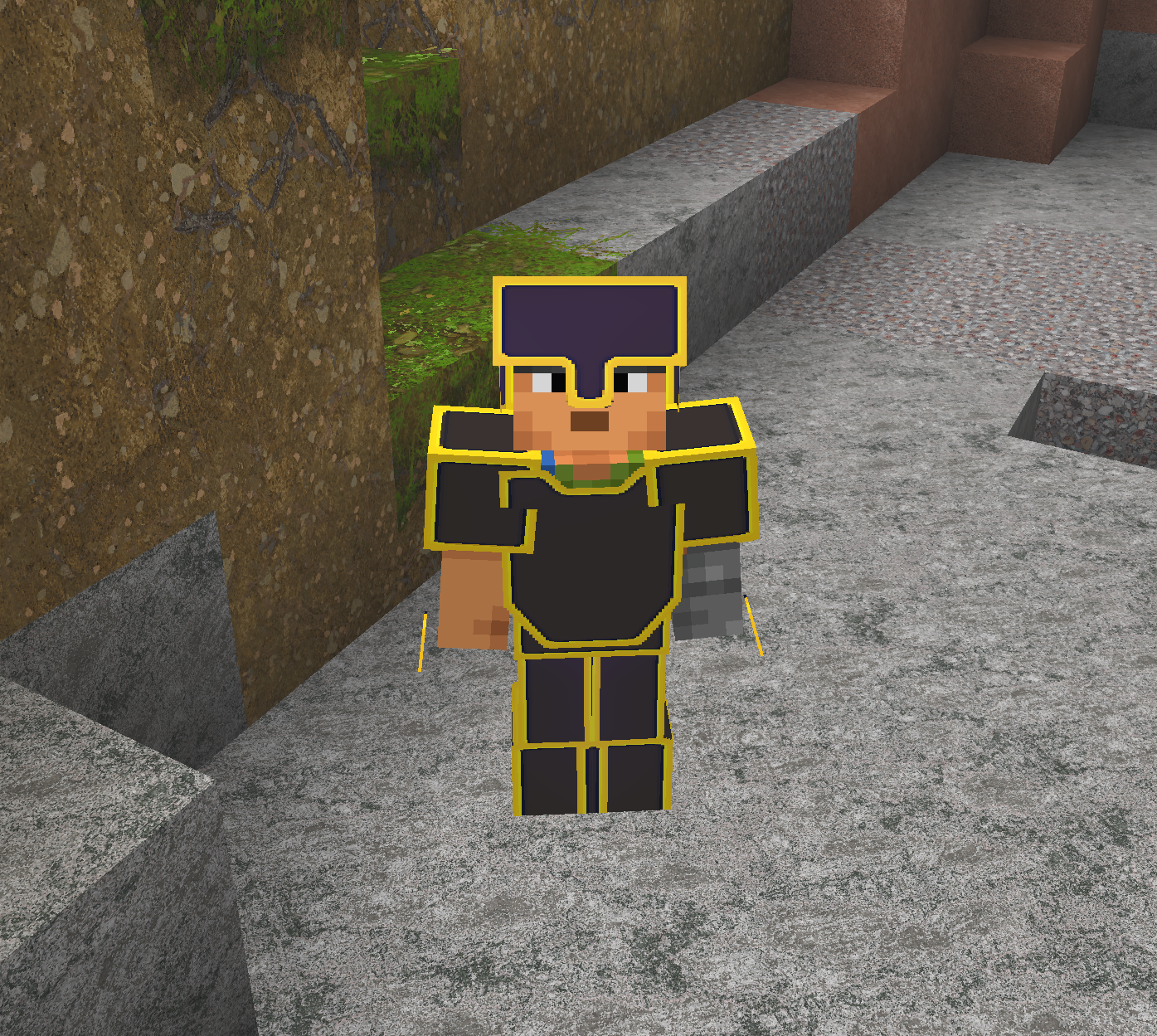

This is a new problem
Why is my texturepack breaking every update 😭😭
fixed the sand problem
the beds are textured for me on 26.1.2

this needs fixing, will do it today
also ur trick to make the connected textures thing go away on the HUD
Where did that go?
I can't find it 😭
I know, that's why I said that beds were changed from block entities to regular blocks in 26.2+, it's broken from that point on. (probably a good thing since now they can be all the colors). Peep the history: https://minecraft.wiki/w/Beds.png-atlas
What do you mean by 'go away on the HUD'? Mine looks ok.. This one is 26.1.2. Or you can't find it in Discord? I sent it to you as a private message 🙂
One "good" thing about the beds, since it seems 26.2+ ignores the block entity stuff for beds completely, you can probably leave that in for earlier versions 🙂
Oh yea then I'll probably just redesign the beds to have all colors now
Oh yea absolutely
Particles from breaking scaffolding is the purple and black texture.
Yes noted.. Will try doing stuff over the weekend
Yeah I think I might have reported that one before, sorry, I forget.. I need to keep a list xD
Speak of! Suspicious Sand has multiple phases (dusted 0 - 4 or 5 or something) Dusted 0 is textured while the others are vanilla. I think they're supposed to look more 'broken down' with each dusting until they finally pop 🙂

"purpur_pillar"

"magenta_wall_banner" the vanilla is more purple and doesn't have the black so I'm assuming this is a broken texture 🙂
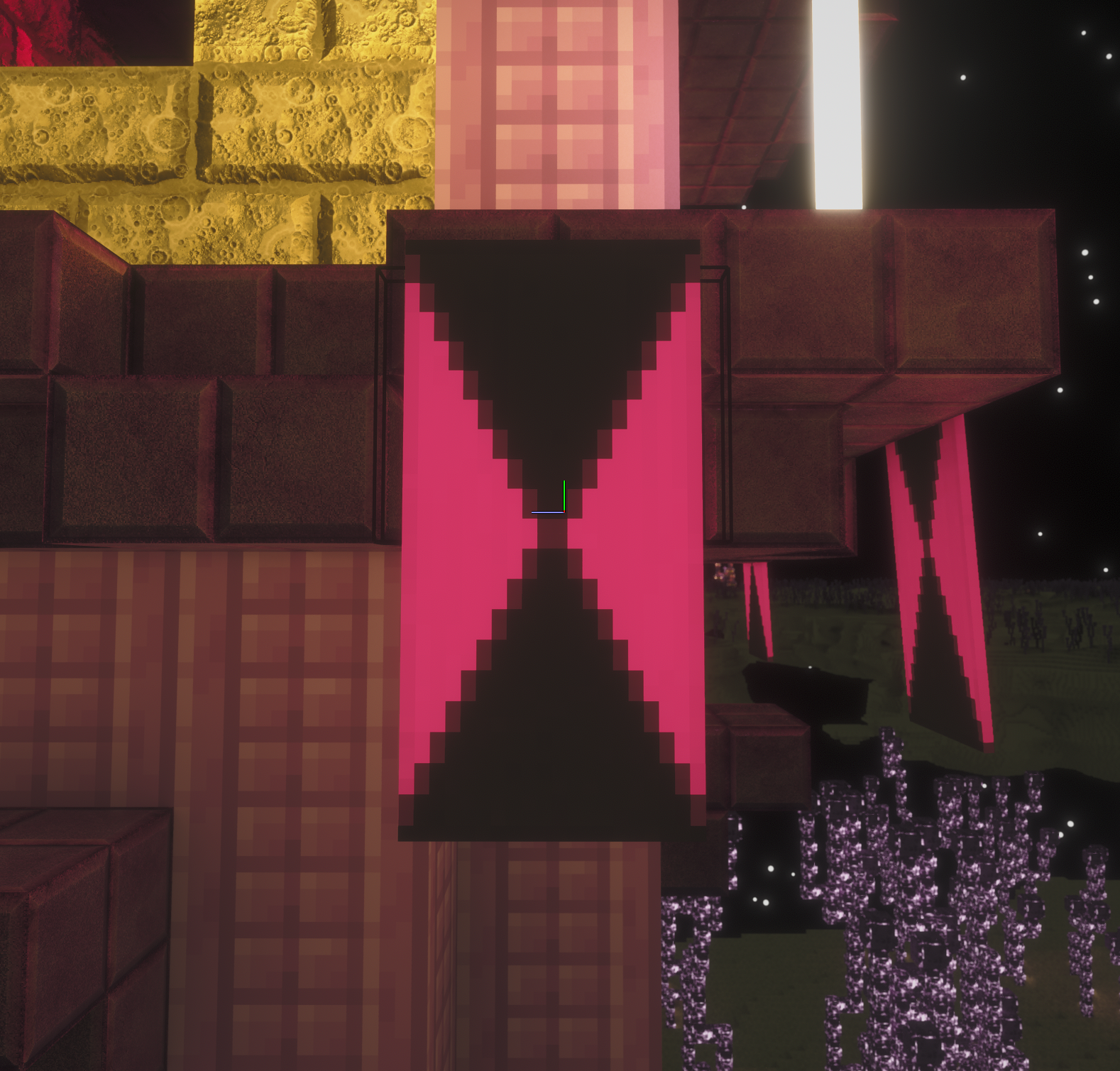
I'm free today to look into all these problems
first order
what's even the latest Minecraft version?
26.3 mmhm
yes the beds don't work anymore
yes this needs to be fixed too
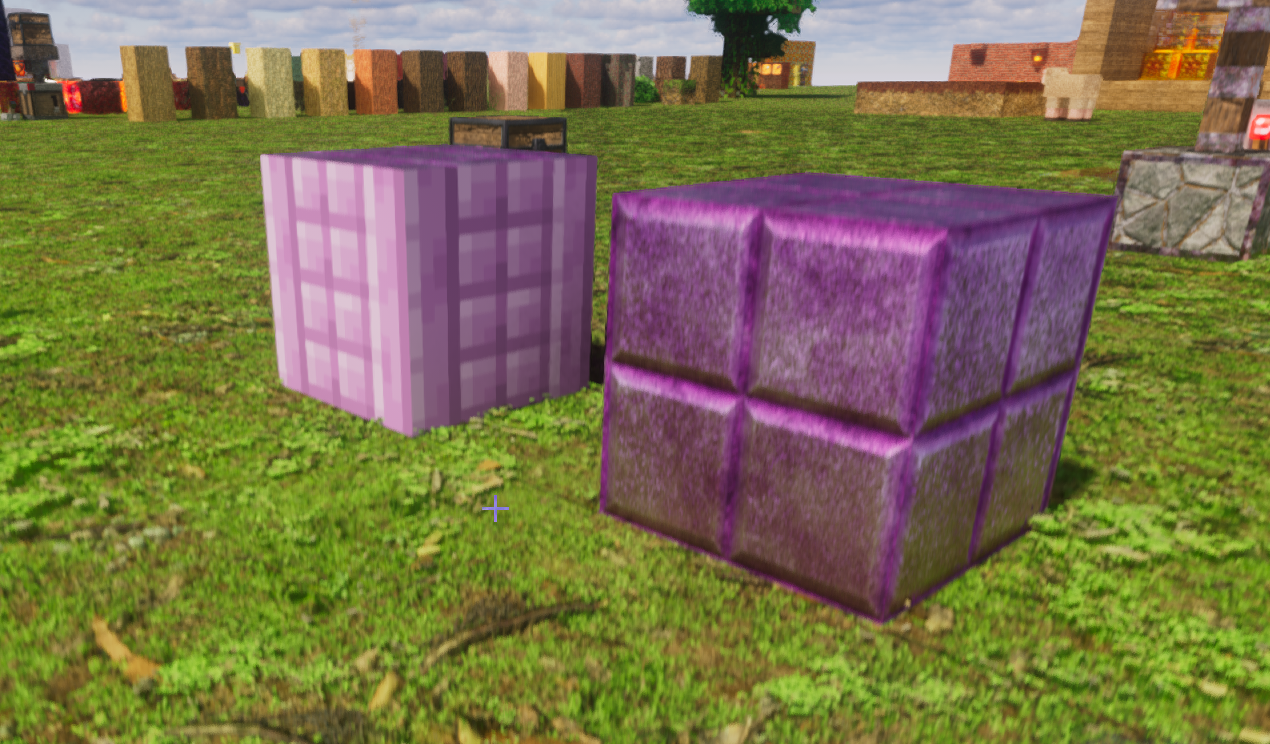
fixed

yes, totally getting a new bed now
fixing this now
fixed the lamp too
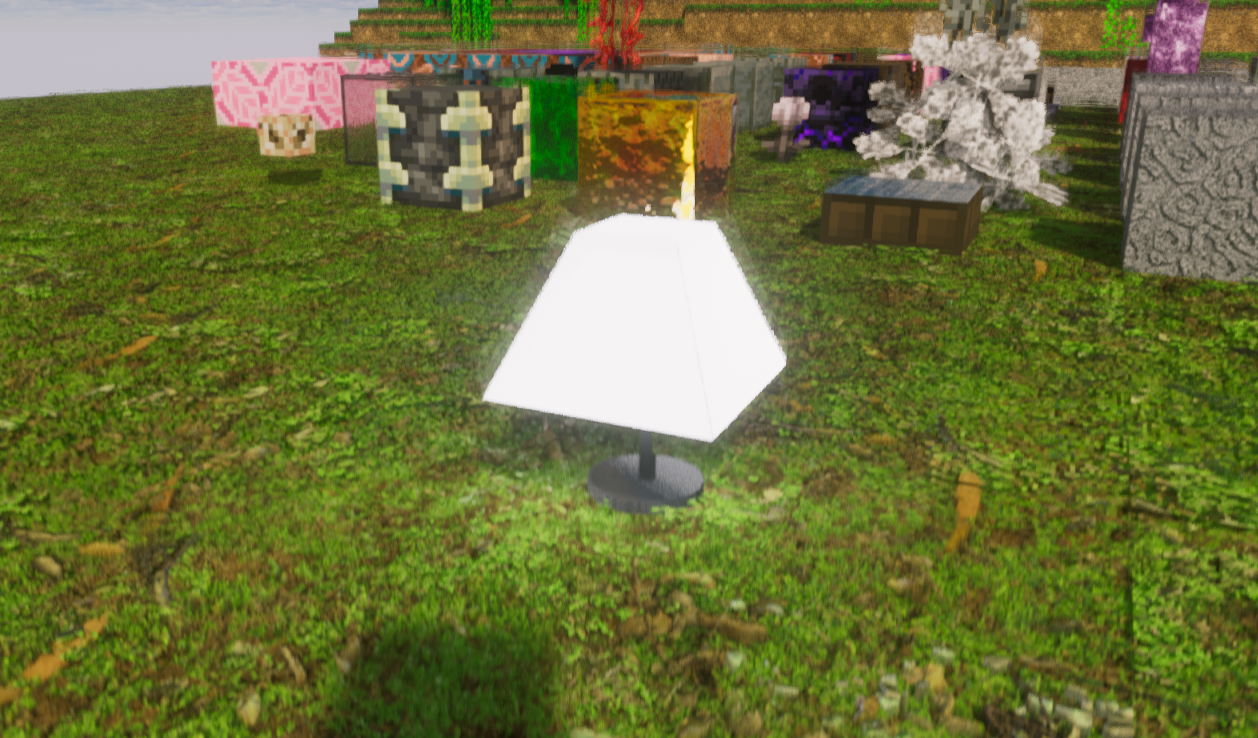
You're on a roll today 😁
heres the purpur
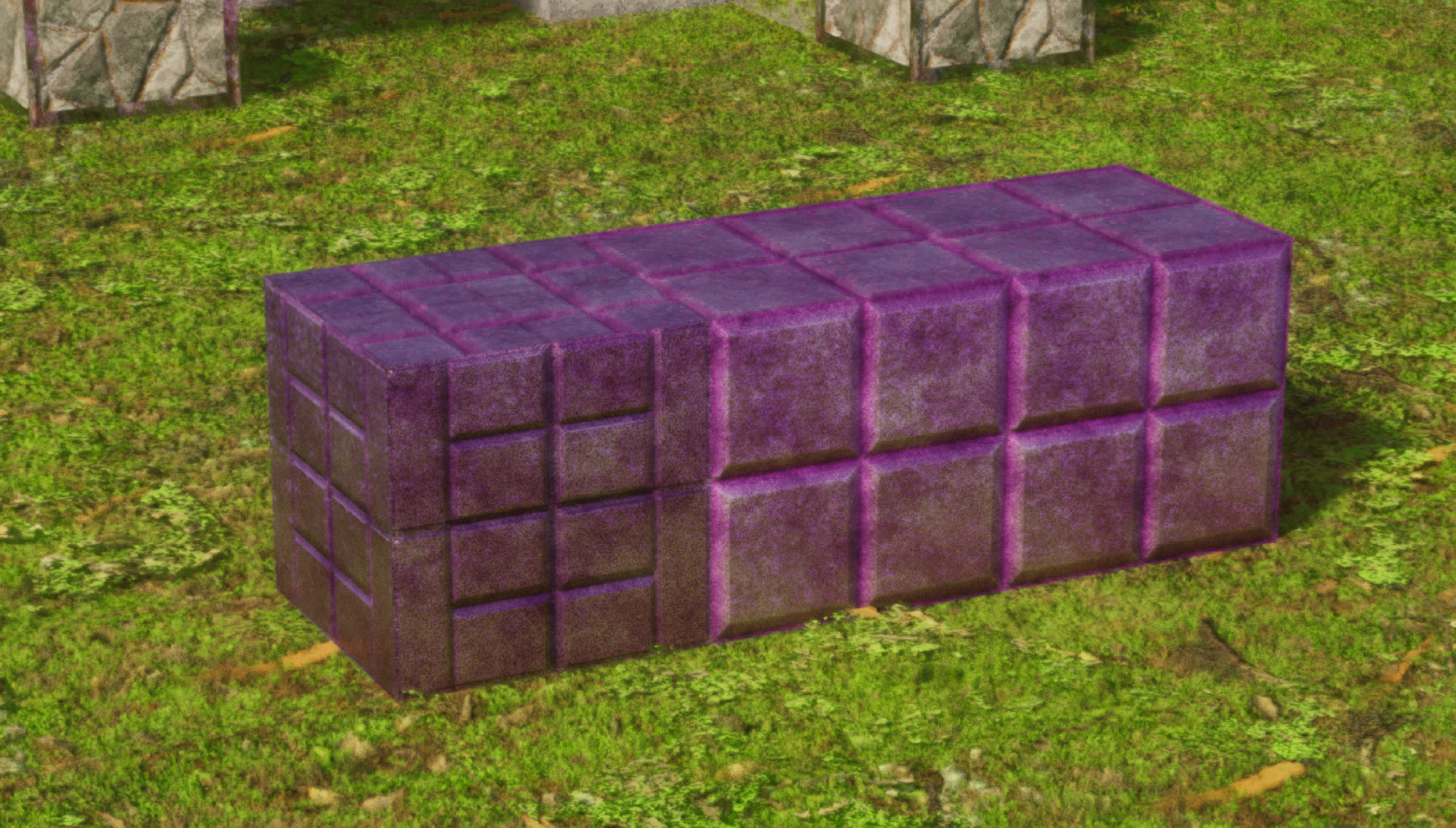
all of this needs to be textured

Bet ya can't wait til next year when they release a whole new dimension. I can imagine there will be a ton of new objects. 😅
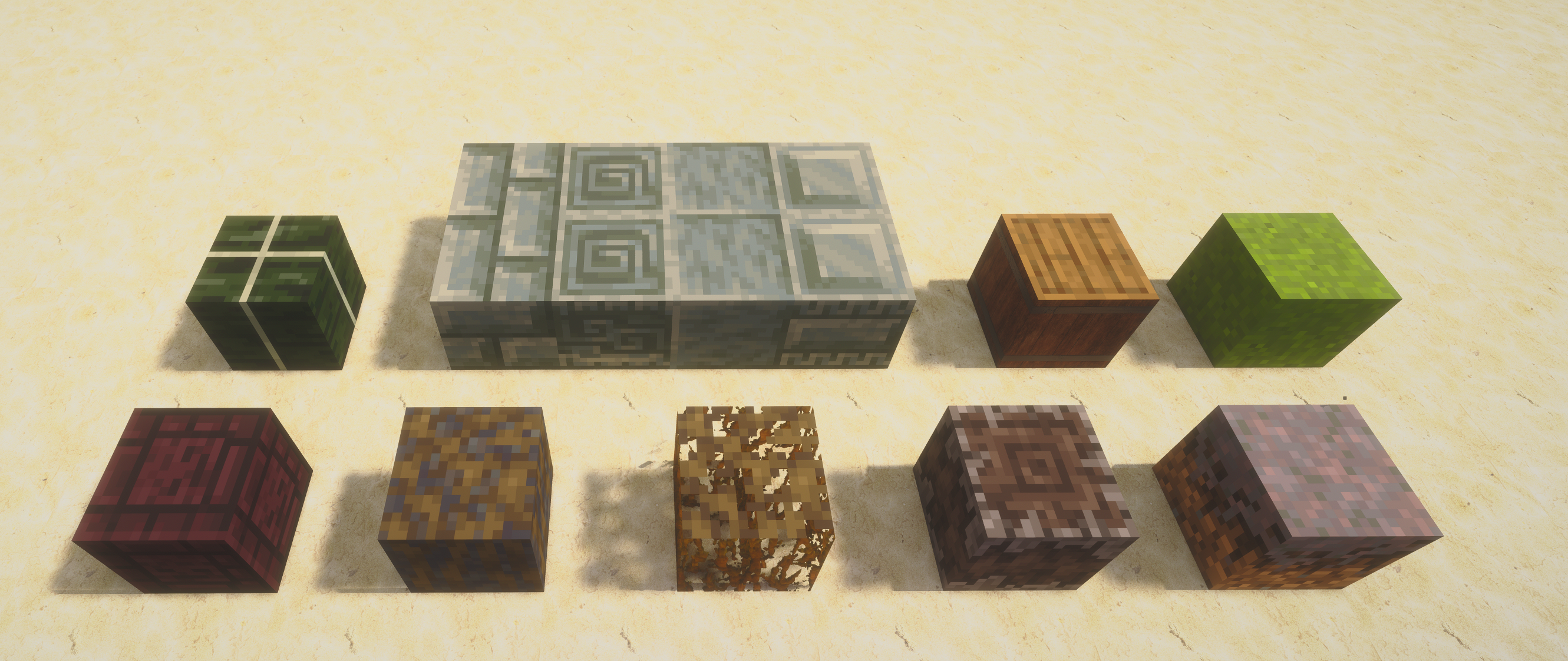
I have a gift for you, all the rest of the missing blocks up through 26.2
First row: Dried kelp block, Tuff Bricks, chiseled tuff, polished tuff, chiseled tuff bricks, barrel (facing down, other directions are fine), concrete powder (all the colors, I only screenshot green)
Second row: chiseled nether bricks, muddy mangrove roots, mangrove roots, creaking heart (it has creaking_heart_state, this is uprooted, the other state looks different), mycelium
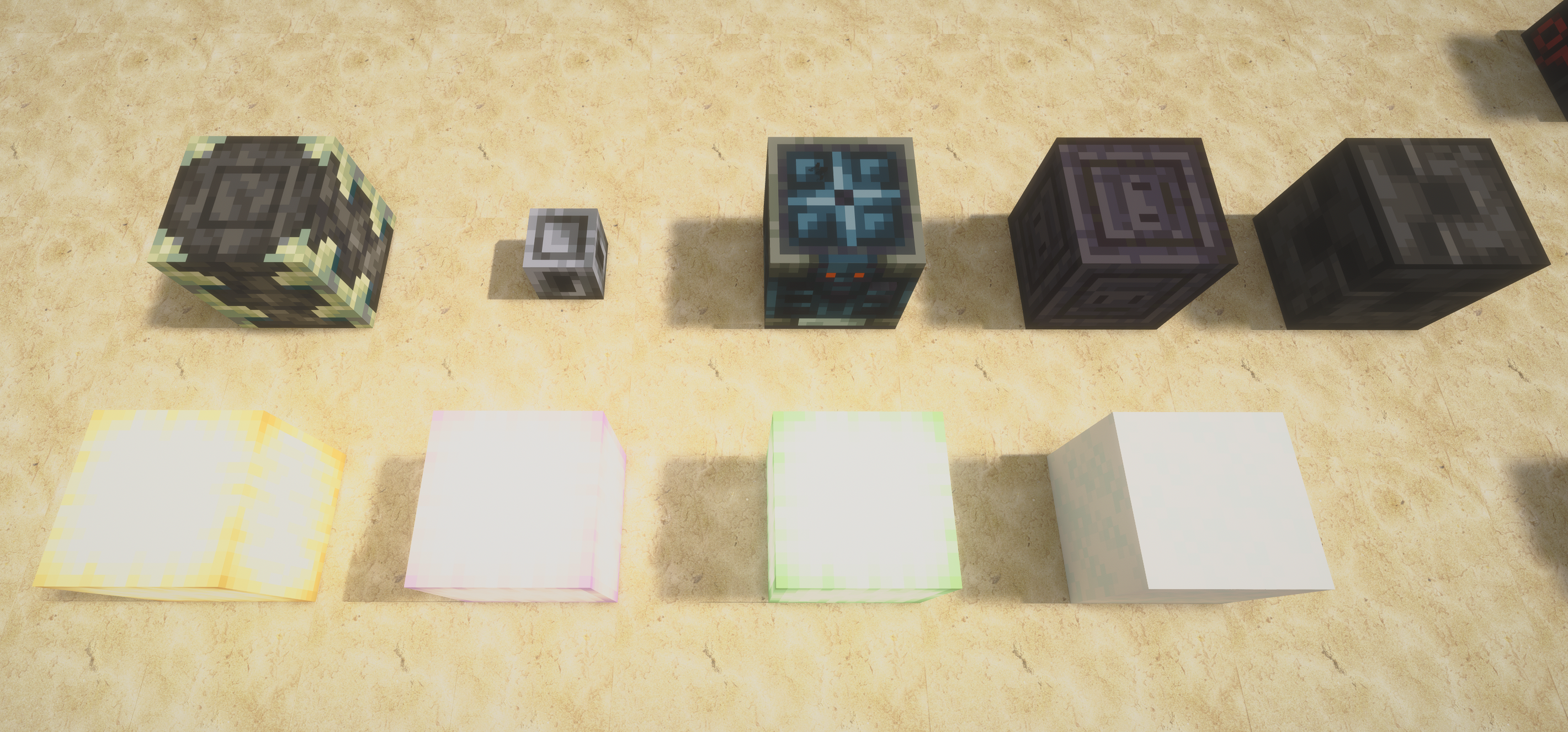
First row: Respawn anchor with 0, 1, 2, 3, 4 charges
Second row: Glazed Terracotta: Black, pink, light blue, brown, purple

First row: reinforced deepslate, heavy core, vault (multiple states, Ominous/Not-Ominous, Active/Inactive, any combination of those), chiseled polished blackstone, chiseled deepslate
Second row: ochre froglight, pearlescent froglight, verdant froglight, powder snow (I think in vanilla it's slightly bluer, maybe)
This one is mostly a request (the last block needs texturing though).
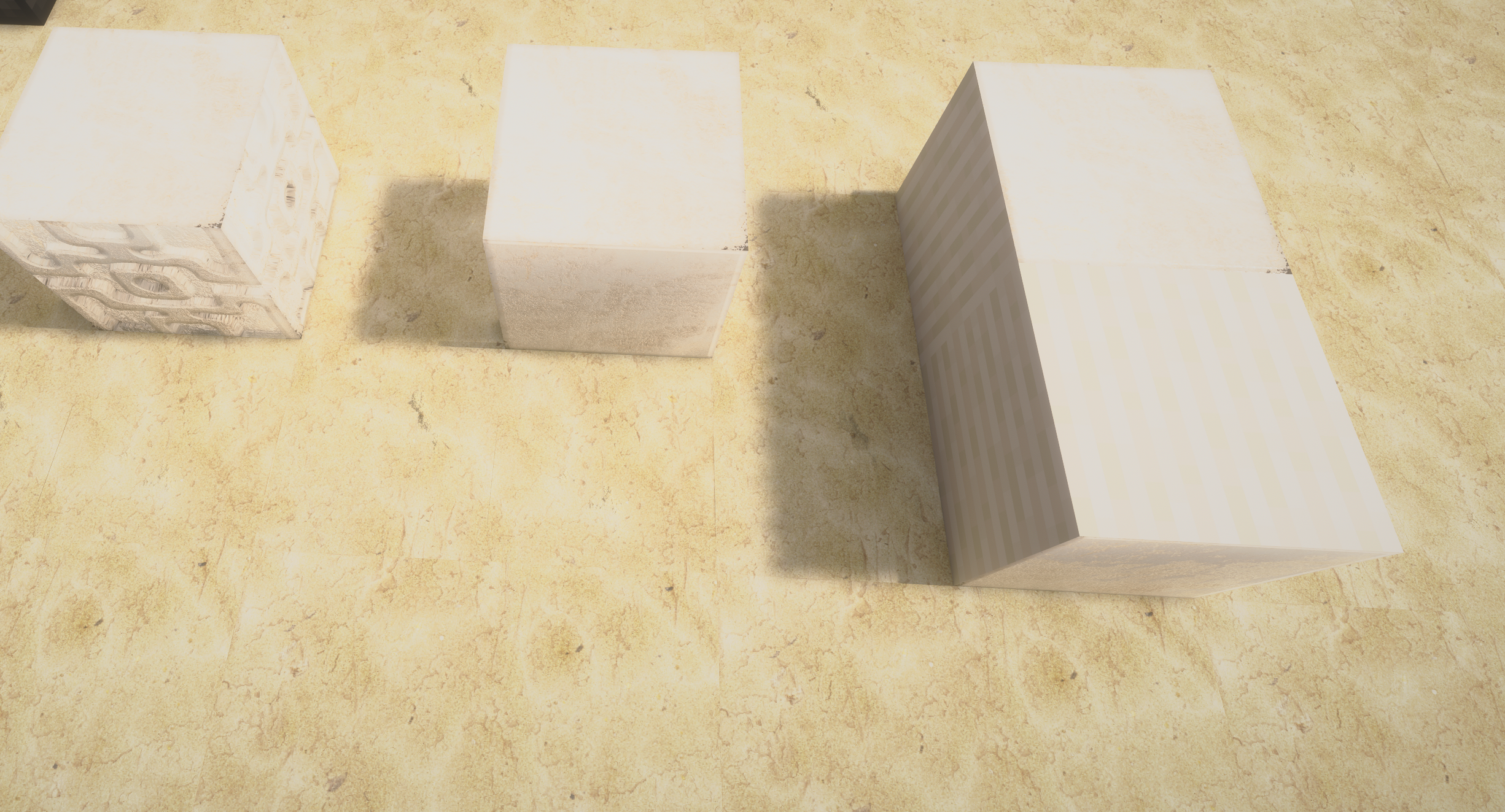
Chiseled Quartz Block, Quartz Block, Quartz Pillar. Quartz is a shiny almost glassy rock, these would look great with some reflection I'd think. Also the quartz pillar is missing the texture other than the shared 'quartz' texture on two sides.
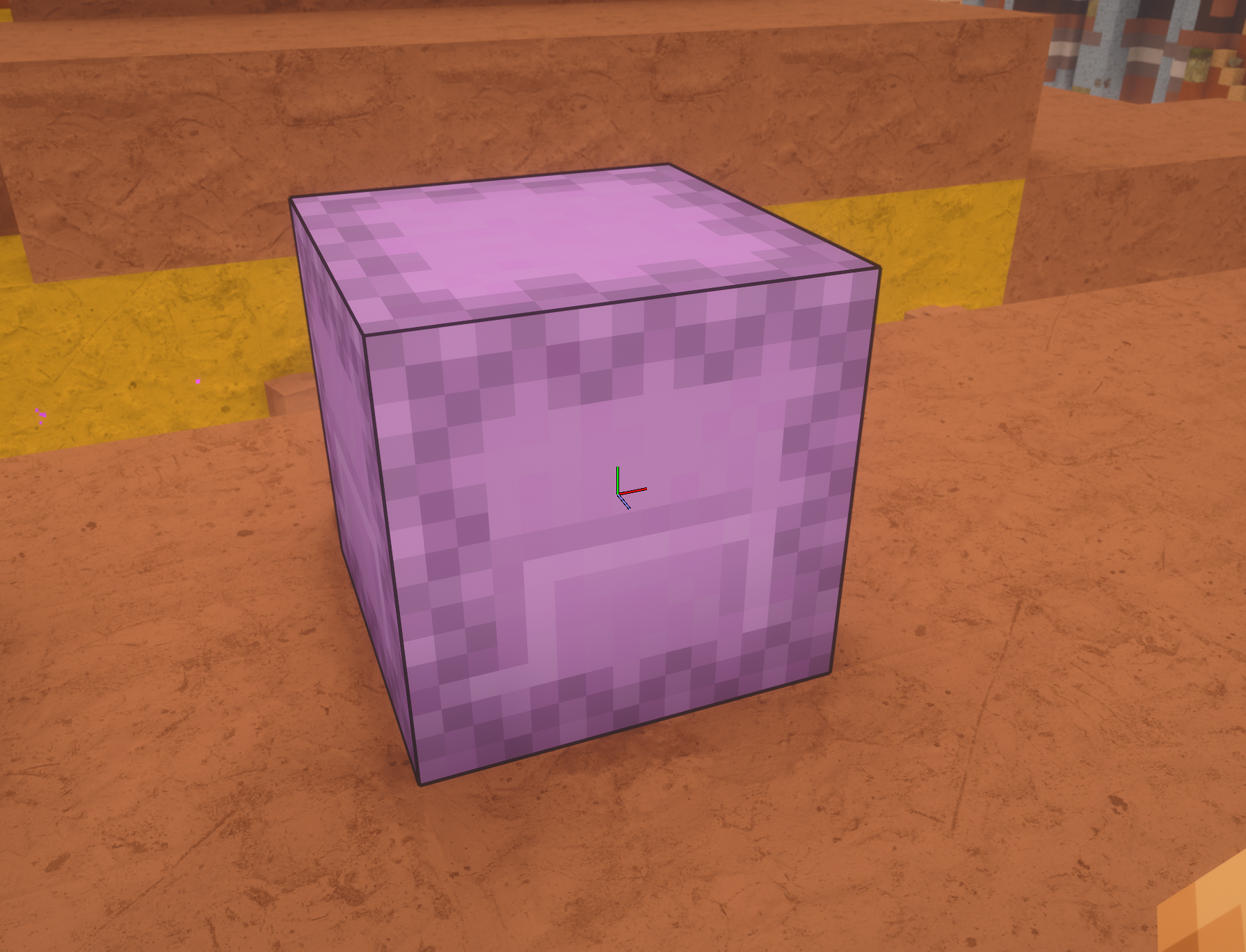
Shulker boxes could use some love too, they come in every color. 🙂
😭 so many blocks to do
Yes, this will go with mobs though
For 26.3 blocks this might be handy: https://minecraft.wiki/w/Java_Edition_26.3 it lists all the additions and has a nice 'inventory
Yep
Plan to do a few more hotfixes today and release new the update
New blocks probably a little later. Maybe 1-2 later
fixed the lamp (endrod)
this I'll do next update
i also added random rotations to the quartz block
is this upto your mark ?
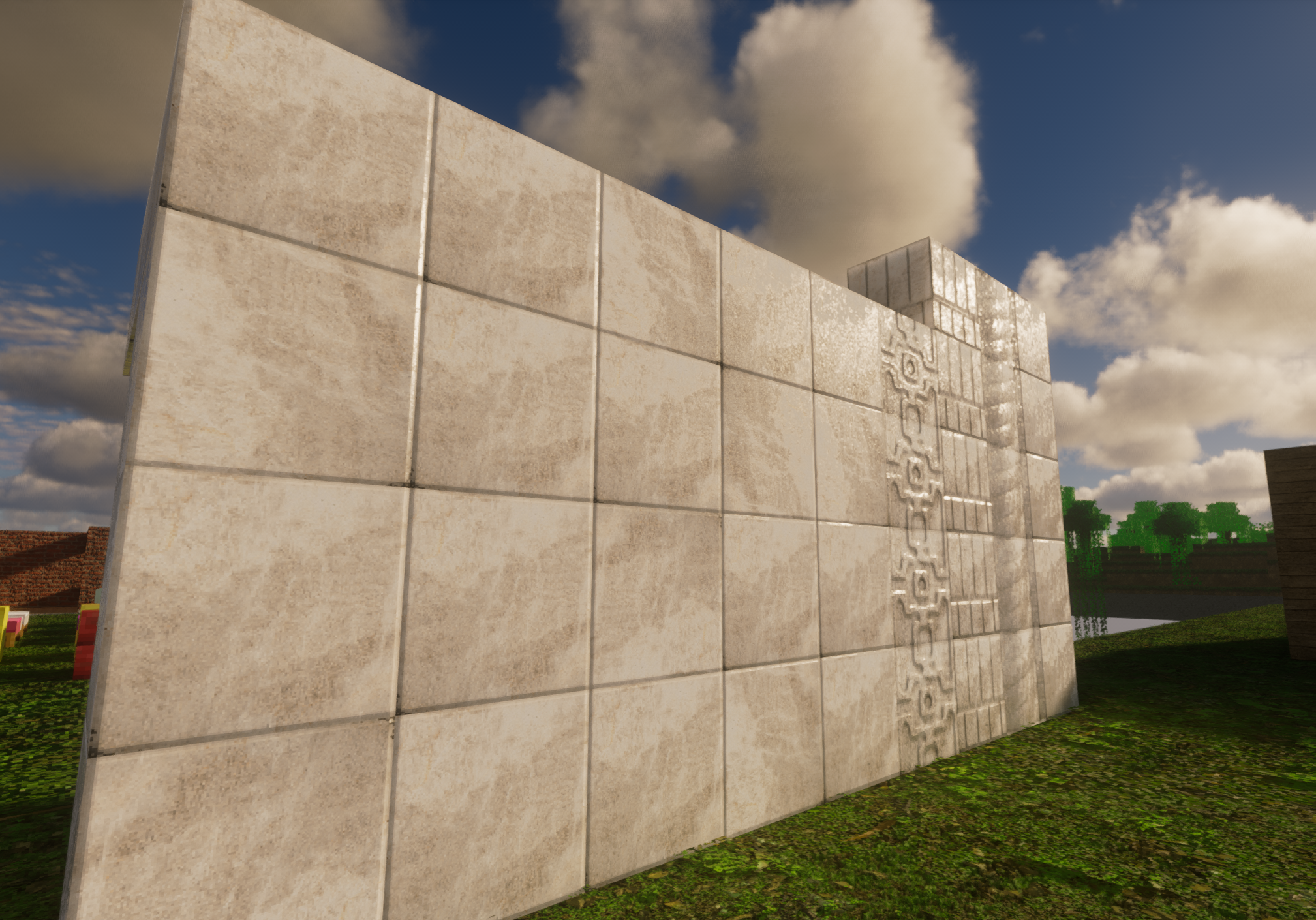
donee
i fixed this a while back
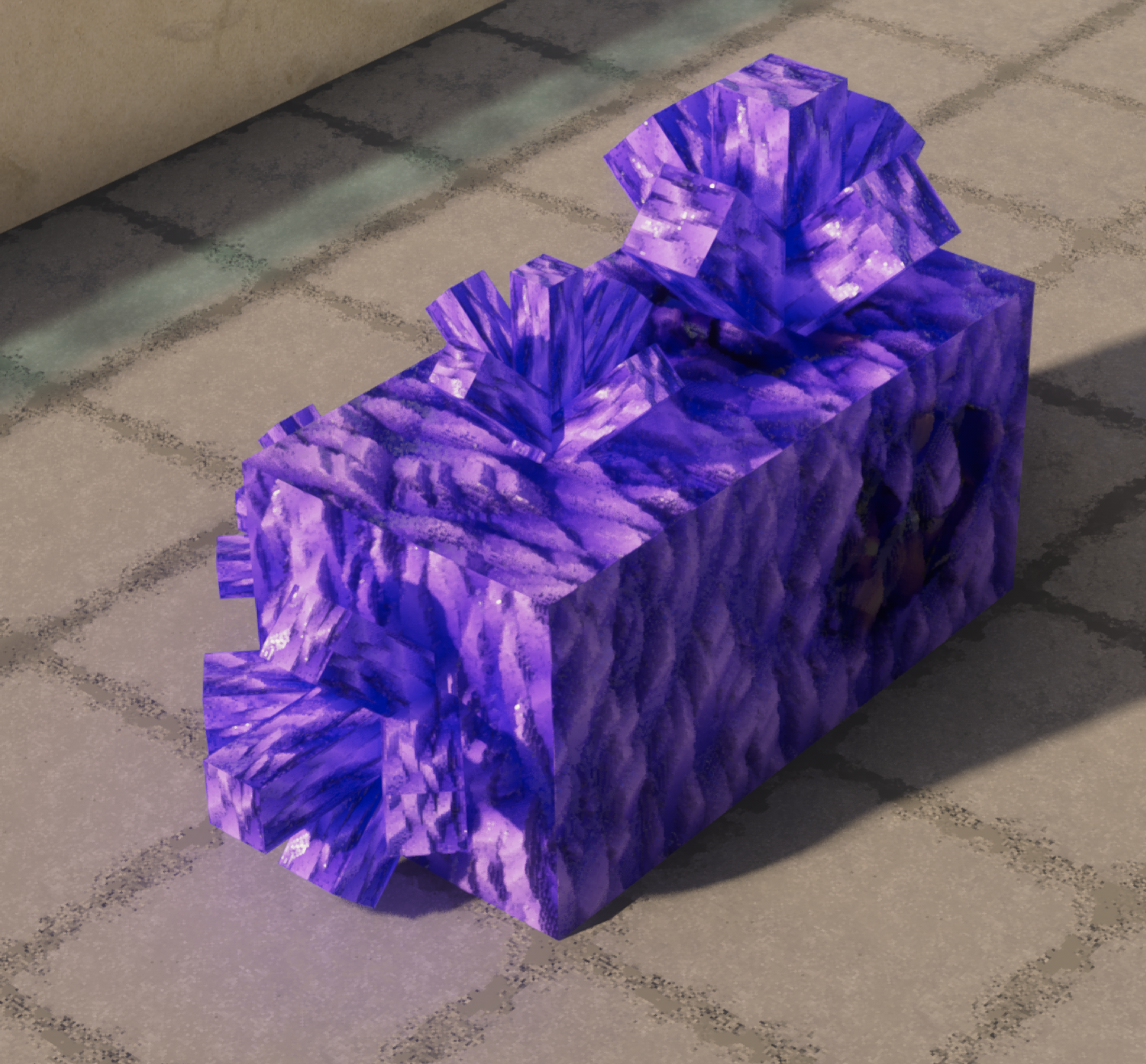
yup this needs to be fixed, let me look into this
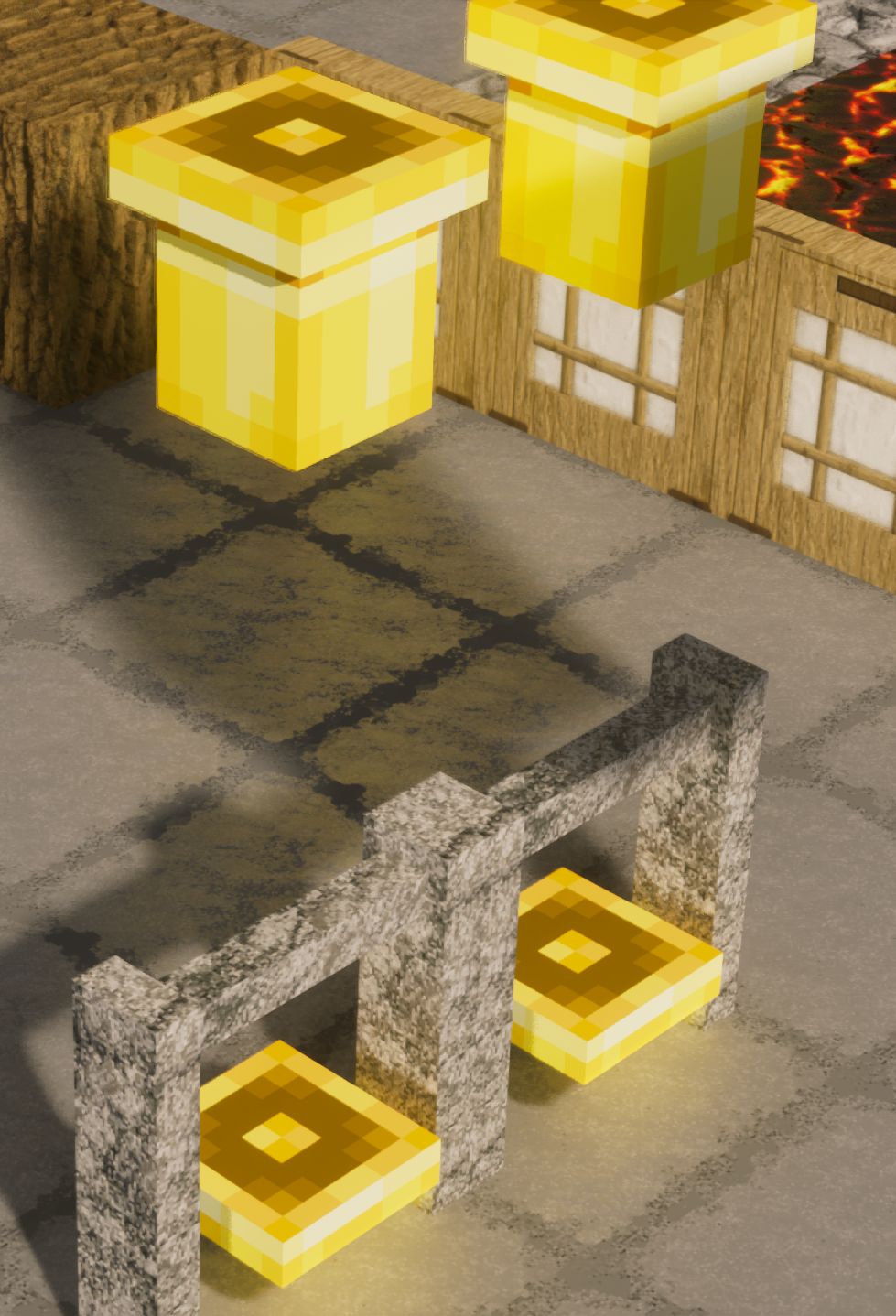
also fixing compost
changed the compost as well
done, also changed the composter color a bit
fixed some while back
doing this now
I think that should be it
I'll do the froglight when I do the rest of the sutff
as always, thanks a ton for all his information ❤️











